15 2D code object
Example of an inverted PDF417 code
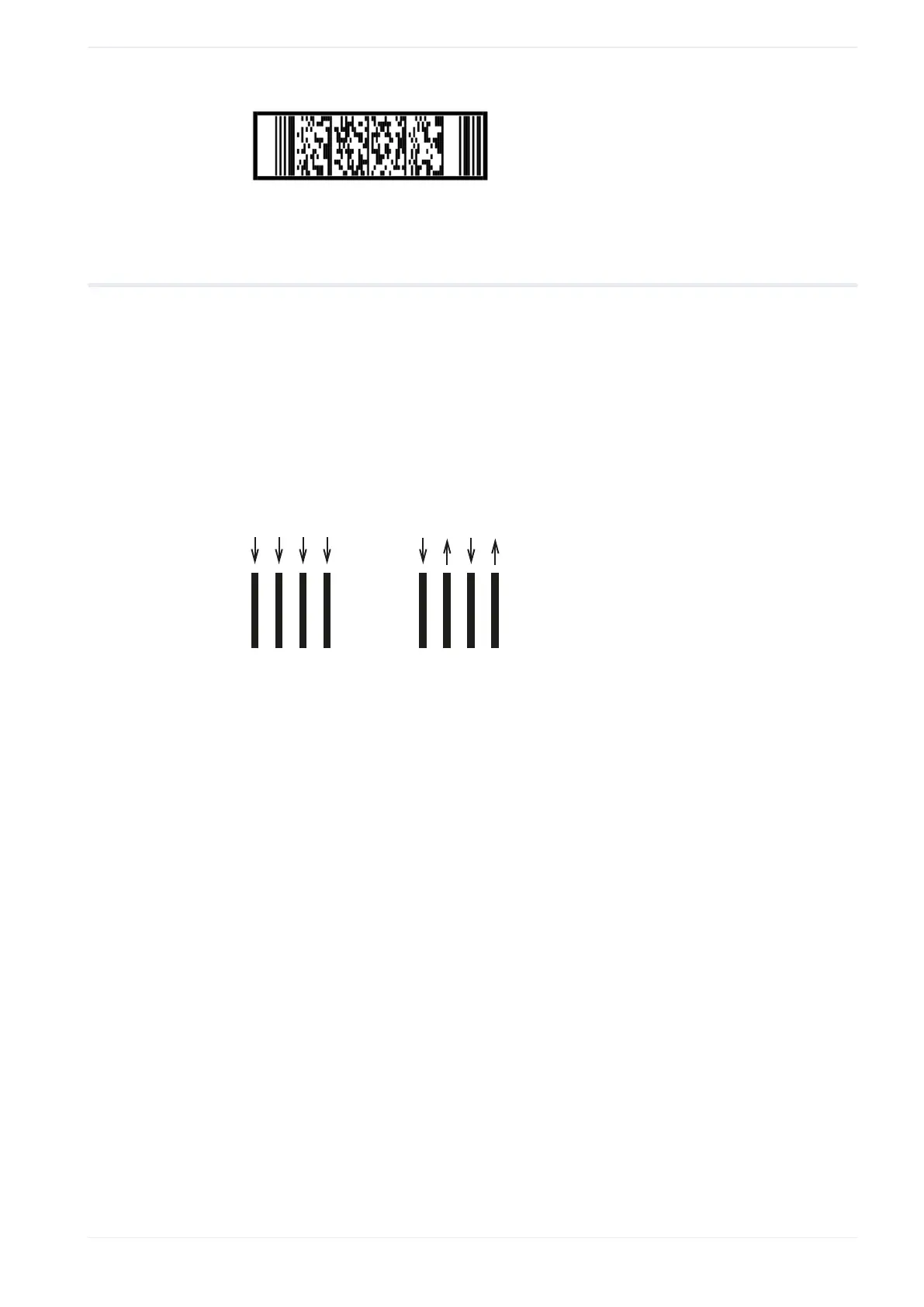
15.16.3 Set the marking direction for PDF417
With these settings, you define the direction in which the filling lines are drawn during the
marking process.
1. To edit the parameters of the PDF417 code, select the object in the object list or in the
marking image editor.
The parameters are displayed in the category below the object list.
2. For “Code marking direction”, select one of these options: “One direction” or “Alternate”.
The alternate direction setting reduces the marking time compared to the one direction
setting.
(1) (2)
(1)
One direction setting
(2)
Alternate direction setting
ME-NAVIS2-OP-1 183












 To Next Page