5 Operation of the laser marking system
5.9 Check the work distance
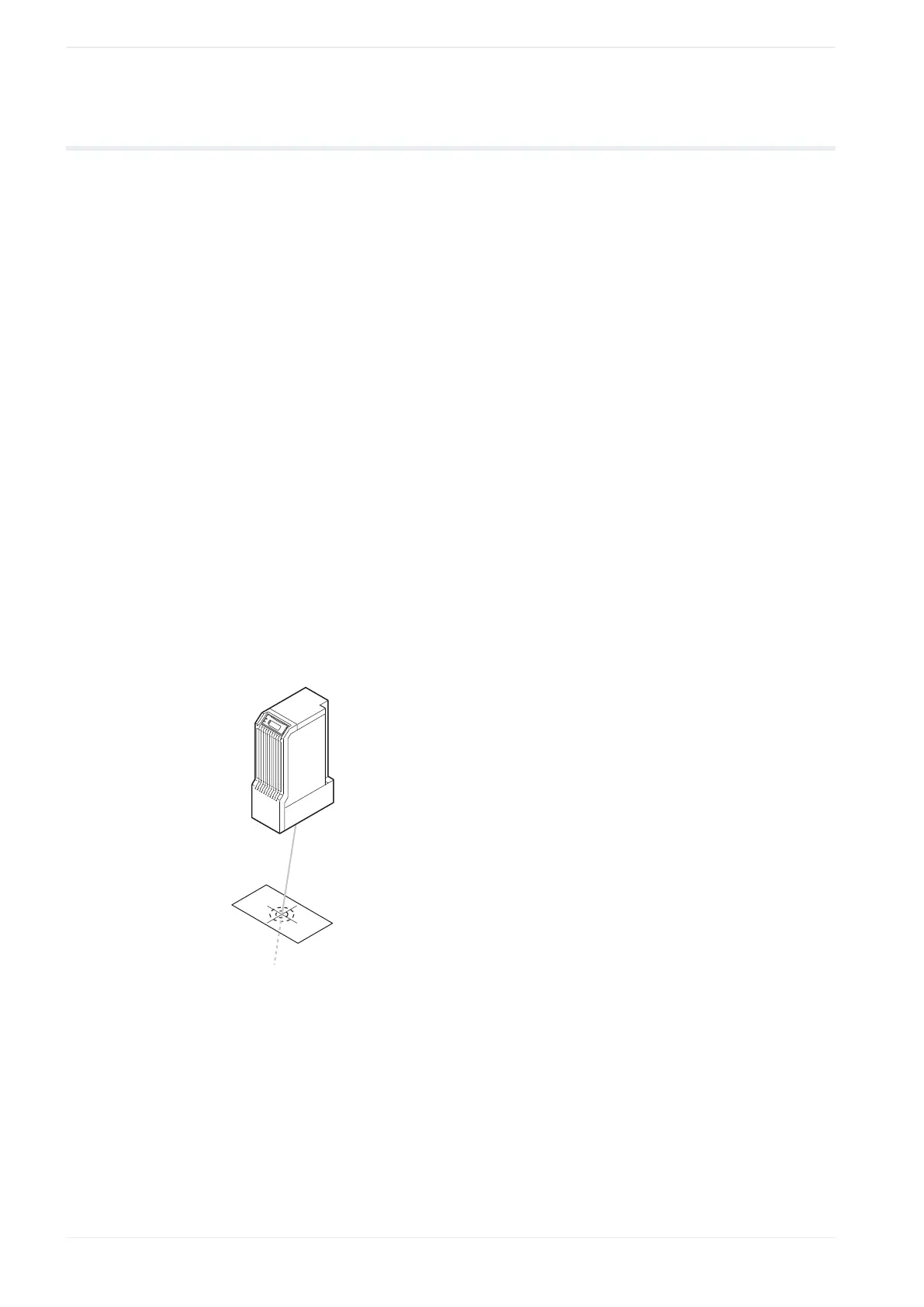
When installing the laser head, check the work distance using the guide laser function.
• To obtain the most appropriate marking quality, fine adjust the work distance and the
position of the workpiece after performing a test marking.
• LP-GS051 (except LP-GS051-L):
‒ The point of intersection of the pointer and the guide laser varies depending on the
value set for “Guide laser Z-movement [mm]”.
‒ The center of the crosshairs only indicates the center of the marking field if the laser
head is installed at base position and if the value for “Guide laser Z-movement [mm]”
is set to 0mm. Otherwise the center of the crosshairs is shifted from the center of the
marking field.
• This function is not available for LP-GS052.
1. Establish an online connection between your PC and the laser marking system.
2. Go to the “Marking settings” screen and select “Guide laser”.
3. In the “Test marking/guide laser” dialog, select “Work distance” for “Guide laser display”.
4. Select “Guide laser ON” to start radiating the guide laser.
5. The scan speed of the guide laser can be changed by entering a value for “Guide laser
scan speed [mm/s]”.
6. Adjust the work distance so that the dot overlaps with the center of the crosshairs.
7. Select “Guide laser OFF” to stop the radiation of the guide laser.
The guide laser display stops automatically after about one minute.
Related topics
Guide laser (page 53)
56 ME-NAVIS2-OP-1












 To Next Page