5 Operation of the laser marking system
5.11 Indicate the marking field center using the pointer (LP-GS052)
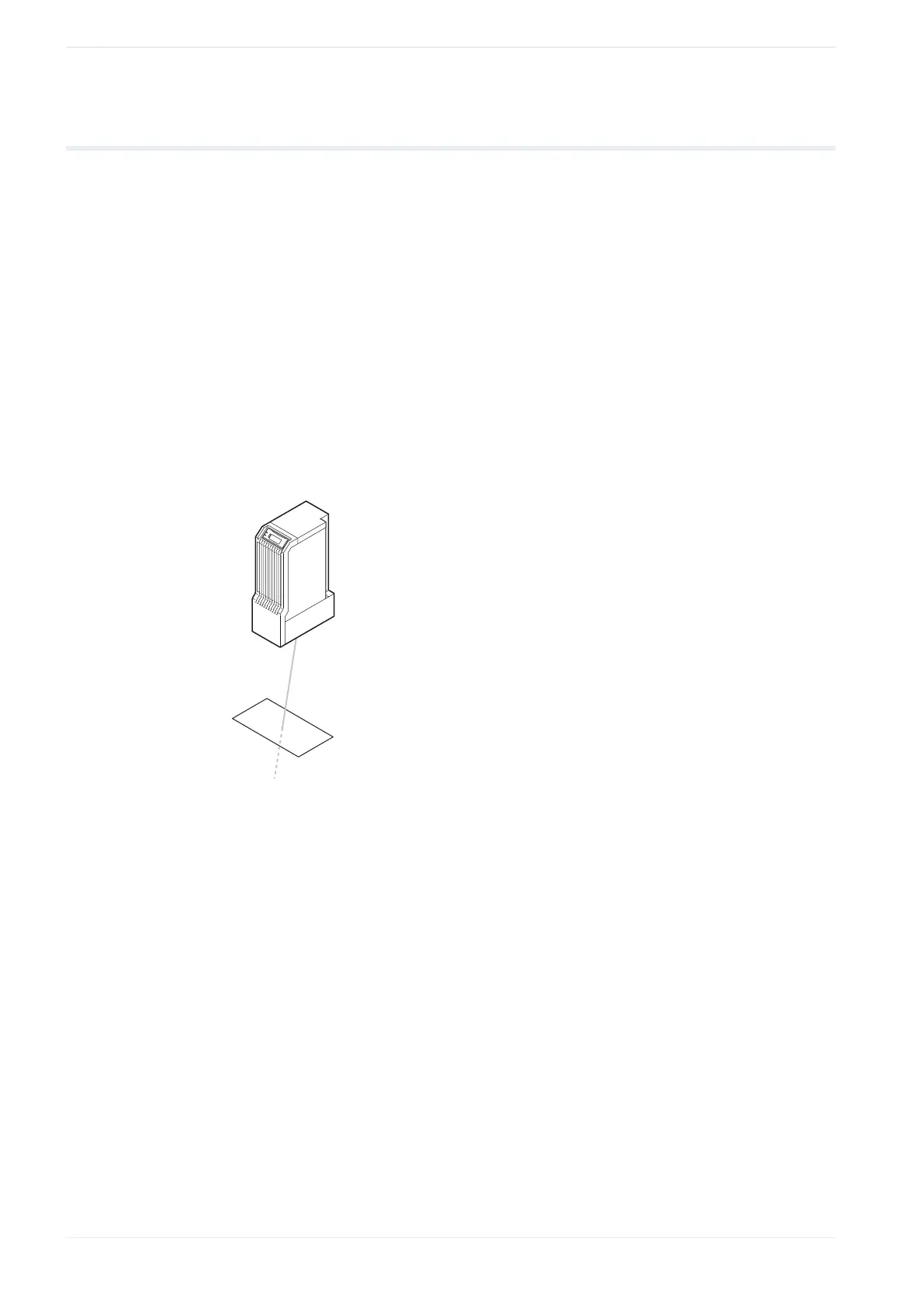
When the laser head is installed at the specified base position, the pointer can be used to
indicate the center of the marking field.
For LP-GS052, only the pointer is available as a guide laser function. This function is not
available for LP-GS051, LP-GS051-L, LP-RC, LP-RF and LP-RV.
• Pointer radiation stops when remote mode or RUN mode is turned on.
• If the test marking starts while the pointer is radiating, the pointer turns off temporarily.
The pointer turns on automatically after the test marking has stopped.
1. Establish an online connection between your PC and the laser marking system.
2. Go to the “Marking settings” screen and select “Guide laser”.
3. In the “Test marking/guide laser” dialog, select “Guide laser ON”.
The pointer radiates for 30min or until you select the “Guide laser OFF” button.
The pointer indicates the center of the marking field.
Related topics
Guide laser (page 53)
58 ME-NAVIS2-OP-1












 To Next Page