EasyManua.ls Logo

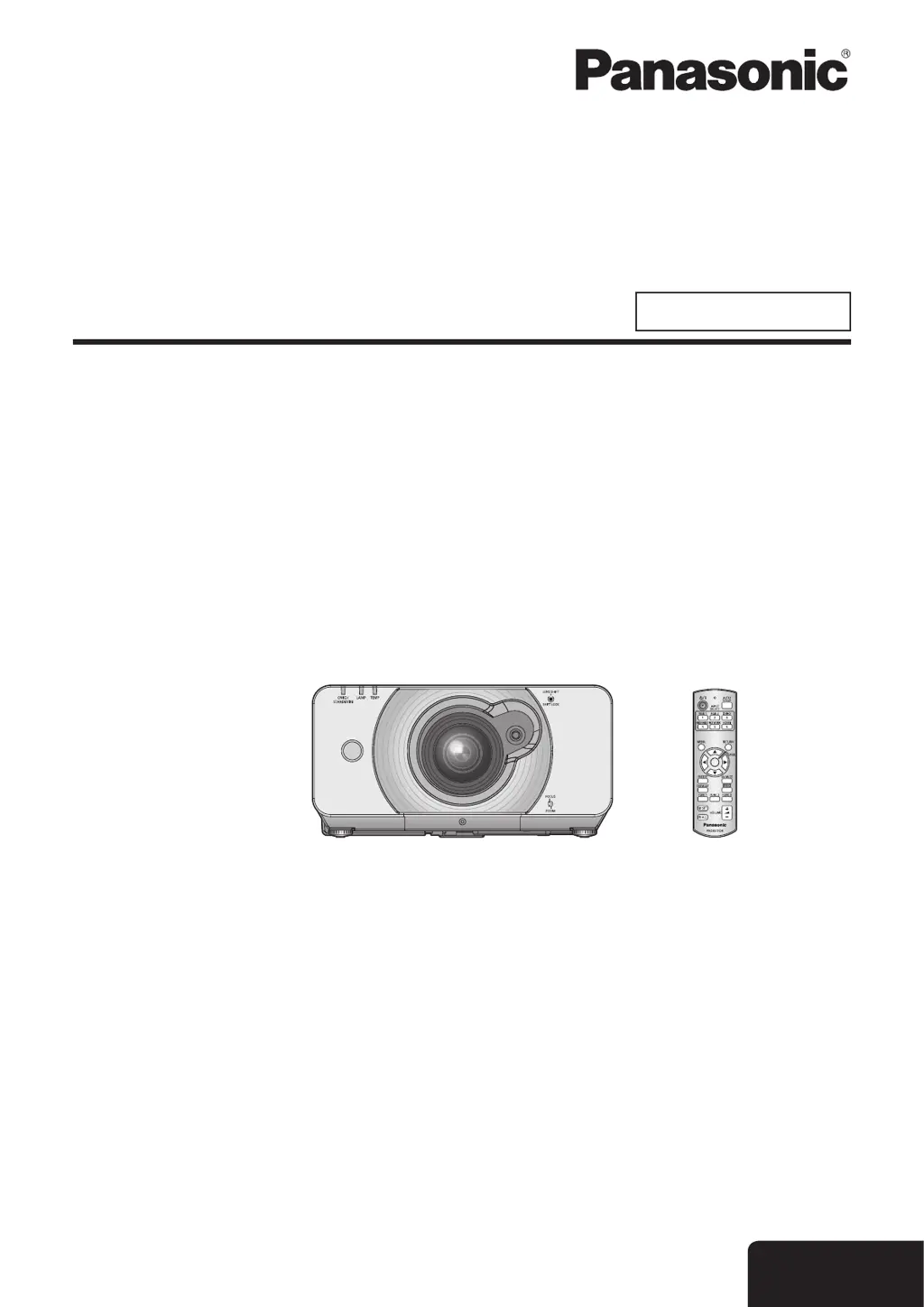
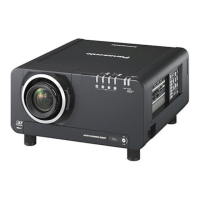
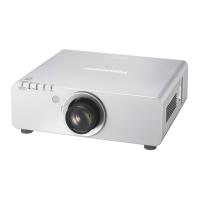
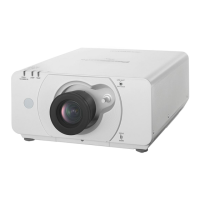
Panasonic PT-DW530E - User Manual

Panasonic PT-DW530E
96 pages
Print Icon
To Next Page IconTo Next Page
Loading...
Operating Instructions
Functional Manual
DLP™ Based Projector
Commercial Use
Thank you for purchasing a Panasonic Projector.
Before operating this product, please read the instructions carefully and save this manual
J
for future use.
Before using your projector, be sure to read
J
“Precautions with regard to safety”
(
Æ
pages 9 to 17).
TQBJ0350-1
Model No.
PT-DZ570E
PT-DW530E
PT-DX500E
ENGLISH
M1010SW1011 -SA

Table of Contents

Questions and Answers

  • M
    Melissa MartinezSep 13, 2025
    Why is there no sound output from a HDMI device connected to my Panasonic PT-DW530E Projector?
    • C
      Christopher ByrdSep 13, 2025
      If you're not getting any sound from a HDMI device connected to your Panasonic Projector: * Set the sound channel of the attached device to Linear PCM. * Verify the [AUDIO IN SELECT] setting in [AUDIO SETTING]. * Connect the audio cable to AUDIO IN 1 to 3 if no audio signal is output during HDMI cable connection.

Panasonic PT-DW530E Specifications

General IconGeneral
Native ResolutionWXGA (1280x800)
Brightness5, 000 lumens
Projection MethodFront, Rear, Ceiling
Lens ShiftVertical: ±60%, Horizontal: no identical values
Display Type3LCD
Projection Size40 - 300 inch
Input ConnectorsDVI-D, HDMI, VGA, Component, S-Video, Composite

Related product manuals