Network
ENGLISH -
59
Settings
Network connections
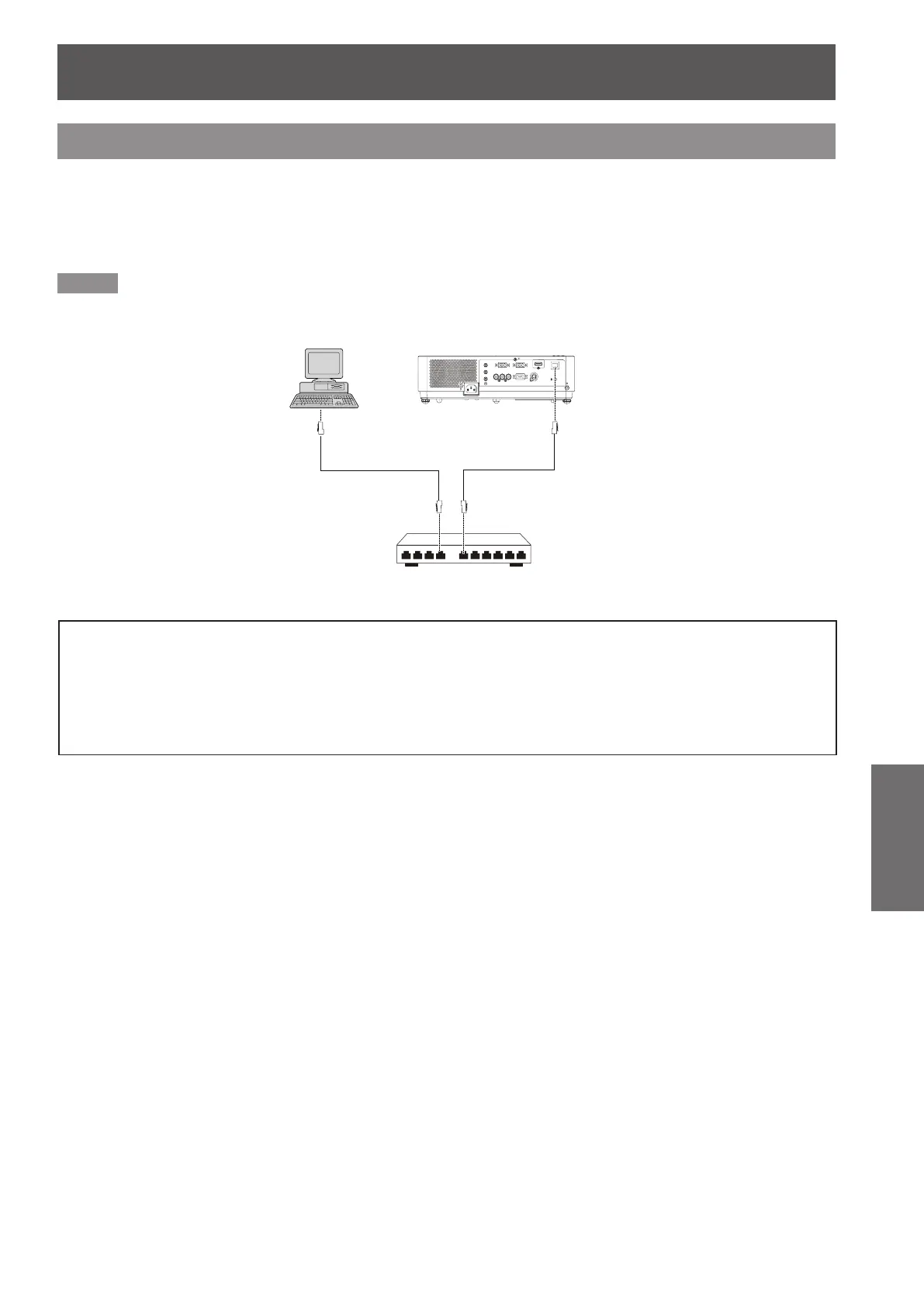
The projector has a network fuction, and the following operations are available from the computer using the web
browser control.
Setting and adjustment of the projector.
z
Display of the projector status.
z
Transmission of an E-mail message when there is a problem with the projector.
z
Note
A LAN cable is required to use the network function.
z
Computer
Projector
LAN cable (straight)
LAN cable (straight)
Hub
A Web browser is required to use this function . Conrm that the Web browser can be used beforehand.
z
Compatible OS : Windows XP/Windows Vista/Windows 7, Mac OS X v10.4/v10.5/v10.6/v10.7
Compatible Web Browser : Internet Explorer 7.0/8.0/9.0, Safari 4.0/5.0 (Mac OS)
Communication with an E-mail server is required to use the E-mail function. Conrm that the E-mail can be
z
used beforehand.
Use shielded LAN cable (STP cable) that is compatible with category 5 or above.
z
Use a LAN cable with length of 100m or shorter.
z










 To Next Page