English
52
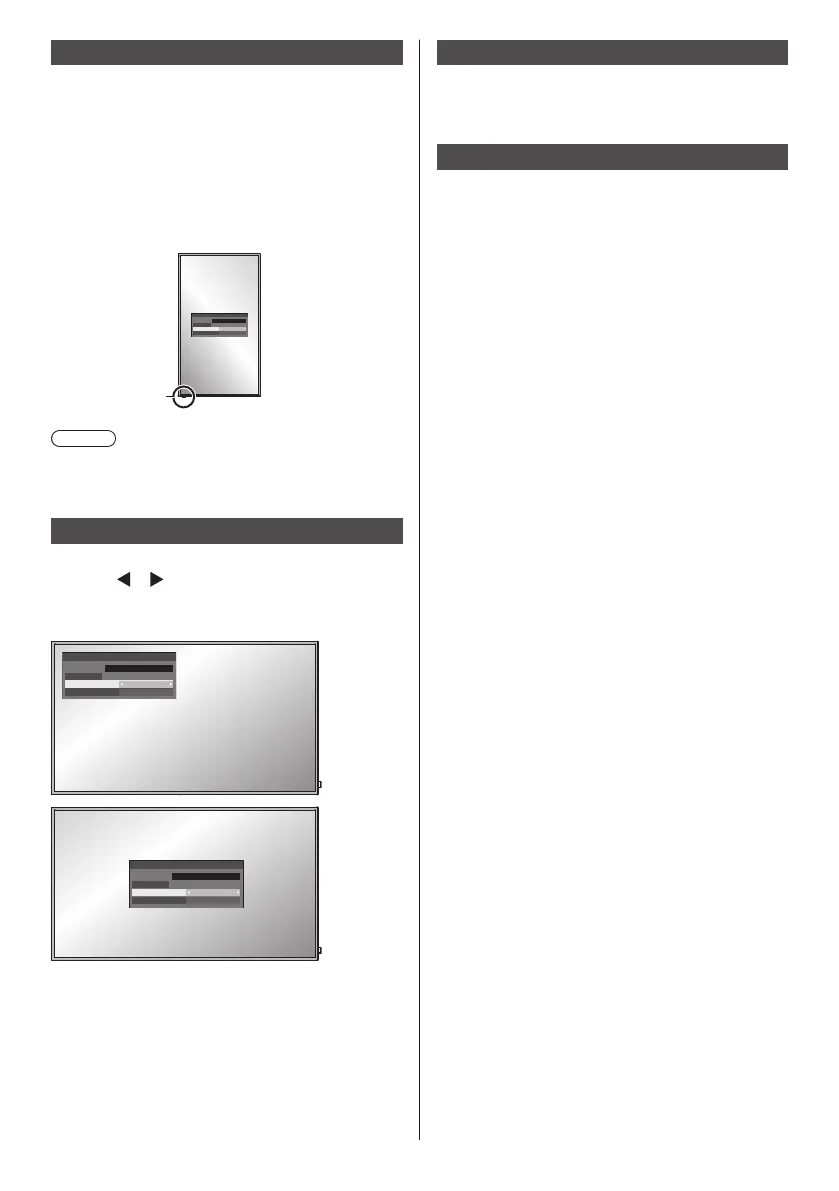
Display orientation
Sets the on-screen display orientation in the portrait
setting.
[Landscape]:
On-screen display angle is for horizontal
installation.
[Portrait]:
The on-screen display rotates anticlockwise by 90
degrees for easy view in the portrait setting.
18:00
Power indicator
Note
●
In the portrait setting, the power indicator shall come
to the downside.
OSD position
Sets the display position of the on-screen menu.
Each time
or is pressed, the display position of the
on-screen menu changes.
Display example:
Upper/Left
18:00
Centre
18:00
Menu display duration
Sets the display duration time for the on-screen menu.
[5 sec] ‒ [180 sec]
Menu transparency
Sets the transparency rate of the on-screen display
background.
0 ‒ 100













 To Next Page