English
46
[G bias]
Adjusts the white balance for dark
green areas.
-127 to 128
[B bias]
Adjusts the white balance for dark
blue areas.
-127 to 128
The settings are saved for the user.
When you return to [Picture] menu,
the user you have set is selected for
[Colour temperature].
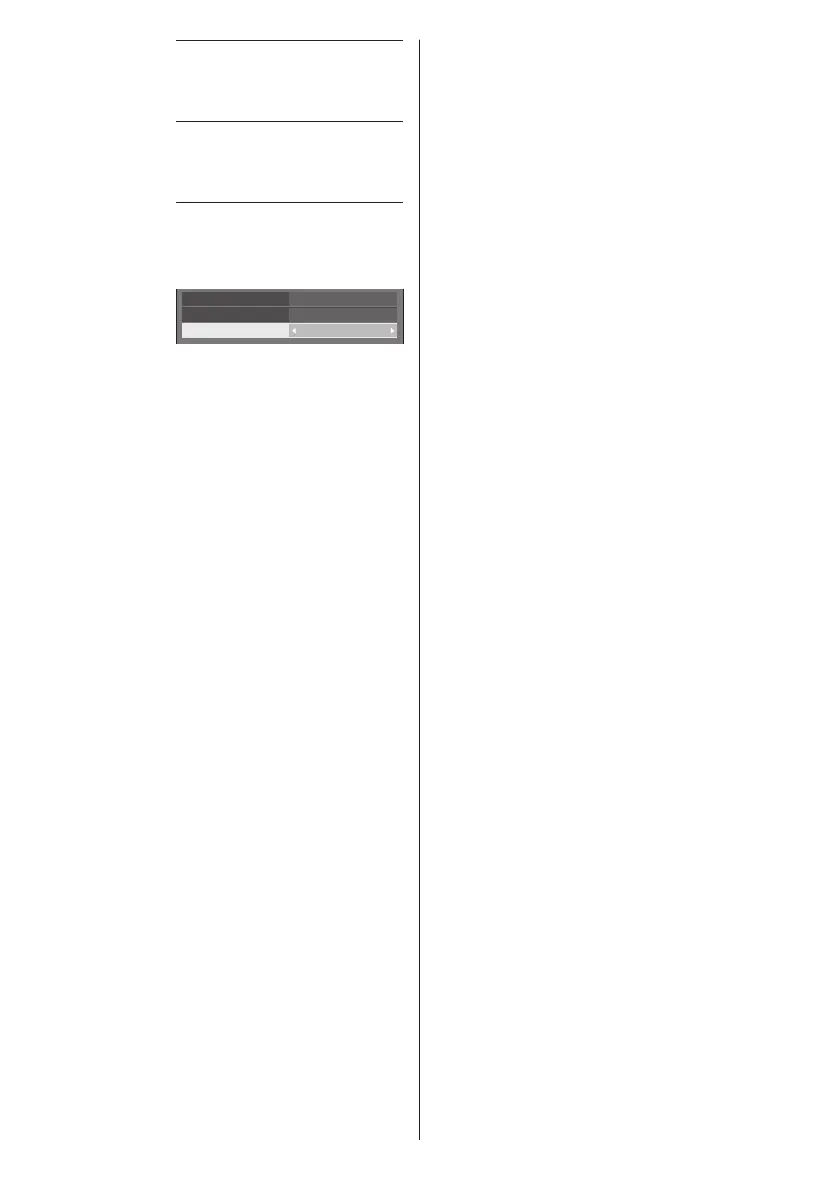
2.2
USER1
HighEnhance level
Gamma
Colour temperature
[Dynamic
contrast]
Automatically adjusts the contrast
by determining the changes in
the use of colours for images that
constantly change, such as motion
pictures.
No effect ↔ Large effect
[Colour
enhancement]
Displays images by emphasising
colours.
[Off], [Low], [Mid], [High]
(Small effect to Large effect)
[Refine
enhancer]
Enhances the sense of resolution
by correcting fuzzy outlines of
pictures resulted from resizing, etc.
[Off], [Low], [Mid], [High]
(Small effect to Large effect)
[Gradation
smoother]
Extracts and eliminates noise
components from the input
video signals, and then displays
noiseless pictures.
[Off], [On]










 To Next Page