English
74
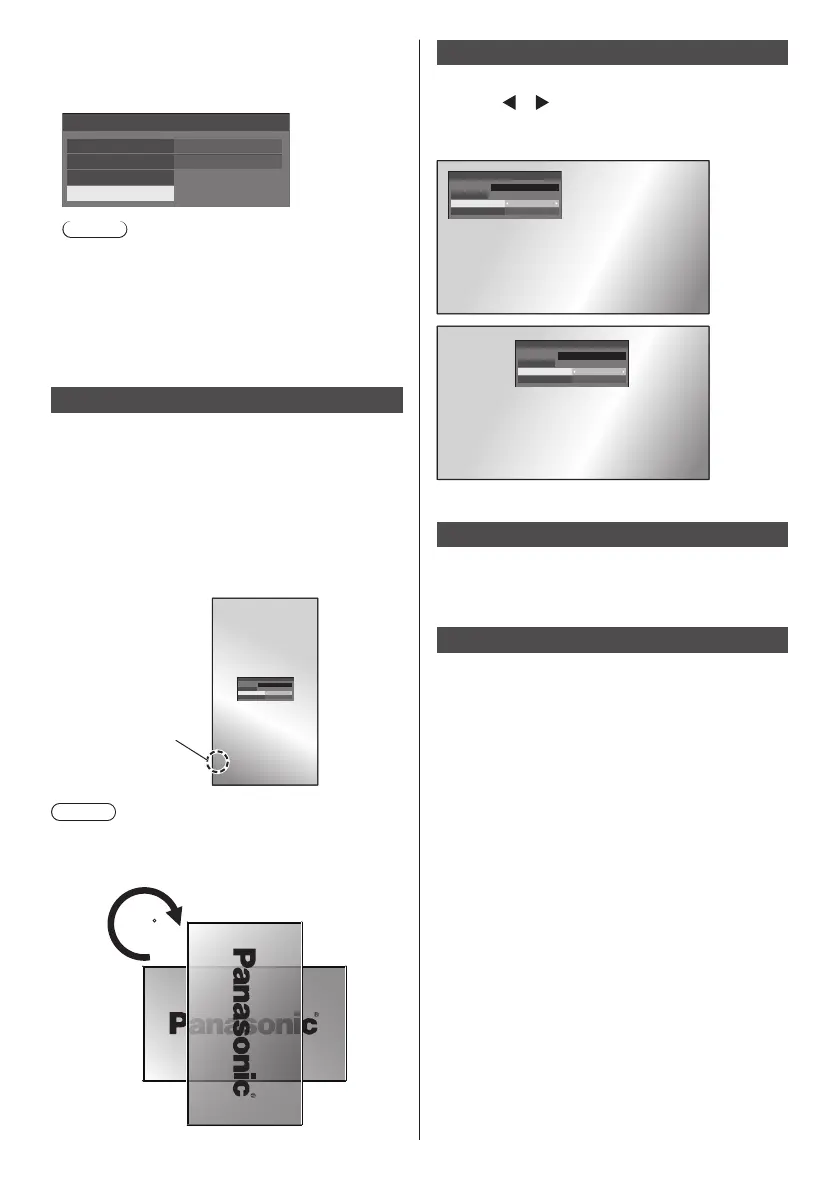
[Clear user image]
Clears the image registered in [Read user image].
[Startup image settings] - submenu screen
Startup image settings
Display setting
User image
On
Image select
Clear user image
Read user image
Note
●
When there is no [User image] that have been read,
[Clear user image] is greyed out and cannot be
selected.
●
When [Image select] is set to [User image],
performing [Clear user image] will change the
setting of [Image select] to [Default image].
Display orientation
Sets the on-screen display orientation in the portrait
setting.
[Landscape]:
On-screen display angle is for horizontal
installation.
[Portrait]:
The on-screen display rotates anticlockwise by 90
degrees for easy view in the portrait setting.
Power indicator
18:00
Note
●
For portrait installation, please turn this Display right
so that the Power Indicator comes to the downside.
(The Power Indicator is situated at the back.)
90
OSD position
Sets the display position of the on-screen menu.
Each time
or is pressed, the display position of the
on-screen menu changes.
Display example:
Left
18:00
Centre
18:00
Menu display duration
Sets the display duration time for the on-screen menu.
[5 sec] to [180 sec]
Menu transparency
Sets the transparency rate of the on-screen menu
display background.
0 to 100










 To Next Page