55
English
■ [Multi control auto setting(DIGITAL LINK)]
When connected with the DIGITAL LINK daisy chain,
display IDs are automatically assigned to all the
displays, and the serial IN/OUT terminals, remote control
IN/OUT terminals and the network are automatically set.
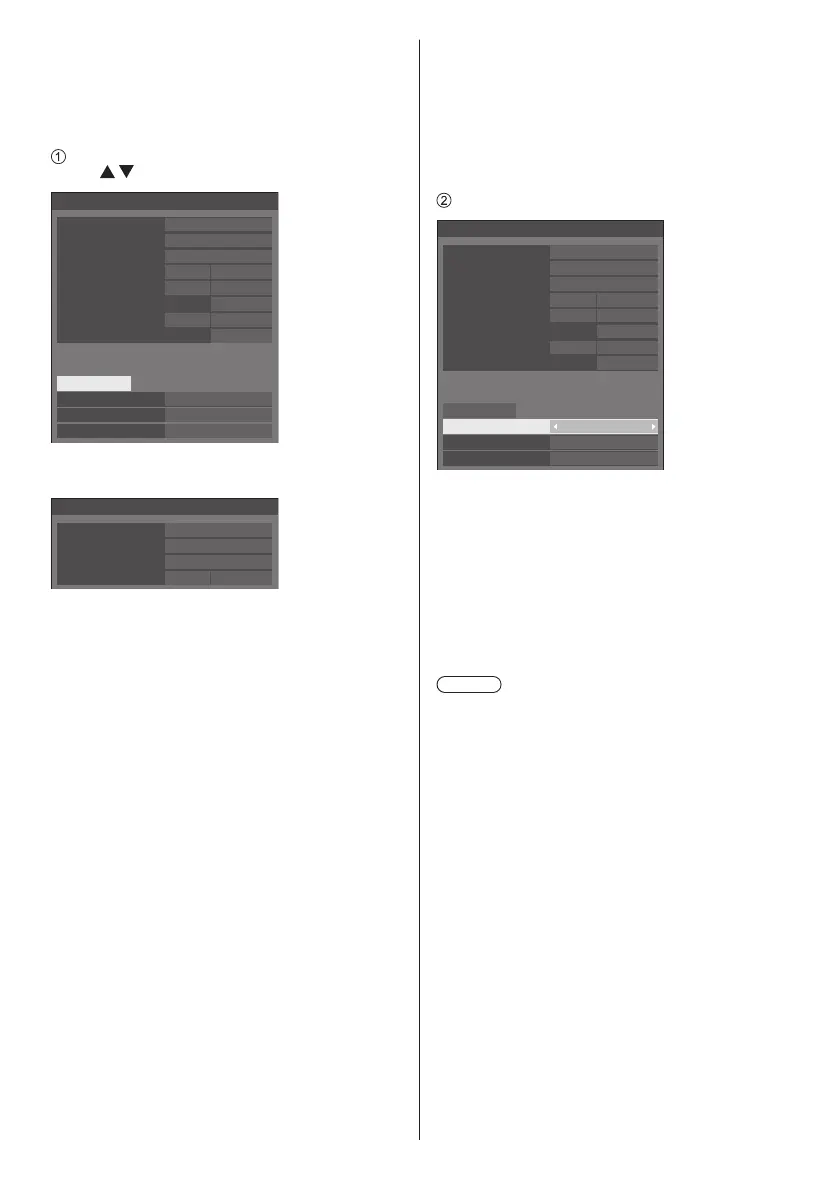
Select [Multi control auto setting(DIGITAL LINK)]
with
and press <ENTER>.
1
0
192.168.0.8
Multi control auto setting(DIGITAL LINK)
Status
Display ID
Start
Network control / IP address
Display ID
Wait
Yes
Off
Changing network control
DIGITAL LINK daisy chain
020/025
Serial ID / Terminal
On SERIAL IN
Serial out terminal
SERIAL OUT
Controller ID / Terminal
On Built-in
Controller out terminal
IR OUT
Yes
Changing Serial/IR terminal
The following screen is displayed on the subsequent-
stage displays.
0
192.168.0.8
Multi control auto setting(DIGITAL LINK)
Status
Display ID
Network control / IP address
Wait
Off
DIGITAL LINK daisy chain
021/025
[Status]
Displays the execution state of the display ID auto
setting.
[Wait]:
ID auto setting has not been executed yet.
[Finished]:
ID auto setting is completed.
[DIGITAL LINK daisy chain]
Displays the connection number counted from the
first unit to this unit out of total displays connected via
DIGITAL LINK.
[Display ID]
Displays the current display ID.
[Network control / IP address]
Displays [On] / [Off] of [Network control] function and
IP address.
[Serial ID / Terminal]
Displays ON/OFF of the function to control with
ID, and displays the terminal to use when serial-
controlling.
[Serial out terminal]
Displays the terminal used for the serial
communication output.
[Controller ID / Terminal]
Displays ON/OFF of the function to control with ID,
and displays the terminal to use when controlling with
the remote control.
[Controller out terminal]
Displays the terminal used for the remote control
communication output.
Set each item.
1
0
192.168.0.8
Multi control auto setting(DIGITAL LINK)
Status
Display ID
Start
Network control / IP address
Display ID
Wait
Yes
Off
Changing network control
Yes
Changing Serial/IR terminal
Serial ID / Terminal
On SERIAL IN
Serial out terminal
SERIAL OUT
Controller ID / Terminal
On Built-in
Controller out terminal
IR OUT
DIGITAL LINK daisy chain
020/025
[Display ID]
Sets the ID you want to assign to the display you are
operating.
[Auto], 1 to 100
When setting to [Auto], the ID is set using the
number counted from the first unit connected with
the DIGITAL LINK daisy chain.
Example: 15th unit counted from the beginning
ID: 15
Note
●
When connected with the DIGITAL LINK daisy chain,
the ID number and control terminal are automatically
set for the preceding-stage display before the display
on which the operation is performed.
[Changing network control]
Sets whether to change settings in [Network control]
or maintain the current settings.
[No]:
Maintains the settings.
[Yes]:
Switches [Network control] to [On] when it is set to
[Off], and switches [DHCP] to [On].










 To Next Page