EasyManua.ls Logo

Panasonic TX-86PW100A - Page 2

Panasonic TX-86PW100A
48 pages
Print Icon
To Next Page IconTo Next Page
To Previous Page IconTo Previous Page
Loading...
Dear
Panasonic
Customer,
Welcome
to
the
Panasonic
family.
We
hope
that
you
will
have
many
years
of
enjoyment
from
your
new
Colour
Television.
Please
retain
your
proof
of
purchase
along
with
these
operating
instructions.
Space
has
been
made
available
on
the
back
page
of
this
instruction
book
for
recording
the
Serial
Number.
The
Serial
Number
can
be
found
on
the
back
cover
of
the
set
and
on
the
packing
carton.
The
picture
tube
has
a
special
coating.
Please
only
use
a
soft
cloth
when
you
clean
the
surface
of
the
picture
tube
The
film
can
be
easily
scratched.
DO
NOT
rub
the
surface
with
a
hard
material.
DO
NOT
use
salt
water,
insecticide,
chloric
or
acidic
cleaning
solvent
or
cleaning
agent
with
abrasive
materials.
DO
NOT
heat
the
screen
surface
to
80*C
or
higher.
Programme
Location
Numbers
This
television
comes
to
you
"factory
tuned"
to
all
the
major
capital
city
broadcast
stations.
Adjustments
to
the
tuning
should
not
be
necessary.
However,
if
you
have
to
make
adjustments,
please
read
these
instructions
carefully
first.
Throughout
this
booklet
"Programme
Location
Numbers"
are
referred
to.
These
are
memory
locations
into
which
you
can
tune
television
broadcast
stations.
Any
television
station
can
be
tuned
Into
any
Programme
Location
Number.
Picture
Quality
All
televisions
are
affected
by
Magnetic
Interference.
Magnetic
interference
may
come
from
such
things
as
unshielded
motors,
moving
the
TV
while
it
is
switched
ON,
turning
off
a
vacuum
cleaner
too
close
to
the
TV,
lightning
strikes
nearby
or
many
other
things.
The
interference
shows
up
as
coloured
patches
that
appear
while
the
TV
is
switched
ON.
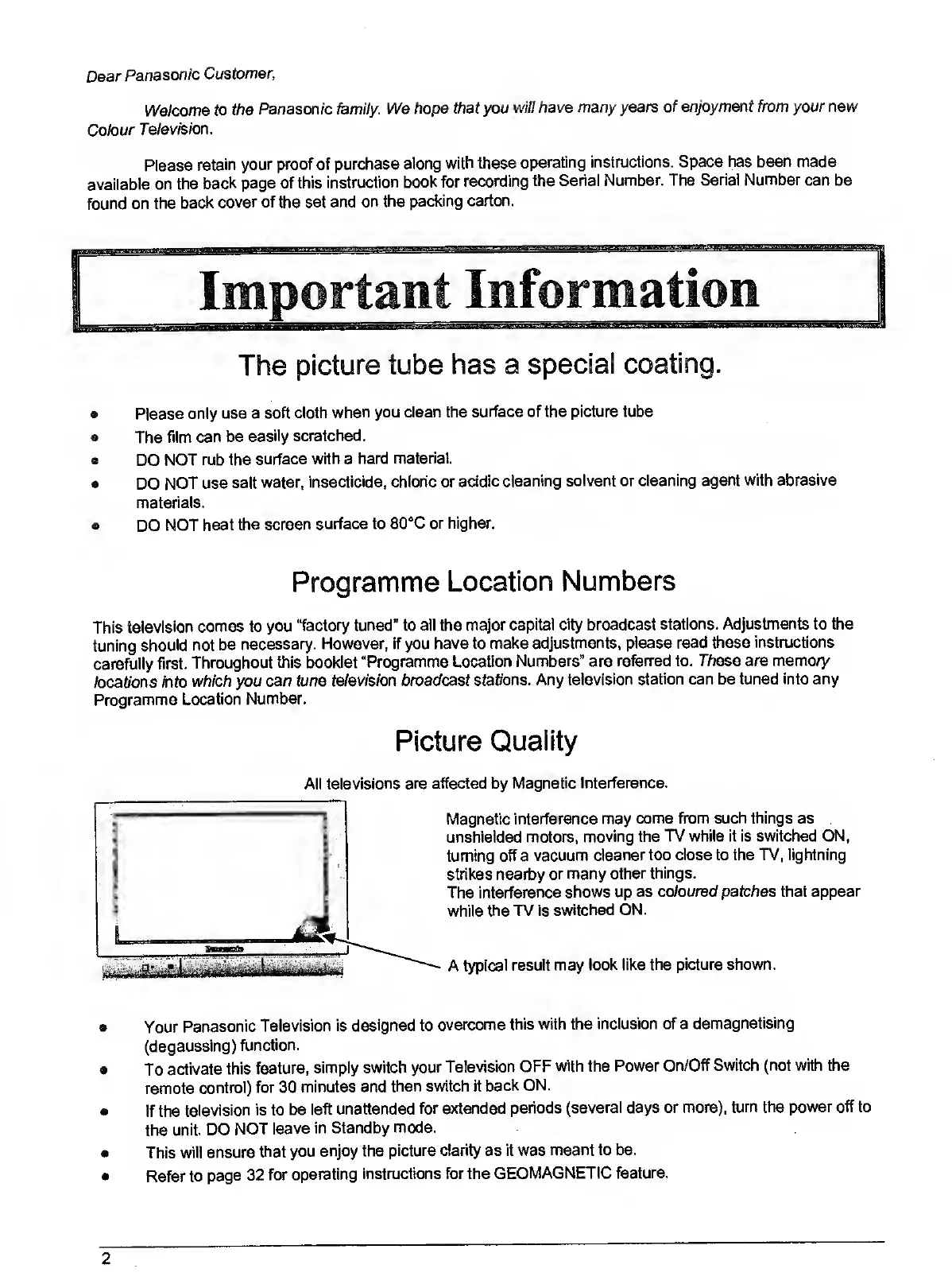
A
typical
result
may
look
like
the
picture
shown.
Your
Panasonic
Television
is
designed
to
overcome
this
with
the
Inclusion
of
a
demagnetising
(degaussing)
function.
To
activate
this
feature,
simply
switch
your
Television
OFF
with
the
Power
On/Off
Switch
(not
with
the
remote
control)
for
30
minutes
and
then
switch
it
back
ON.
If
the
television
is
to
be
left
unattended
for
extended
periods
(several
days
or
more),
turn
the
power
off
to
the
unit.
DO
NOT
leave
in
Standby
mode.
This
will
ensure
that
you
enjoy
the
picture
clarity
as
it
was
meant
to
be.
Refer
to
page
32
for
operating
instructions
for
the
GEOMAGNETIC
feature.
2

Related product manuals