EasyManua.ls Logo

Panasonic TX-86PW100A - Page 31

Panasonic TX-86PW100A
48 pages
Print Icon
To Next Page IconTo Next Page
To Previous Page IconTo Previous Page
Loading...
/
his
opticn
allows
you
to
"Skip”(bypass)
the
unused
or
undesIred
Programme
Numbers.
The
Function
is
only
applicable
when
the
Programme
Number
Up
or
down
buttons
are
Pushed.
The
use
of
the
remote
control
Direct
Programme
Number
Buttons
overrides
the
Skip
function.
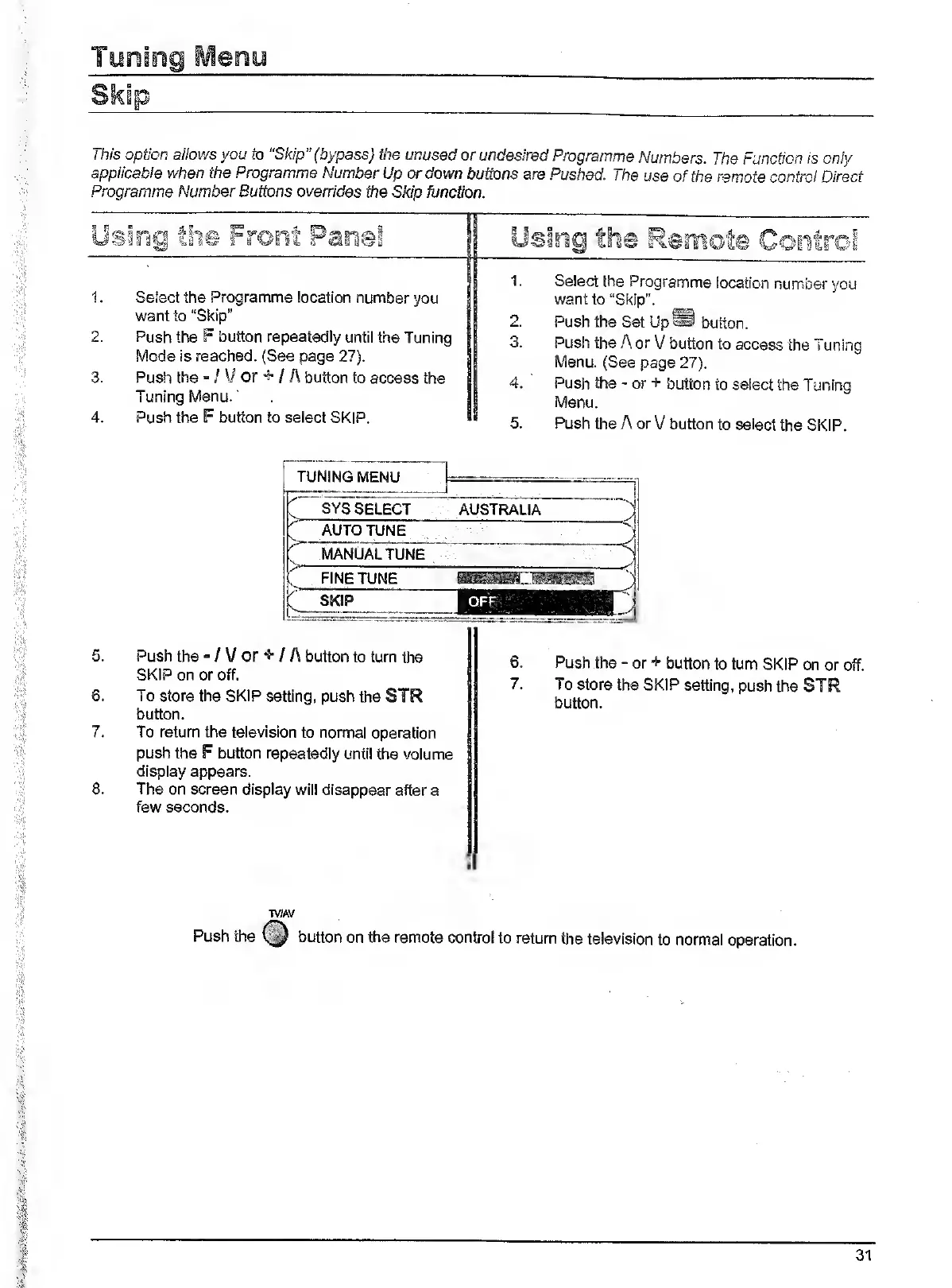
Select
the
Programme
location
number
you
want
to
"Skip”
Push
the
F
button
repeatedly
until
the
Tuning
Mode
is
reached.
(See
page
27).
Push
the
"
/
V
or
5-
/
A
button
to
access
the
Tuning
Menu.
Push
the
F
button
to
select
SKIP.
Select
the
Programme
location
number
you
want
to
“Skip".
Push
the
Set
Up^
button.
Push
the
A
or
V
button
to
access
the
Tuning
Menu.
(See
page
27).
Push
the
-
or
+
button
to
select
the
Tuning
Menu.
Push
the
A
or
V
button
to
select
the
SKIP.
5.
Push
the
-
/
V
or
+
/
A
button
to
turn
the
SKIP
on
or
off.
6.
To
store
the
SKIP
setting,
push
the
STR
button.
7.
To
return
the
television
to
normal
operation
push
the
F
button
repeatedly
until
the
volume
display
appears.
8.
The
on
screen
display
will
disappear
after
a
few
seconds.
6.
Push
the
-
or
+
button
to
turn
SKIP
on
or
off.
7.
To
store
the
SKIP
setting,
push
the
STR
button.
Push
the
TV/AV
button
on
the
remote
control
to
return
the
television
to
normal
operation.
31

Related product manuals