EasyManua.ls Logo

Panasonic TX-86PW100A - Page 44

Panasonic TX-86PW100A
48 pages
Print Icon
To Next Page IconTo Next Page
To Previous Page IconTo Previous Page
Loading...
Please
only
use
a
soft
cloth
when
you
clean
the
surface
of
the
picture
tube
The
film
can
be
easily
scratched.
DC
NOT
rub
the
surface
with
a
hard
material.
DO
NOT
use
salt
water,
Insecticide,
chloric
or
acidic
ciaaning
solvent
or
cleaning
agent
with
abrasive
materials.
DC
NOT
heat
the
screen
surface
to
80°C
or
higher.
Cabmet
and
Picture
Tube
Care
The
cabinet
ar^d
picture
tube
can
be
kept
in
good
condition
by
wiping
with
a
clean,
iint
free
cloth
moistened
with
mild
detergent
and
water.
For
safety/,
remove
the
plug
from
the
power
outlet
when
cleaning.
Do
not
spray
In.secticide
or
volatile
solvent
on
the
TV.
Do
not
allow
rubber
and
vinyl
products
to
stay
in
contact
with
the
TV
for
long
periods
of
time.
They
may
cause
changes
in
paint
quality.
This
television
contains
many
plastic
parts.
For
this
reason
Do
Not
use
benzene,
thinners
or
any
solutions
containing
petroleum
or
other
chemicals,
Remove
dirt
and
soiling
by
wiping
with
a
soft
cloth.
Even
if
p
the
television
is
heavily
soiled
do
U
'fe''
not
apply
cleaner
directly
to
the
unit.
Soak
a
cloth
in
a
solution
of
neutral
cleanser
thinned
with
water.
Wring
out
the
cloth,
wipe
the
television
ciean
and
finish
by
wiping
with
a
dry
cloth.
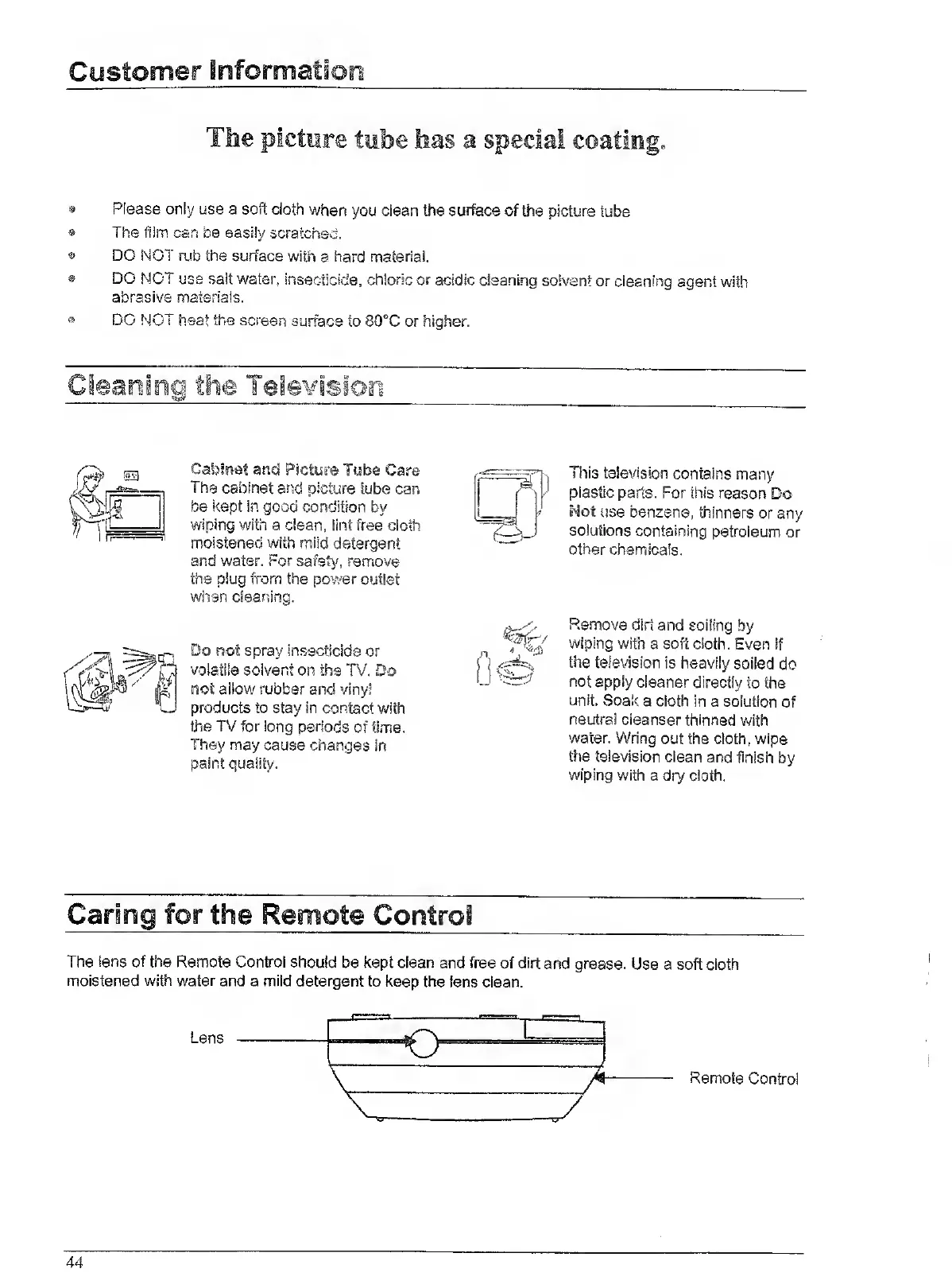
The
lens
of
the
Remote
Control
should
be
kept
clean
and
free
of
dirt
and
grease.
Use
a
soft
cloth
moistened
with
water
and
a
mild
detergent
to
keep
the
lens
clean.
Lens
Remote
Control
44

Related product manuals