17English 17
Basic Use
Single connection
This section describes how to display an image using one transmitter.
1
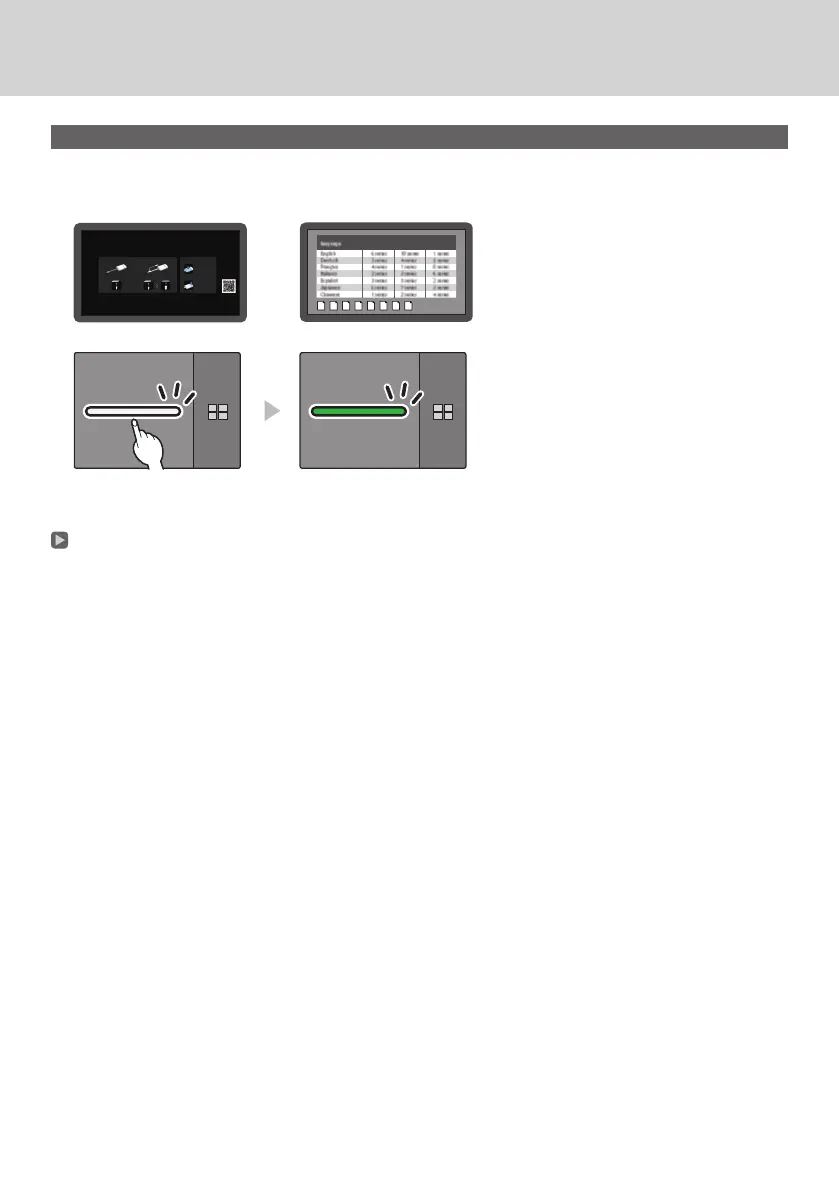
Press the main button of the transmitter while the standby screen is displayed.
The image is displayed.
Standby screen Full screen display
White illumination
(standby)
Green illumination
(display)
Pressing the main button again changes the main LED to white and returns to standby state.
(The screen returns to the standby screen as well.)
• When using multiple transmitters, the image is switched to the image of the transmitter of which the main button
is pressed.



 To Next Page