38 English
Setting
Continued
●
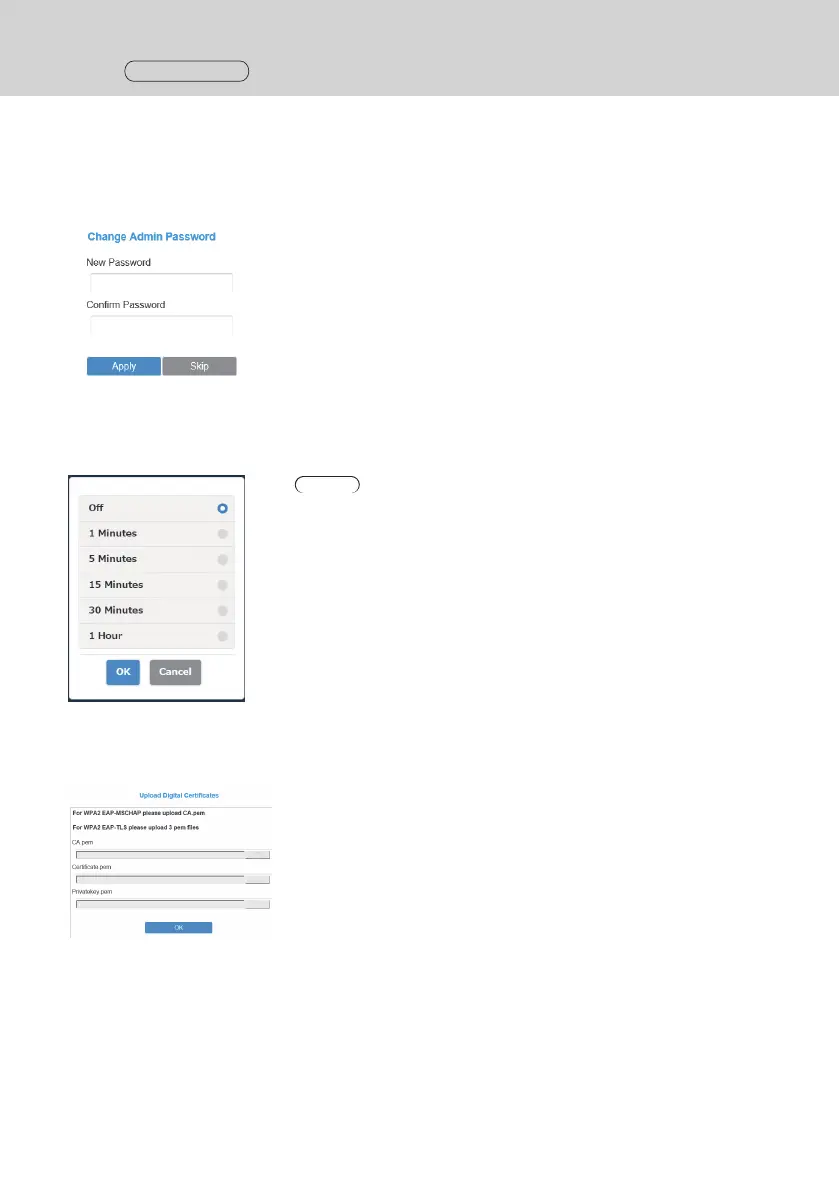
Administrator Password
Changes the administrator password. It is recommended to change the administrator password periodically for
security enhancement.
Types of characters that can be set: Alphanumeric characters (0 to 9, a to z, A to Z)
Number of characters that can be set: 6 to 64 characters
●
Screen Saver
Specifies the time until the screensaver is activated.
When the screensaver is activated, the image being projected disappears.
Pressing the main button of the transmitter cancels the screensaver.
Note
• [1 Minutes] and [5 Minutes] can be selected with firmware versions of
1.9598.583 and later.
●
WPA/WPA2 Enterprise
Using this function, an electronic certificate key file supporting encryption communication can be uploaded. This
function is designed for persons in charge of information system department and network administrators.



 To Next Page