41English 41
●
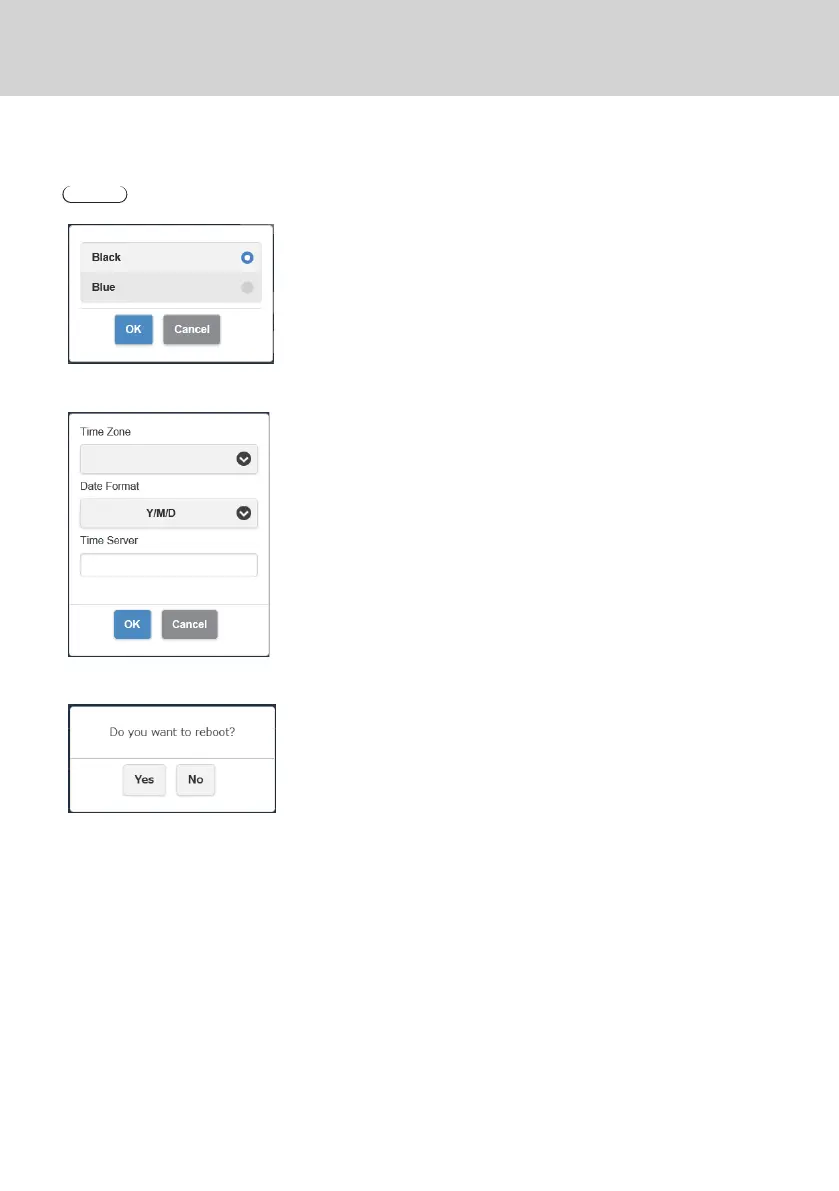
Background Color setting
Specifies the background colors for the standby screen and no-signal image.
[Black] or [Blue] can be specified.
Note
• When the [My Screen] is specified, this setting is not reflected.
●
Date/Time setting
Specifies the time zone and the display style of date displayed on the standby
screen.
Date Format:
Refer to [Date/Time setting] (page 46).
Time Server:
Sets the NTP saver.
When the NTP server is not specified, a server registered beforehand is
accessed.
Date and time shows the following information.
1. Information obtained from the NTP server via wireless LAN or wired LAN of
the receiver (priority)
2. Information from HDMI-CEC of the corresponding display or projector
●
Reboot
Restart the product when the firmware is upgraded to the latest version or the
receiver does not respond.
Tap [Reboot] and select [Yes].



 To Next Page