46 English46
■
[Wireless presentation settings]
Note
• Approx. 5 seconds may be required to reflect the menu settings.
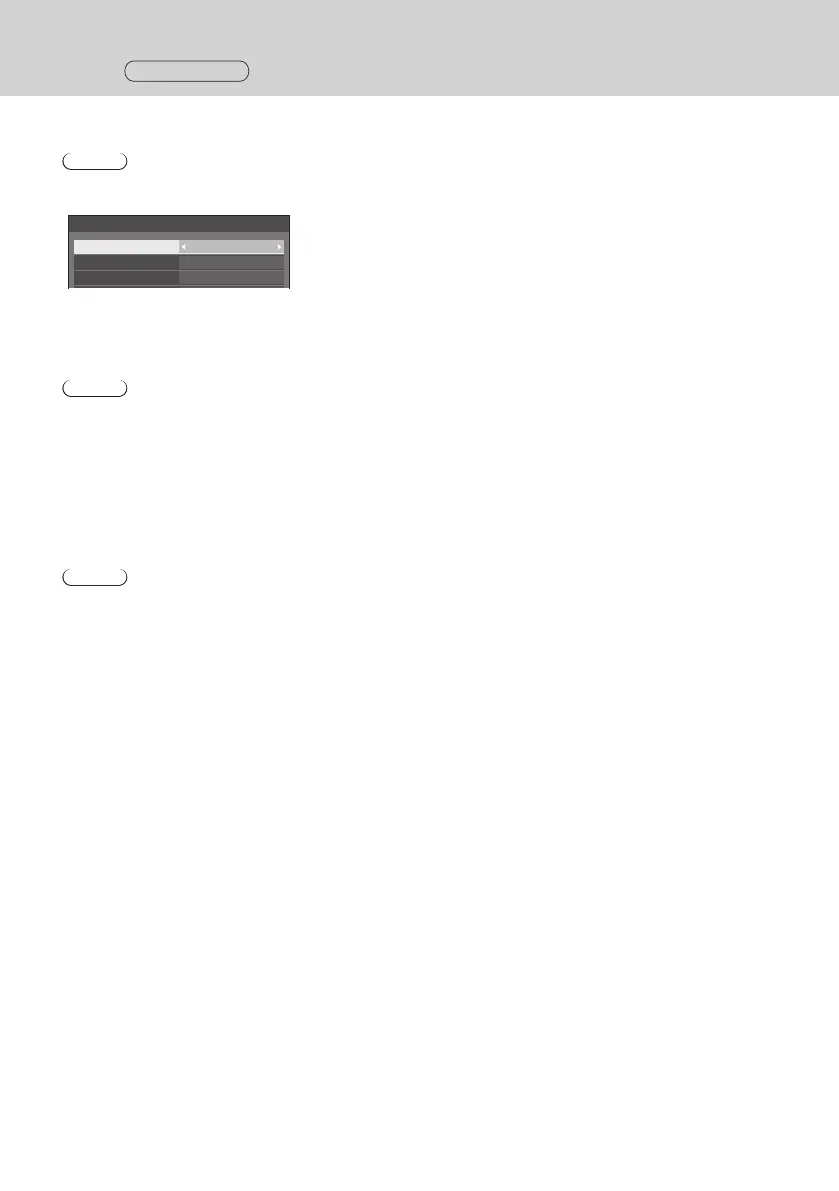
[Wireless presentation settings] - sub menu screen
Wireless presentation settings
Background colour setting
Black
Date/Time setting Y/M/D
Language link Enable
●
[Background colour setting]
[Black]: The background color for the standby screen and no-signal image is set to black.
[Blue]: The background color for the standby screen and no-signal image is set to blue.
Note
• When the image is changed with the [My Screen] function on the Web setting screen, this setting is not reflected.
●
[Date/Time setting]
Specifies the display style of date on the standby screen.
[Y-M-D]: e.g. 2021-08-24 [M-D-Y]: e.g. 08-24-2021
[Y/M/D]: e.g. 2021/08/24 [M/D/Y]: e.g. 08/24/2021
[Y.M.D]: e.g. 2021.08.24 [M.D.Y]: e.g. 08.24.2021
[D-M-Y]: e.g. 24-08-2021 [M D,Y]: e.g. 08 24,2021
[D/M/Y]: e.g. 24/08/2021 [Off]: Date is not displayed on the standby screen.
[D.M.Y]: e.g. 24.08.2021
Note
• When this is set to [Off], the setting is applied at the next startup of this system.
• There is the same menu on the Web setting screen as this menu item. Since the setting on the display is
prioritized, when the system is started next time or the HDMI cable is connected/disconnected, the setting value
on the display is reflected.
●
[Language link]
[Enable]: Sets the language for the standby screen, no-signal image and Web setting screen to the language set
for [OSD language].
[Disable]: Sets the language for the standby screen, no-signal image and Web setting screen to the language set
for [Language] on the Web setting screen.
Setting
Continued



 To Next Page