32
PA N D O R A S M A R T P R O V 3
Remote engine start
If the system is prepared for remote start, use one of the methods described below to start the
engine, the system will confirm the command with
3х
light signalization.
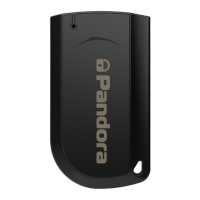
Original key
The system reads digital information from a car, this allows you to start and stop the engine by an
original key.
•To start the engine, press the “LOCK” button 3 times within 5 seconds (the key must be in the radio coverage
zone.
•To stop the engine, press the “LOCK” button 3 times within 5 seconds (the key must be in the radio coverage
zone)
.
!
remote engine start by an original key doesn’t required any additional settings. CheCk if the funCtion available for
YOUR CAR IN LOADER.PANDORAINFO.COM.
!
the funCtion beComes available only 30 seConds after arming
Phone
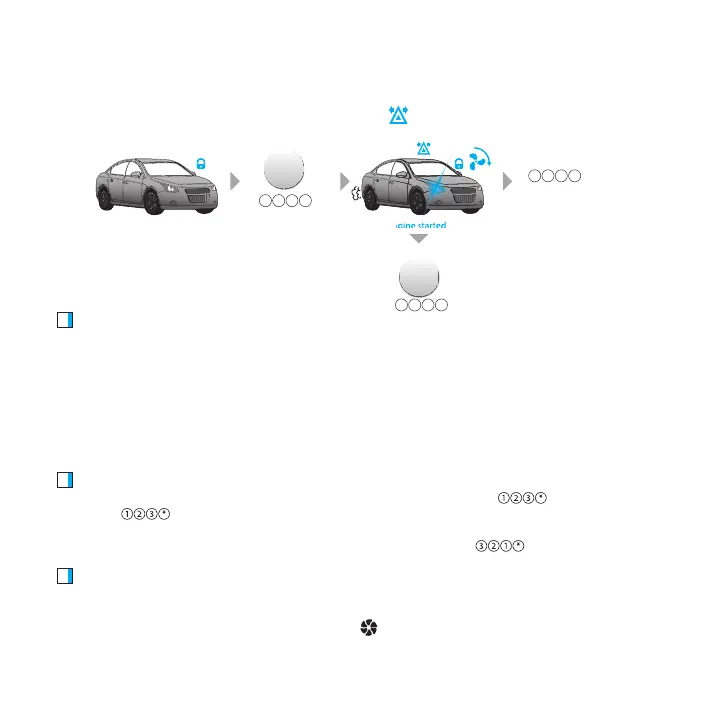
To start the engine, call the system number, wait for the answer. Dial the
command. If you
repeat the
command when the engine is running, it will prolong the operation period by 10
minutes (this procedure can be repeated multiple times).
To stop the engine, call the system number, wait for the answer. Dial the
command.
Online service
•To start the engine, login to the PANDORA-ON.COM (when the system is online there is an Internet
connection), press the START ENGINE button on the control panel. In a few seconds the engine will
be started, it will be confirmed with the spinning
icon.
armed
engine started
sop engine
START
ENGINE
START
ENGINE
STOP
ENGINE
STOP
ENGINE
prolong engine
operation (10 min)
321 *
321 *
123 *
3x


 To Next Page