PRODUCT OVERVIEW
12
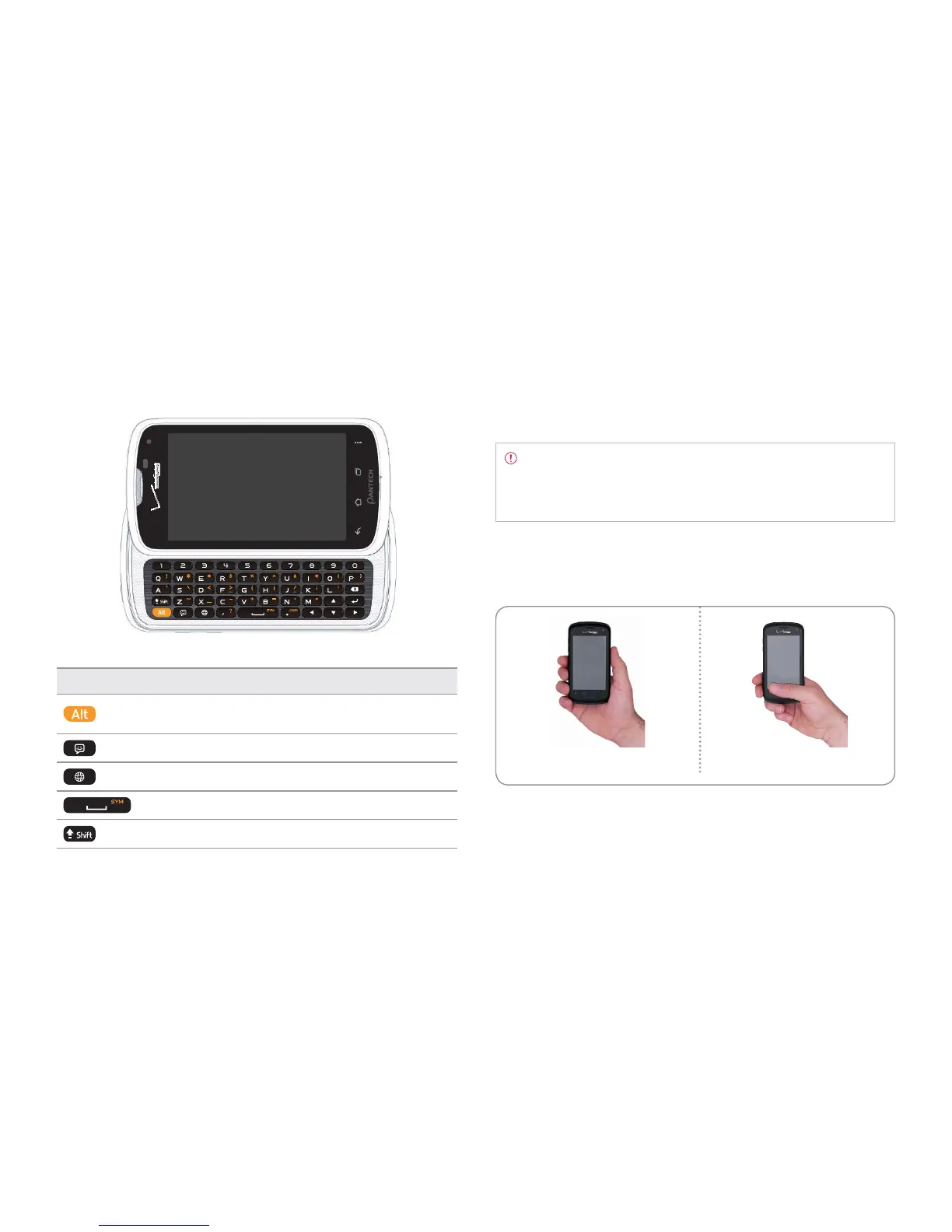
QWERTY keypad
Key Description
Enters the secondary character on the right of
each key
Accesses the new message screen
Accesses the Browser
Enters a space
Enters the capital letter for each key
Using the headset jack
You can control your device’s accessories by inserting the connector into
the 3.5 mm Headset Jack on your phone.
Note Standardized stereo earphones that support common call
management features including making and answering calls may
not have been manufactured. Therefore, the phone may not be
compatible with some stereo earphones.
Gripping Marauder™
It is strongly recommended that you hold the Marauder
TM
in the right
position for a call as indicated below:
Correct Incorrect
x Make sure not to block the antenna embedded in the Marauder
TM
.
Check the location of the antenna on the illustration on page 11.
x Do not wear metal accessories on your hand. It may affect the quality
of calls.
x Do not hold the handset too close to your face, as you may block the
microphone and prevent others from hearing you clearly.



 To Next Page