73
STARTER MODE l MENU FUNCTION
Doc Viewer
Read documents that are stored in a variety of formats in the Marauder
TM
.
Reading documents
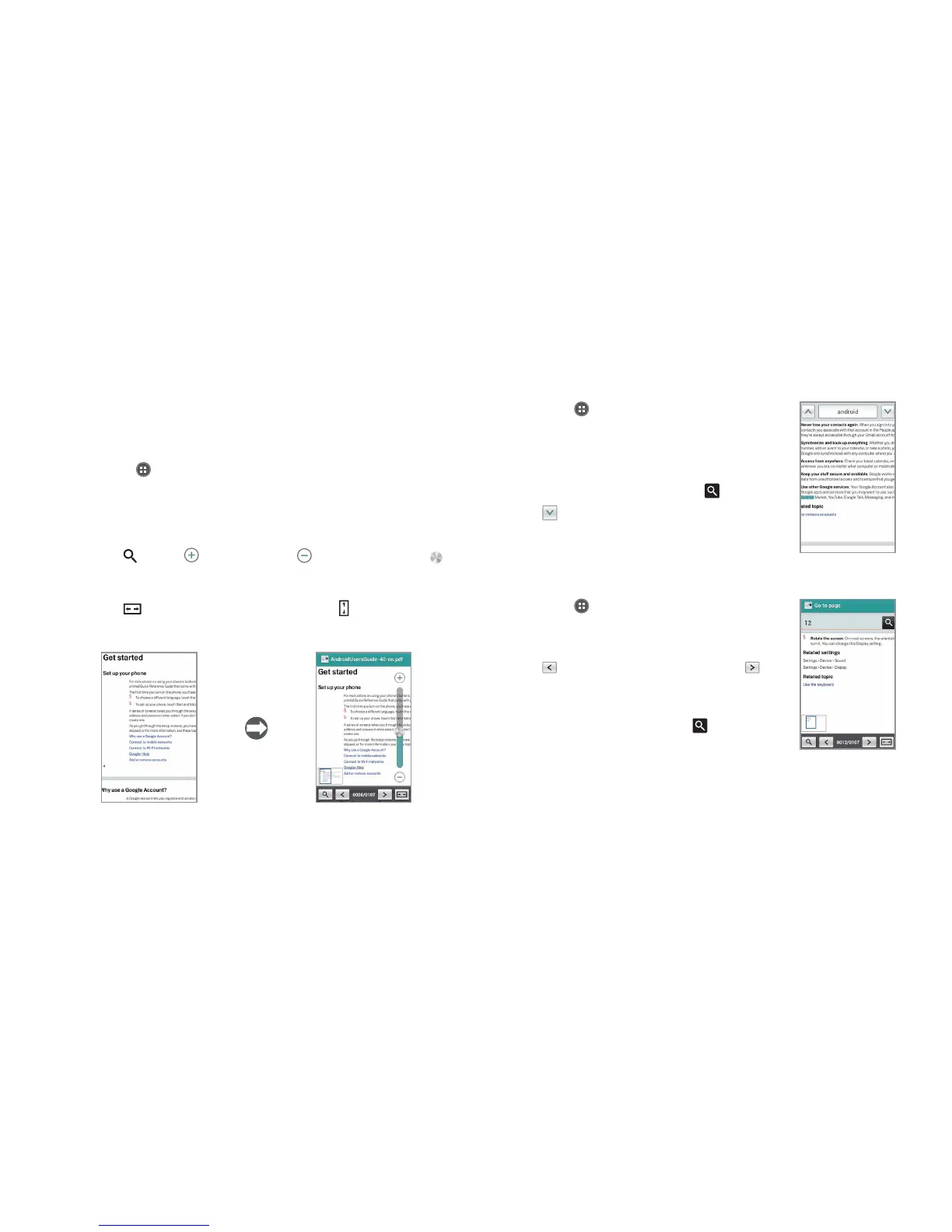
1 Tap Apps from the Home Screen and tap Media > Doc Viewer.
2 Select and tap a document to read.
3 Tap anywhere on the screen while a document is open.
4 In order to read a document:
x Tap
and tap to zoom in or tap to zoom out, or drag
downwards or upwards. You can also zoom in by pinching your
fingers apart, and zoom out by pinching your fingers together.
x Tap
to fit the document to width. Or tap to fit the document
to height.
Full view Selecting options
Searching for words in a document
1 Tap Apps from the Home Screen and tap
Media > Doc Viewer.
2 Open a document.
3 Tap
B
and tap Word search.
4 Enter a word to search for and tap
.
5 Tap
to see the word that you have
searched for in the next sentence or page.
Moving to a page in a document
1 Tap Apps from the Home Screen and tap
Media > Doc Viewer.
2 Open a document and tap the screen.
3 Tap
to move to the previous page. Tap
to move to the next page.
4 Tap
B
and tap Go to page.
5 Enter the page to go to and tap
.



 To Next Page