STARTER MODE l MENU FUNCTION
74
Weather
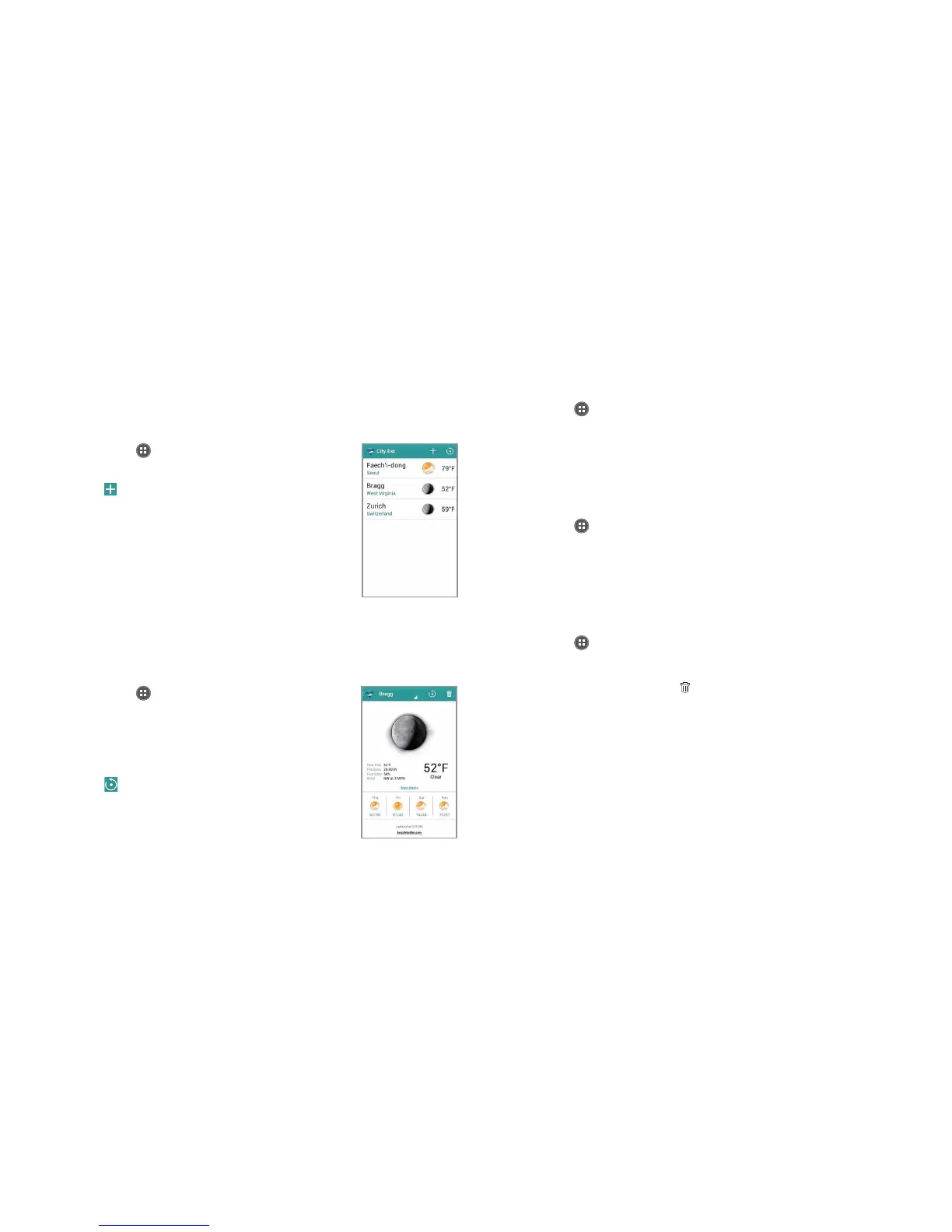
Creating list of cities
1 Tap Apps from the Home Screen and tap
More Apps > Weather.
2
Tap . Tap Add my location to city list to add
your current location to the city list for weather
information. Tap OK if you did not set up the
location service, and follow the instructions
.
3 Type the name of the city you want, or swipe
the screen upwards while you type and
tap a city. Weather information of the city
appears in the list. You can add up to 15 cities
in the list.
Viewing weather information
1 Tap Apps from the Home Screen and tap
More Apps > Weather.
2 Select and tap a city in the list you want to
see. You can see the weather forecast for the
next four days including today.
3 Tap
to update weather information.
Weather
information
Changing the temperature unit
1 Tap Apps from the Home Screen and tap More Apps > Weather.
2 Tap
B
and tap Settings.
3 Tap O or P. The temperature scale changes from Fahrenheit to
Celsius.
Updating weather information automatically
1 Tap Apps from the Home Screen and tap More Apps > Weather.
2 Tap
B
and tap Settings.
3 Tap the box below Auto update and tap the interval for weather
update.
Deleting a city
1 Tap Apps from the Home Screen and tap More Apps > Weather.
2 Tap
B
and tap Delete.
3 Tap the city to delete and tap
.



 To Next Page