STARTER MODE l MENU FUNCTION
72
x Tap Auto silence to set the time when the alarm is silenced, and
tap the time.
x Tap Button setting to assign a button action for the volume key
during an alarm, select and tap an option.
x Tap Set default ringtone to set the default ringtone for alarm, and
tap the ringtone.
Calculator
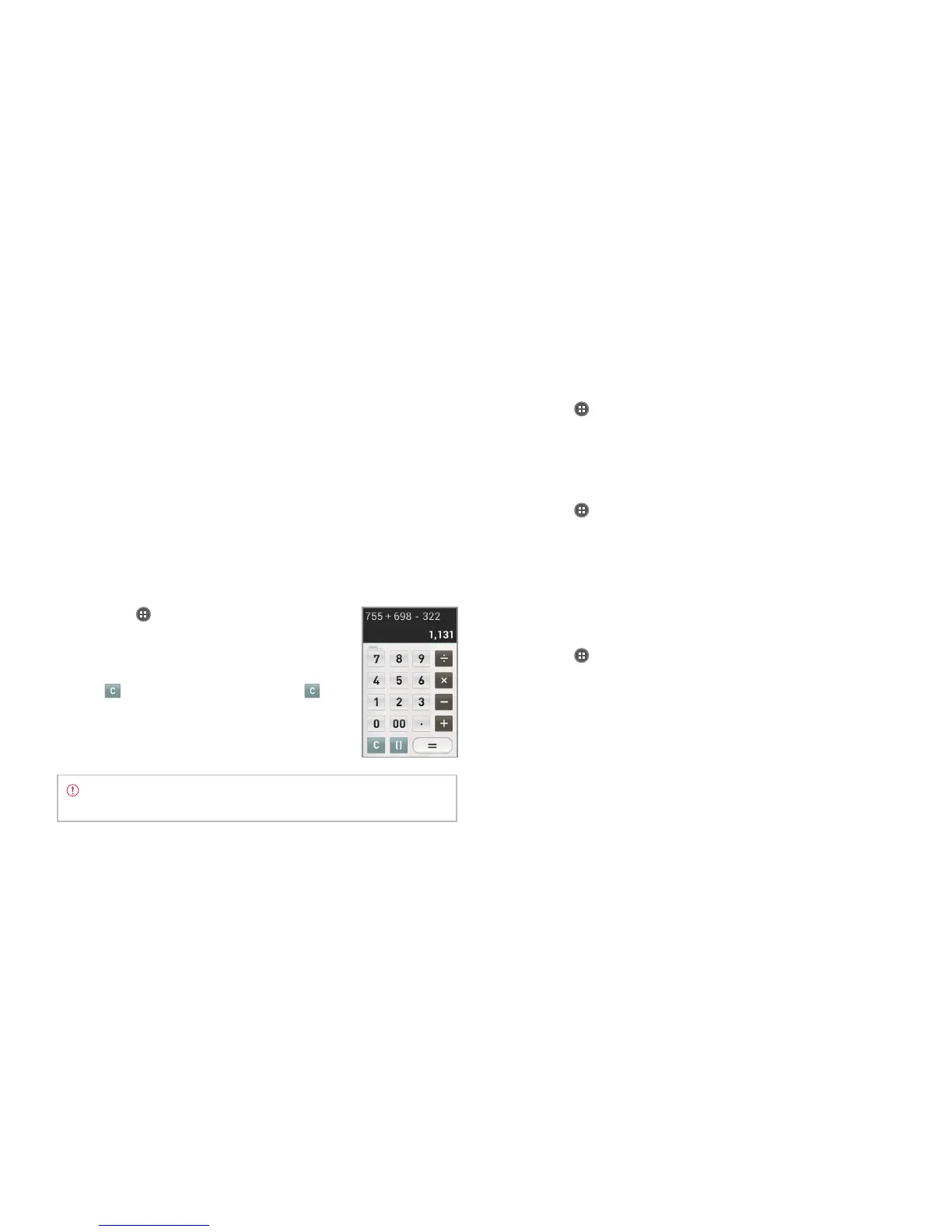
Perform basic mathematical calculations with the calculator in the
Marauder
TM
.
Doing calculations
1 Tap Apps from the Home Screen and tap
Tools > Calculator.
2 Enter a number and tap a mathematical sign
you want to use.
3 Tap
to delete a number. Tap and hold
to delete the whole number.
Note To make complicated calculations, turn the phone
horizontally.
Saving calculations
1 Tap Apps from the Home Screen and tap Tools > Calculator.
2 Tap
B
during a calculation and tap Save.
3 Enter a name and tap Done. The name appears on the screen.
Editing saved calculations
1 Tap Apps from the Home Screen and tap Tools > Calculator.
2 Tap
B
and tap List.
3 Tap and hold the calculation to edit and tap Edit.
4 Tap the calculation and edit it.
5 Tap
B
and tap Save.
Deleting calculations
1 Tap Apps from the Home Screen and tap Tools > Calculator.
2 Tap
B
and tap List.
3 In order to delete calculations:
x To delete a calculation, tap and hold the calculation to delete, and
tap Delete.
x To delete several calculations, tap
B
, tap Delete, tap the
calculations to delete (they will be highlighted in orange) and
tap Done.



 To Next Page