STARTER MODE l MENU FUNCTION
78
Deleting voice memos
1 Tap Apps from the Home Screen and tap Tools > Voice Recorder.
2 Tap
.
3 Before deleting voice memos:
x To delete a memo, tap and hold a memo to delete, and tap
Delete > OK.
x To delete several memos, tap
B
, tap Delete, tap memos to delete
and tap
.
Calendar
Adding an account
You should have an account to use the calendar. For details on Google
account, refer to the page 18.
Creating an event
1 Tap Apps from the Home Screen and tap
Tools > Calendar.
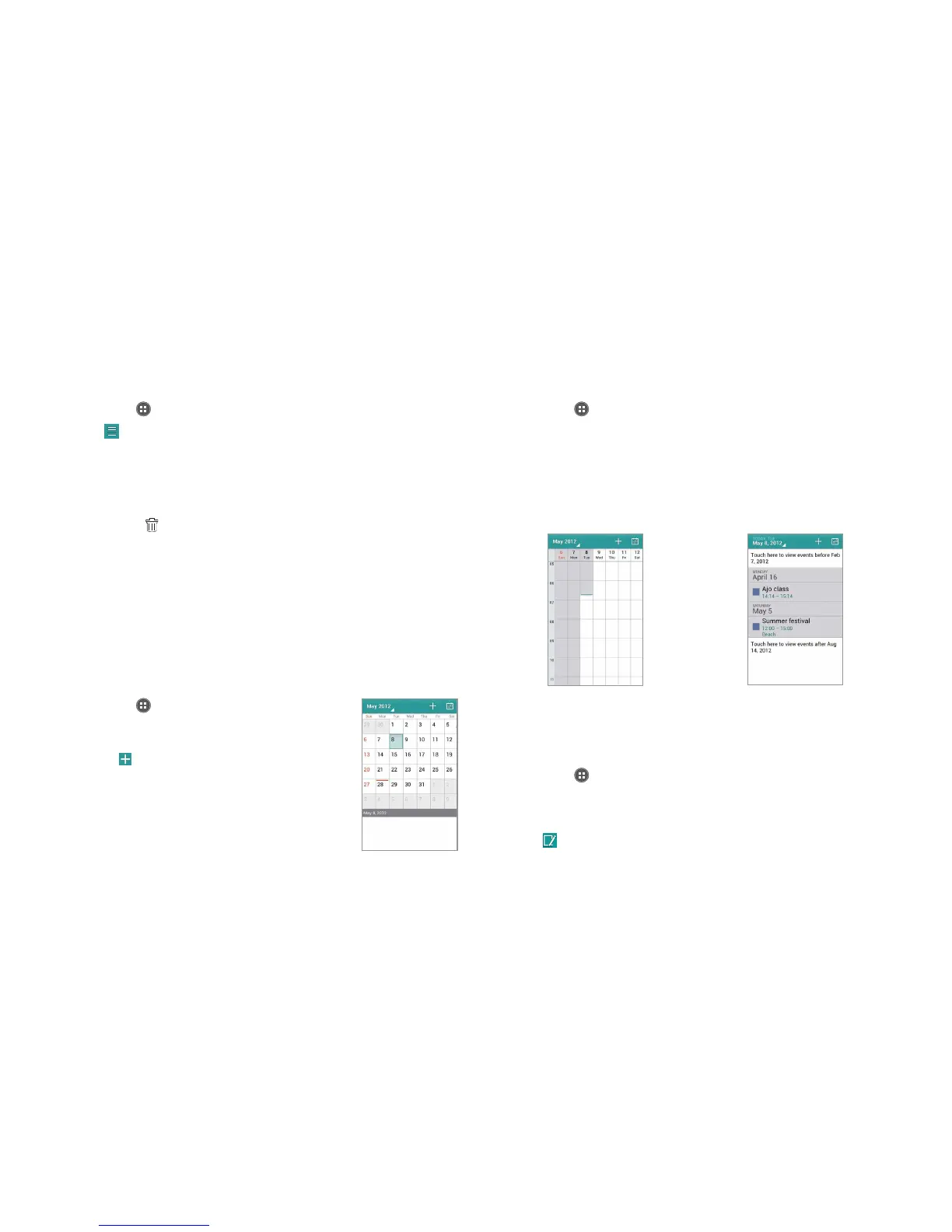
2 Tap and hold a day to add an event.
Or tap
on the top-right side of the screen.
3 Enter necessary information.
4 Tap Done.
Checking events
1 Tap Apps from the Home Screen and tap Tools > Calendar.
2 Double-tap a day that you want to view events for the day.
3 Tap the month on the top-left side of the screen and tap Day, Week
or Month to see events for a daily or weekly basis. Month view is
displayed by default.
4 Tap Agenda to see events in text mode.
Week view Agenda
Editing events
1 Tap Apps from the Home Screen and tap Tools > Calendar.
2 Tap the day that you want to edit events.
3 Tap the event that you want to edit.
4 Tap
.
5 Edit the event and tap Done.



 To Next Page