36
CALL & MESSAGES
Calling
Making a call
1 Tap Phone from the Home Screen.
2 Enter the area code and the phone number. Tap
to delete the
previous number. Tap and hold
to delete the whole number.
3 Tap to dial the number.
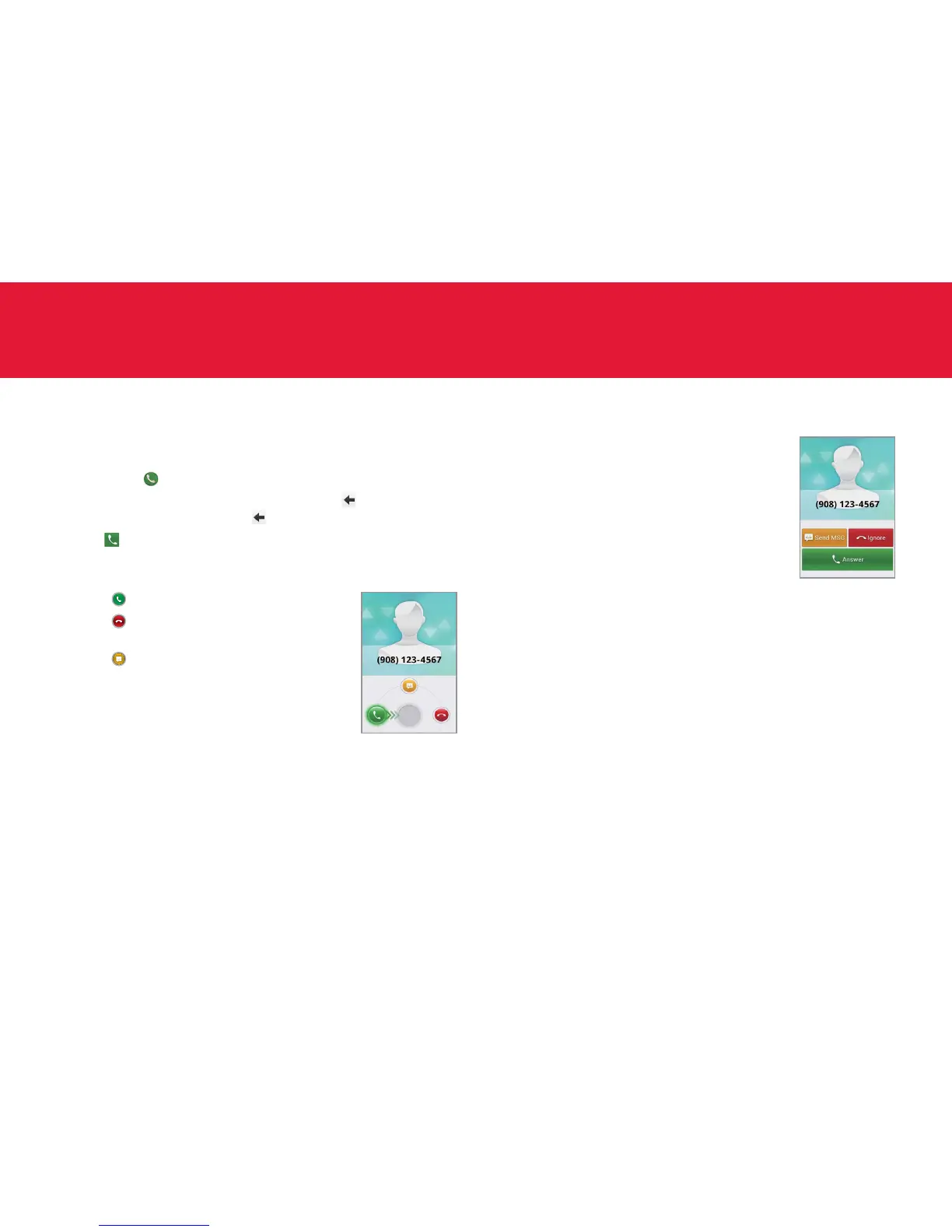
Answering and ending a call (screen off)
1 Drag to the center to answer the call.
2 Drag
to the center if you do not want to
answer the call.
3 Drag
to the center to send a message to
the caller.
4 Tap End to end the call during the
conversation. After ending a call, a call
summary appears.
Answering and ending a call (screen on)
1 Tap Answer to answer the call.
2 Tap Ignore if you do not want to answer
the call.
3 Tap Send MSG to send a message to the
caller.
4 Tap End to end the call during the
conversation. After ending a call, a call
summary appears.
Ending a call from other screen
1 Drag the status bar down while you are using other applications
in addition to calling. Note that you might not see the status bar
depending on applications that you are using. Then, tap A to access
the Home Screen and drag the status bar down.
2 Tap End call in the status bar. Or tap Current call in the status bar and
tap End in the call screen.



 To Next Page