65
STARTER MODE l MEDIA CENTER
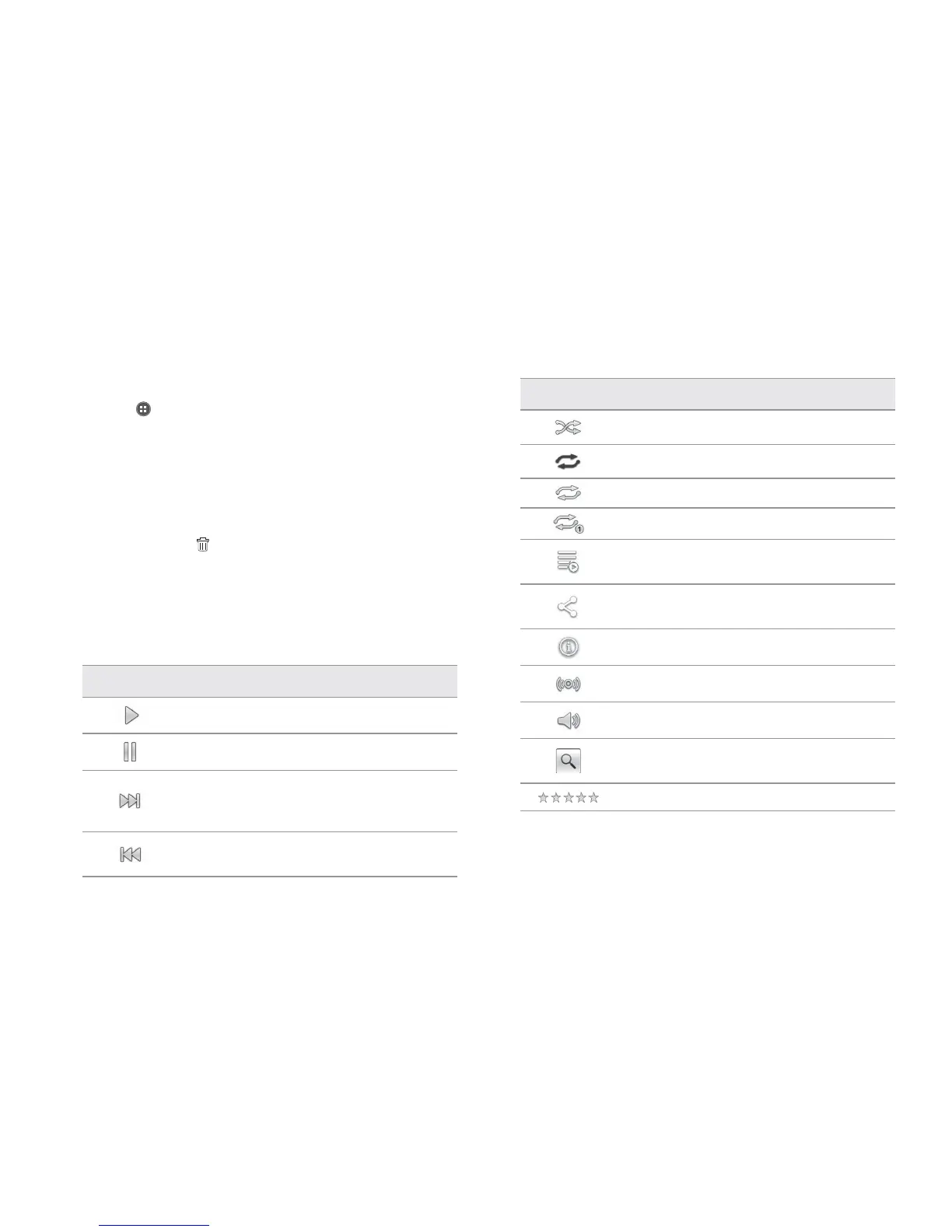
Icon Description
Shuffle: Shuffles songs (white); Shuffle is off (gray)
Repeat is off
Repeat: Repeats all songs
Repeats current song
Playing songs’ list: Shows the list of files that are
being played
Share: Shares information of the playing song
gathered through YouTube
Properties: Shows information of the playing song
EQ settings: Sets the equalizer
Sound: Sets volume
Search: Searches the playing song in the Browser,
Music Player, Play Music or YouTube
Rate: Rates the file
Managing playlists
1 Tap Apps from the Home Screen and tap Media > Music Player.
2 Tap Playlists on the top of the screen.
3 Tap and hold a playlist that you want to manage.
x To listen to all songs of the playlist, tap Play.
x To delete the playlist, tap Delete.
x To add tracks to the list, tap Add tracks and follow the instructions.
x To remove tracks from the list, tap Remove tracks, tap the song(s)
to delete and tap
.
x To create a new name for the playlist, tap Rename, enter the new
name and tap OK.
x Tap Upload to upload selected music files via Backup Assistant
Plus.
Music Player icons
Icon Description
Play: Plays a file
Pause: Pauses the song
Fast-forward: Fast-forwards the song (tap and
hold)
Next file: Moves to the next file (tap)
Rewind: Rewinds the song (tap and hold)
Previous file: Moves to the previous file (tap)


 To Next Page
 Loading...











