3: Using the BASIC Stamp Editor
BASIC Stamp Programming Manual 2.0c • www.parallaxinc.com • Page 41
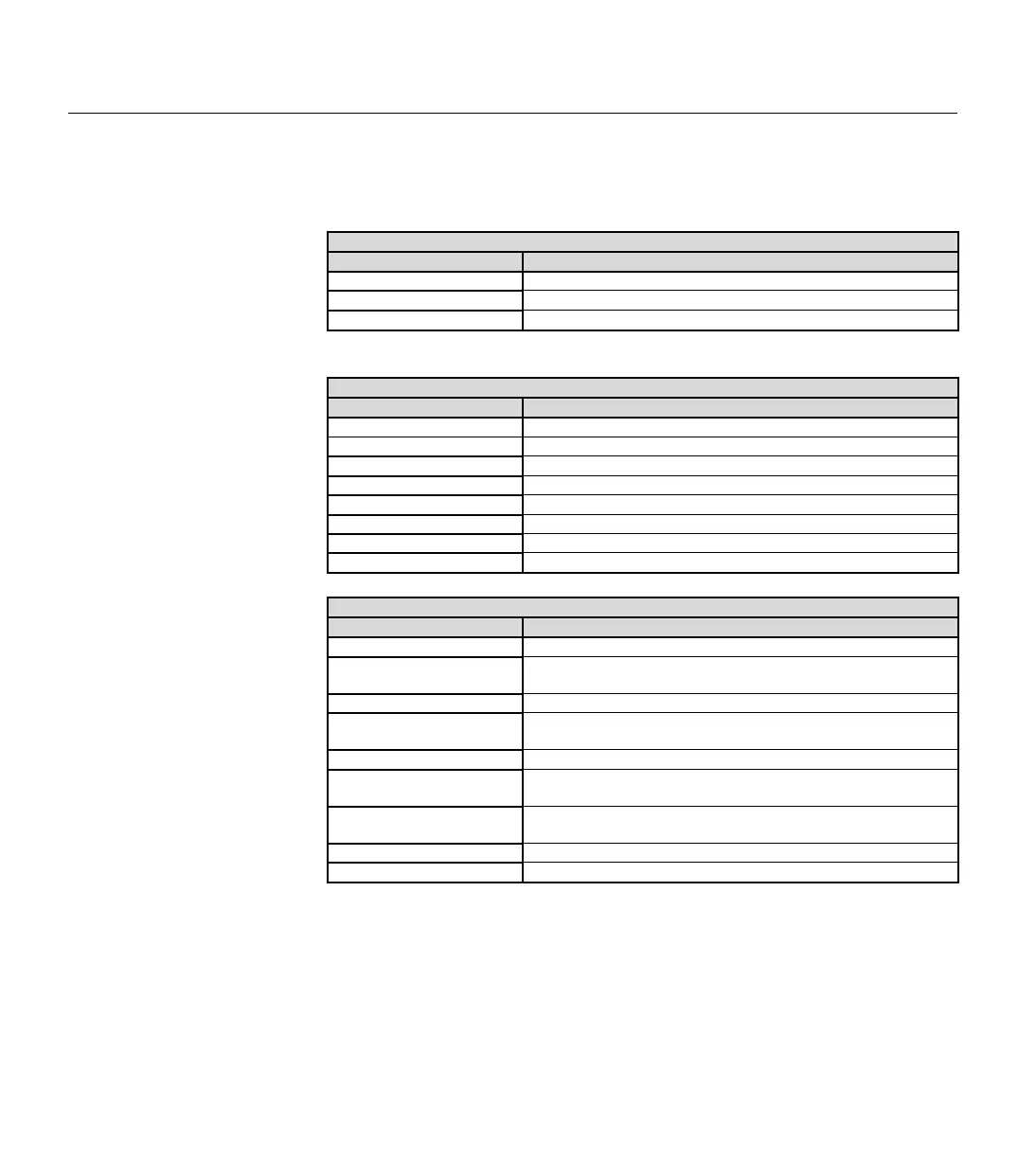
The following tables list the available keyboard shortcuts within the
BASIC Stamp Windows Editor.
File Functions
Shortcut Key Function
Ctrl+O Open a source code file into the Editor window.
Ctrl+S Save current source code file to disk.
Ctrl+P Print current source code.
Editing Functions
Shortcut Key Function
Ctrl+Z Undo last action.
Ctrl+X Cut selected text to the clipboard.
Ctrl+C Copy selected text to the clipboard.
Ctrl+V Paste text from clipboard to selected area.
Ctrl+A Select all text in current source code.
Ctrl+F Find or Replace text.
F3 Find text again.
F5 Open Preferences window.
Coding Functions
Shortcut Key(s) Function
F6 or Ctrl+I Identify BASIC Stamp firmware.
F7 or Ctrl+T
Perform a syntax check on the code and display any error
messages.
F8 or Ctrl+M Open Memory Map window.
F9 or Ctrl+R
Tokenize code, download to the BASIC Stamp and open
Debug window if necessary.
F11 or Ctrl+D Open a new Debug window.
F12
Switch to next window (Editor, Debug #1, Debug #2, Debug #3
or Debug #4)
Ctrl+1, Ctrl+2, Ctrl+3, Ctrl+4
Switch to Debug Terminal #1, Debug Terminal #2, etc. if that
Terminal window is open.
Ctrl+` Switch to Editor window.
ESC Close current window.
Software Interface (DOS)
This section describes the DOS versions of the BASIC Stamp Editor. See
the "Software Interface (Windows)" section for information on using the
Windows version. The DOS versions support only one BASIC Stamp
module; a separate DOS editor is available for each model of the BASIC
Stamp.
Table 3.3: Shortcut Keys for File
Functions (Windows editor).
Table 3.4: Shortcut Keys for Editing
Functions (Windows editor).
Table 3.5: Shortcut Keys for Coding
Functions (Windows editor).



 To Next Page