PGC, Inc. Appendix B; SmartPad version 0.503 Steady State & Programmable
November 2005 B-13
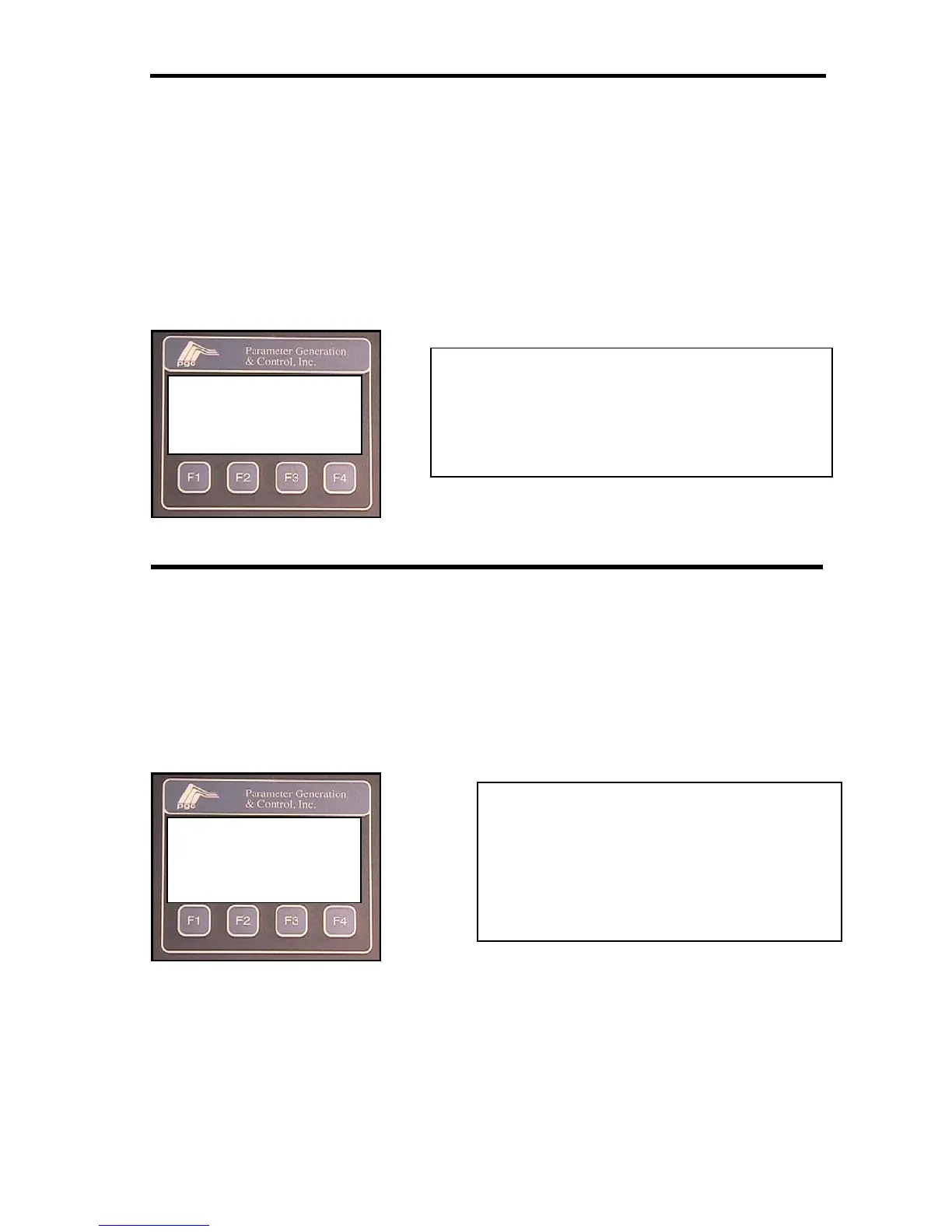
More Screens (Steady State and Prog Modes)
The more screen provides access to the alarm condition screen and the preference screen.
This screen will also display the serial number of the system, the SmartPad software
version number and the current operating mode.
Area Modification Screen
(Steady State and Prog Modes)
The area modification screen is the first screen that is encountered when the user’s custom
access code is entered into the access screen. This screen allows the user to select the user
accessible configuration options.
SmartPad SN: 1234567
Software ver. 502
STEADY STATE CASCADE
ALM PREF ESC
Key for function keys action
F1 = ALM: access the alarm information screen
F2 = PREF: access the access code screen
F3 = no function
F4 = ESC: return to process variable screen
CHOOSE THE AREA
YOU WISH TO MODIFY
CODE ALRM CAL TUNE
Key for function keys action
F1 = CODE: access the access code screens
F2 = ALRM: access the alarm screens
F3 = CAL: access the digital RTD
Calibration screen(s)
F4 = TUNE: access the tunin
screens


 To Next Page