PGC, Inc. Appendix B; SmartPad version 0.503 Steady State & Programmable
November 2005 B-16
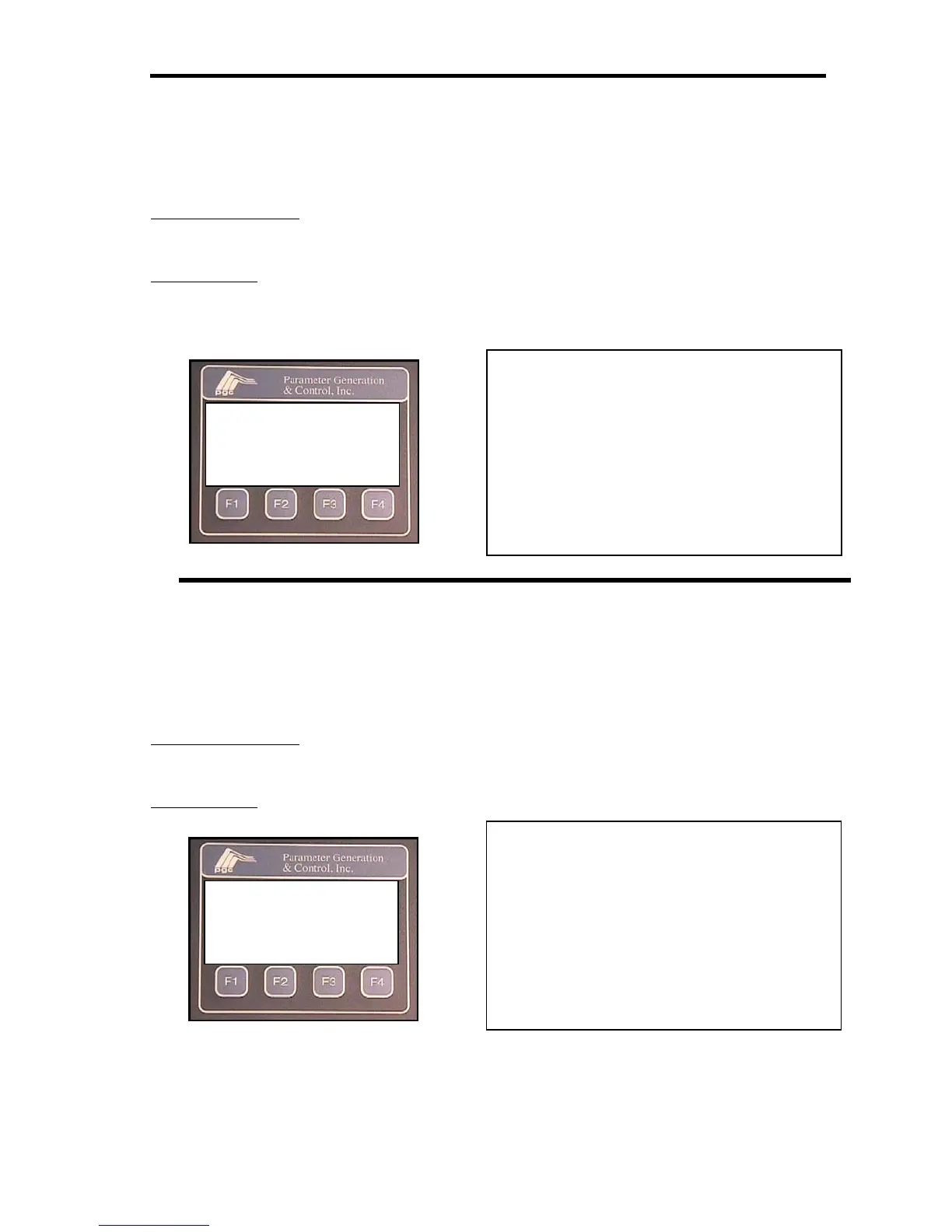
Water RTD ZERO Calibration Screen (Steady State and Prog Modes)
The first step in calibrating the water RTD is to set the zero or offset value. This value should be
as close as practical to the minimum operating temperature.
ACTUAL VALUE:
will indicate the current water temperature, as it is measured by the input
circuit. This value will change to indicate the calibration offset, after the CAL key is pressed.
REF. VALUE will indicate the reference value entered in the water RTD calibration screen
Water RTD SPAN Calibration Screen (Steady State and Prog Modes)
After the water RTD zero adjustment it is necessary to adjust the span or scaling factor for the
input. This adjustment will determine the slope of the calibration curve. This value should be as
close as practical to the maximum operating temperature.
ACTUAL VALUE:
will indicate the current water temperature, as it is measured by the input
circuit. This value will change to indicate the calibration offset, after the CAL key is pressed.
REF. VALUE
will indicate the reference value entered in the water RTD calibration screen
H2O RTD ZERO CALIB
ACTUAL VALUE 03.9°C
REF. ACTUAL 04.0°C
CAL DONE
Key for function keys action
F1 = CAL: instructs the A/D converter to
accept the new zero offset value.
F2 = no function
F3 = no function
F4 = DONE: allows the user to exit the
screen after the offset value has been
accepted. Returns to the water RTD
calibration screen
H2O RTD SPAN CALIB
ACTUAL VALUE 03.9°C
REF. ACTUAL 04.0°C
CAL DONE
Key for function keys action
F1 = CAL: instructs the A/D converter to
accept the new span value.
F2 = no function
F3 = no function
F4 = DONE: allows the user to exit the
screen after the offset value has been
accepted. Returns to the water RTD
calibration screen


 To Next Page