PGC, Inc. Appendix B; SmartPad version 0.503 Steady State & Programmable
November 2005 B-14
Alarm Condition Screen (Steady State and Prog Modes)
The alarm condition screen indicates the status of all alarms in the system.
Line two will indicate the current alarm or no alarm if the system is not in an alarm condition. If
multiple alarms occur only the first alarm will be displayed.
Line three indicates the alarm delay. This is a user defined delay timer for the alarm. An alarm
condition will not trigger an alarm until the alarm delay timer has expired. Line two will display
the alarm as soon as it occurs and line three will begin to decrement the timer. If the alarm
condition is corrected before the alarm delay timer expires no alarm will occur. If the alarm
condition is not corrected and the alarm delay timer expires the display will flash on a one
second interval and the alarm output will change state.
ACK will acknowledge the alarm condition. This will cause line two to display “ALARM ACKNOWLEDGED”.
This is not the same as resetting the alarm. Acknowledge will keep the display from flashing but will not reset the
open collector output. The purpose of the acknowledge function is to allow better access to the screens without the
flashing display. As long as the alarm is acknowledged no new alarms will be recognized.
RESET
will reset the alarm system. The display will cease to flash. The open collector output will open. Any new
alarm will trigger the alarm delay timer and will be recognized if the timer expires.
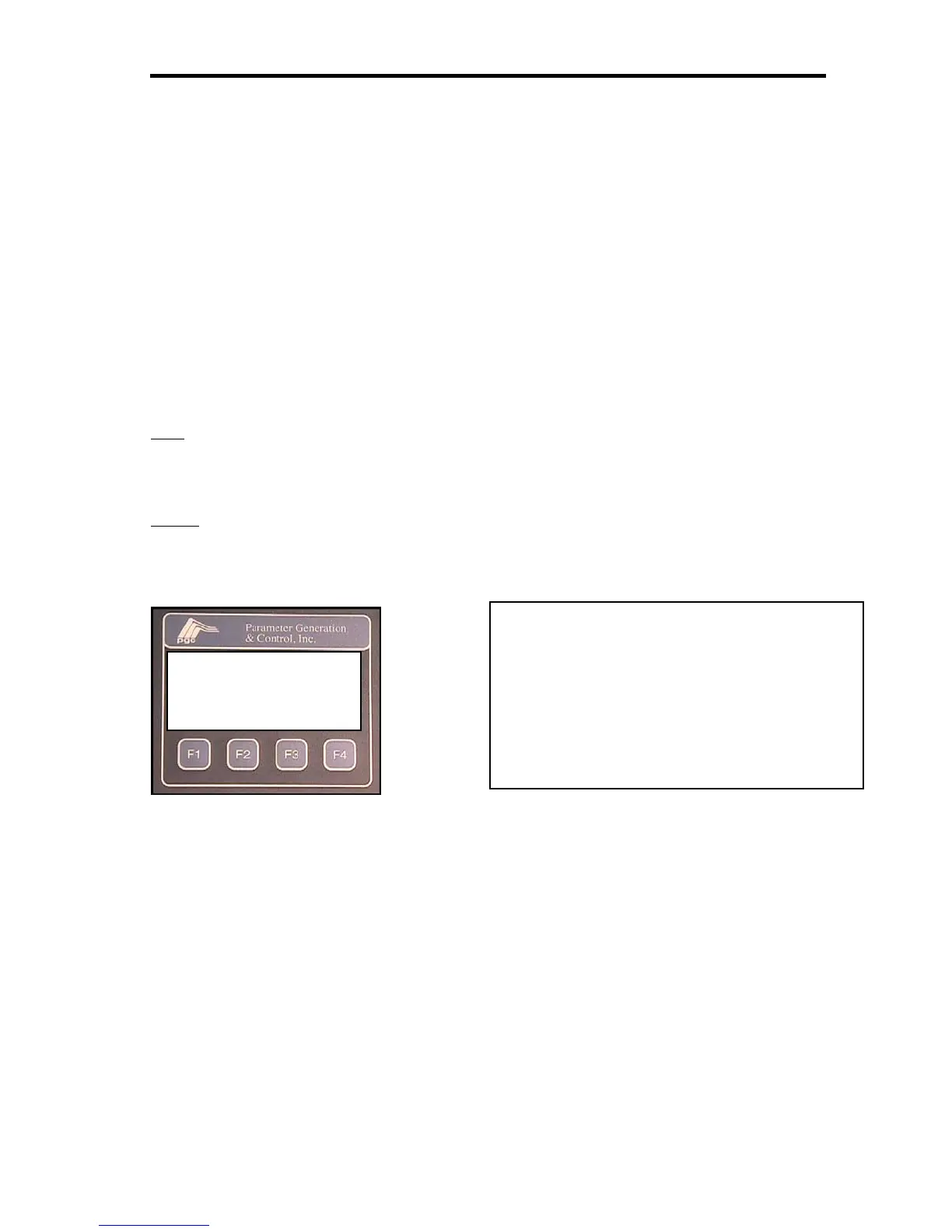
* ALARM CONDITION *
CURRENTLY NO ALARM
ALARM DELAY 00:00:10
ACK RESET ESC
Key for function keys action
F1 = ACK: acknowledge an alarm but not
reset the output
F2 = RESET: reset the alarm and alarm
output
F3 = no function
F4 = ESC: return to process variable screen


 To Next Page