PGC, Inc. Appendix B; SmartPad version 0.503 Steady State & Programmable
November 2005 B-5
Process Variable Screen (Steady State Mode)
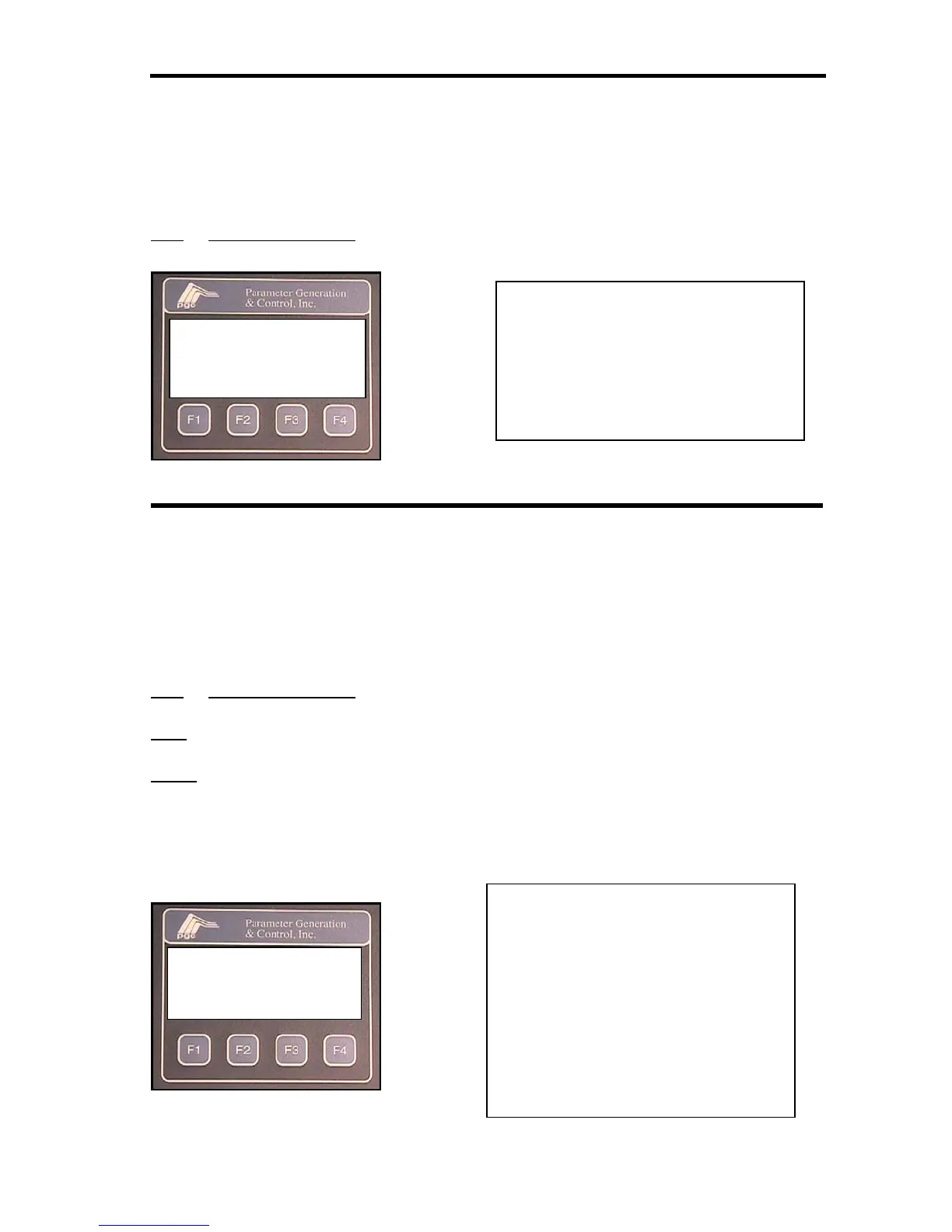
The process variable screen displays the measured air temperature and relative humidity or water
temperature (depending on the operating mode chosen).
Depressing the ESC function key on any screen will access the process variable screen.
AIR
or RH/H2O ACTUAL indicates the current measured conditions in the chamber.
Process Variable Screen (Programmable Mode)
The process variable screen displays the measured air temperature and relative humidity
or water temperature (depending on the operating mode chosen) as well as the current
segment and the time left in that segment.
Depressing the ESC function key on any screen will access the process variable screen.
AIR or RH/H2O ACTUAL indicates the current measured conditions in the chamber.
SEG indicates the current segment.
TIME
indicates the time left in the current segment. If the program is running the time
will be decrementing. If the program is halted the time will be static.
AIR ACTUAL 23.0ºC
RH ACTUAL 50.0
%
SP OUT
MORE
Key for function keys action
F1 = no function
F2 = SP: access set point screen
F3 = OUT: access output screen
F4 = MORE: access screen
AIR ACTUAL 23.0ºC
RH ACTUAL 50.0%
SEG 01 TIME00:00:05
HALT PROG SP MORE
Key for function keys action
F1 = Toggles from RUN to HALT to
start or stop the program.
F2 = PROG: access program entry
screen
F3 = SP: access the set point monitor
screen
F4 = MORE: access preferences
screen


 To Next Page