InspectRx200 Operator Guide | 1 - InspectRx200 Operator Guide | 32
Step Three: Clean the Transport
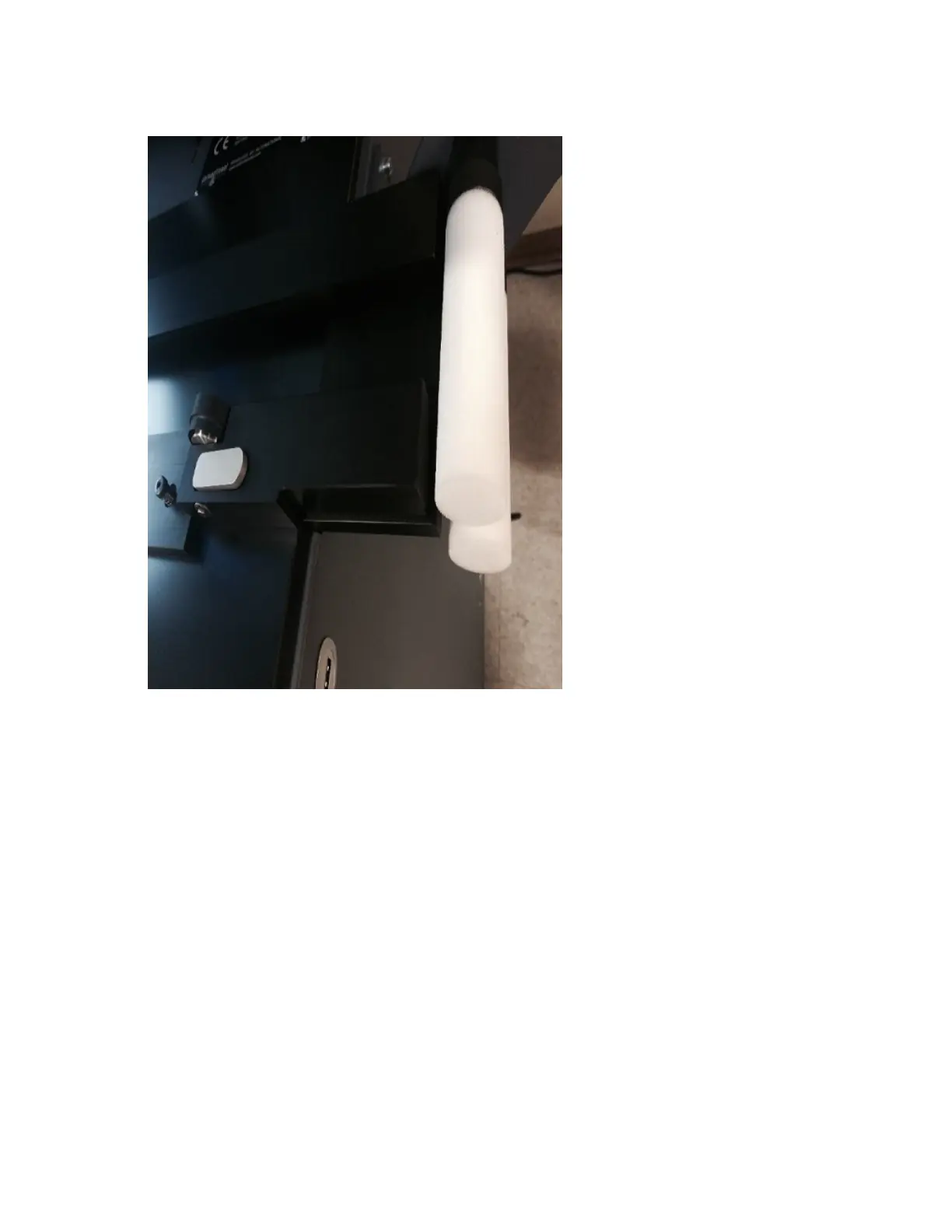
• Clean the transport track of the machine with a soft cloth. Do this by pulling the handles of the
transport track slightly back. This causes the belt to appear. Look for plastic pieces and pill dust.
•
Clean the POM plate of the transport area (and that of the Collector if present) with an alcohol-
moistened cloth.



 To Next Page