InspectRx200 Operator Guide | 1 - InspectRx200 Operator Guide | 33
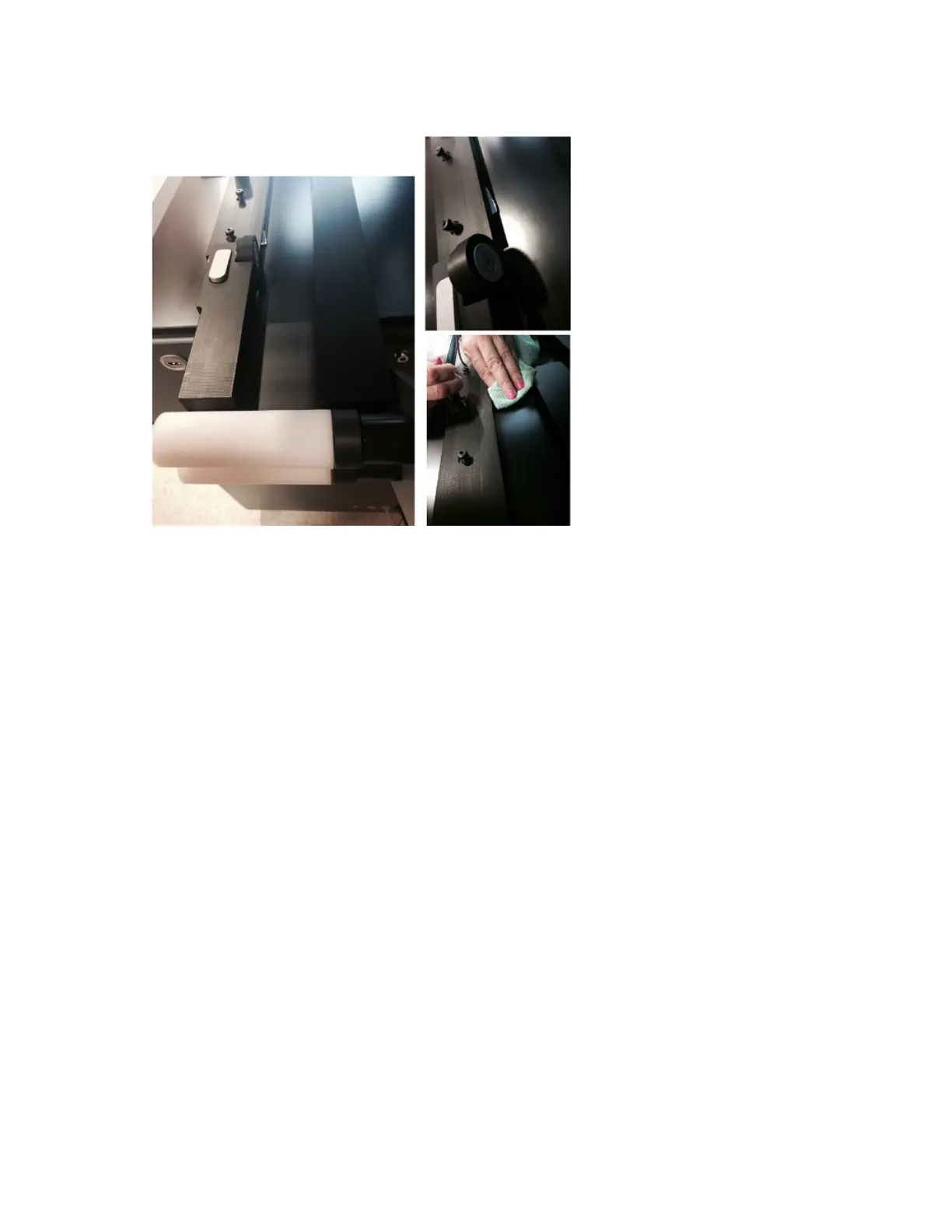
Step Four: Clean the Glass Plate
• Remove and clean the glass plate on both sides with an alcohol-moistened cloth.
• Carefully clean the inside of the lower dome, using an alcohol-moistened cloth, if necessary.
• Clean the lens of the lower camera using a vacuum cleaner. Do not touch the dome or lens with
the nozzle of the vacuum cleaner, keep it one or two inches (2-5 cm) above the lens.
• Look for plastic, glass and rubber pieces.
•
Return the glass plate to its location.



 To Next Page