InspectRx200 Operator Guide | 1 - InspectRx200 Operator Guide | 34
Step Five: Open the Top Cover
CAUTION: Be sure the E-stop has been pressed before opening the unit.
Step Six: Clean the Sticker Unit
1.
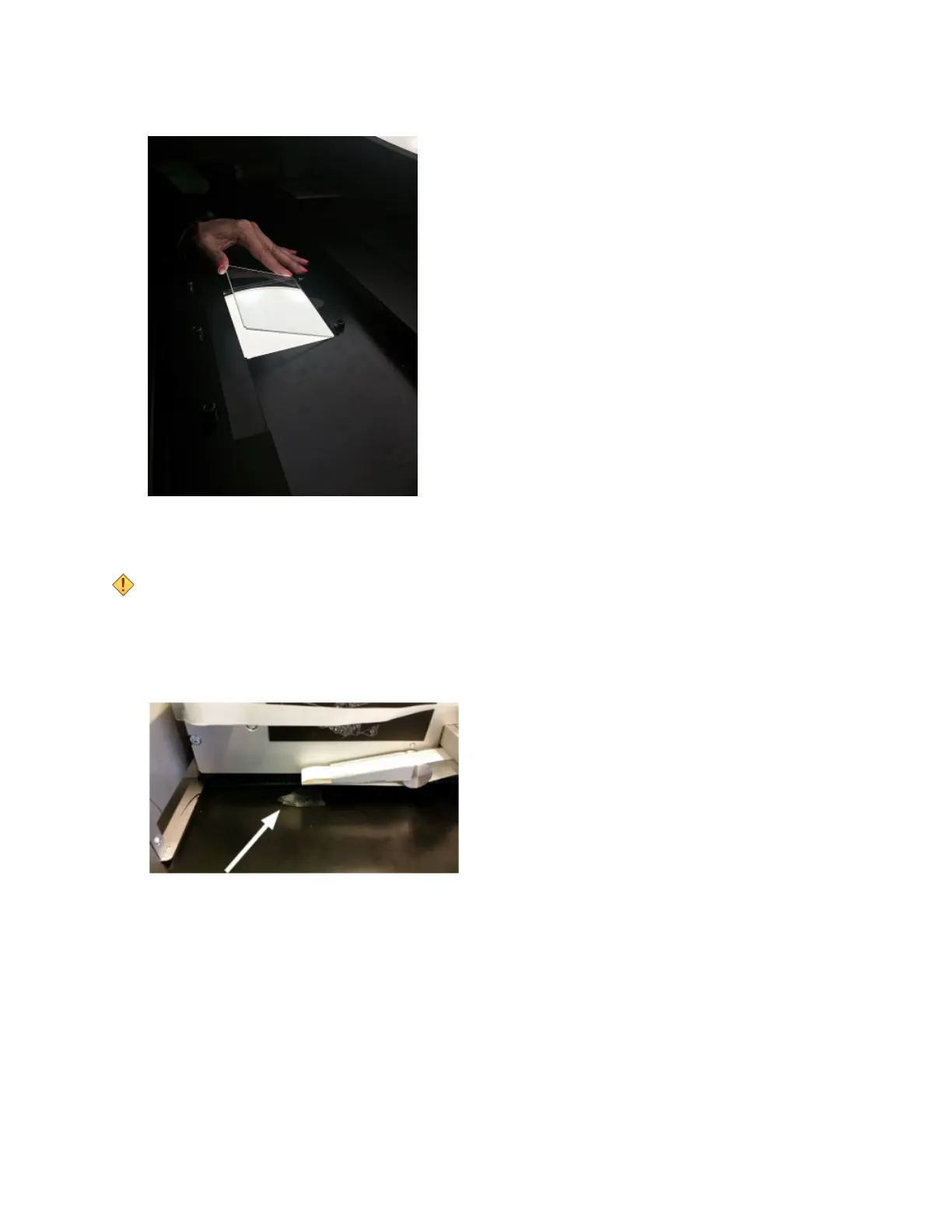
Clean sticker remains from the sticker drop-off point on the POM plate.
2.
Clean all guiding rollers of the sticker unit.



 To Next Page