Customer Guide
HPAC Cell Cleaning
©2015 Parata Systems, LLC page 14 of 40 Parata Technical Assistance Center
120-0465 Rev 03 1-888-PARATA1 (727-2821)
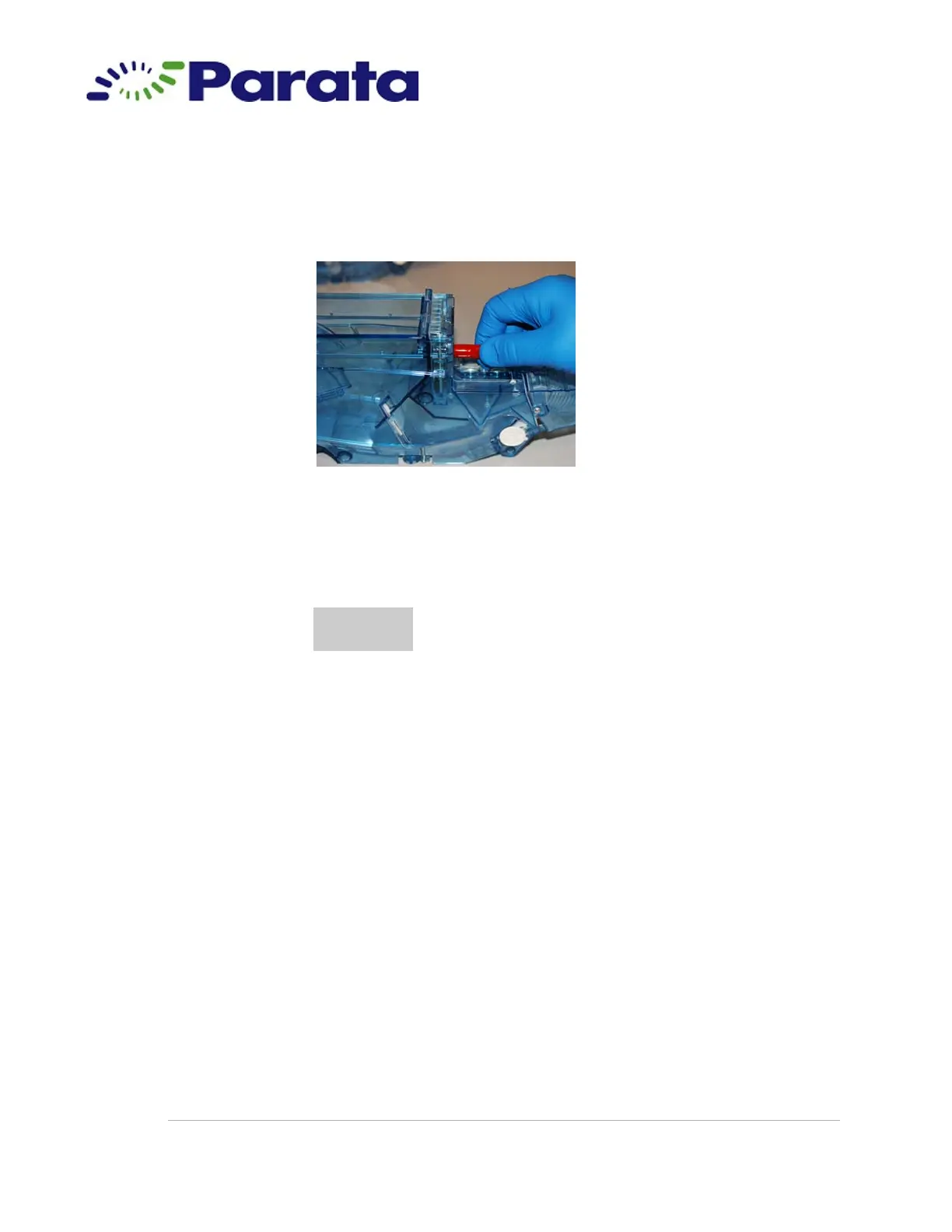
1.15 Install a stem cap.
1.15.a Obtain a stem cap from the cleaning kit. Place it on the stem on the
front of the cell and press firmly to slide it on as far as it will go.
Step 1.15.a
1.15.b Gently pull on the stem cap to make sure that it is secure. If it moves
easily or comes off, discard the stem cap and obtain another one from
the kit.
1.16 Verify that the cell is ready for cleaning:
• Pills removed
• Pleated breather removed from the top of the cell
• Foam breather removed from the nozzle cover
• Nozzle cover replaced
• Cell door closed
• Baffle covers removed (one from each side of cell)
• Drug label removed (if applicable)
• Splash guard removed
• Adhesive residue removed from all areas on the cell
• Cap placed on the stem
CAUTION
The cap must fit snugly to prevent liquid from getting into the
cell.



 To Next Page