Customer Guide
HPAC Cell Cleaning
©2015 Parata Systems, LLC page 8 of 40 Parata Technical Assistance Center
120-0465 Rev 03 1-888-PARATA1 (727-2821)
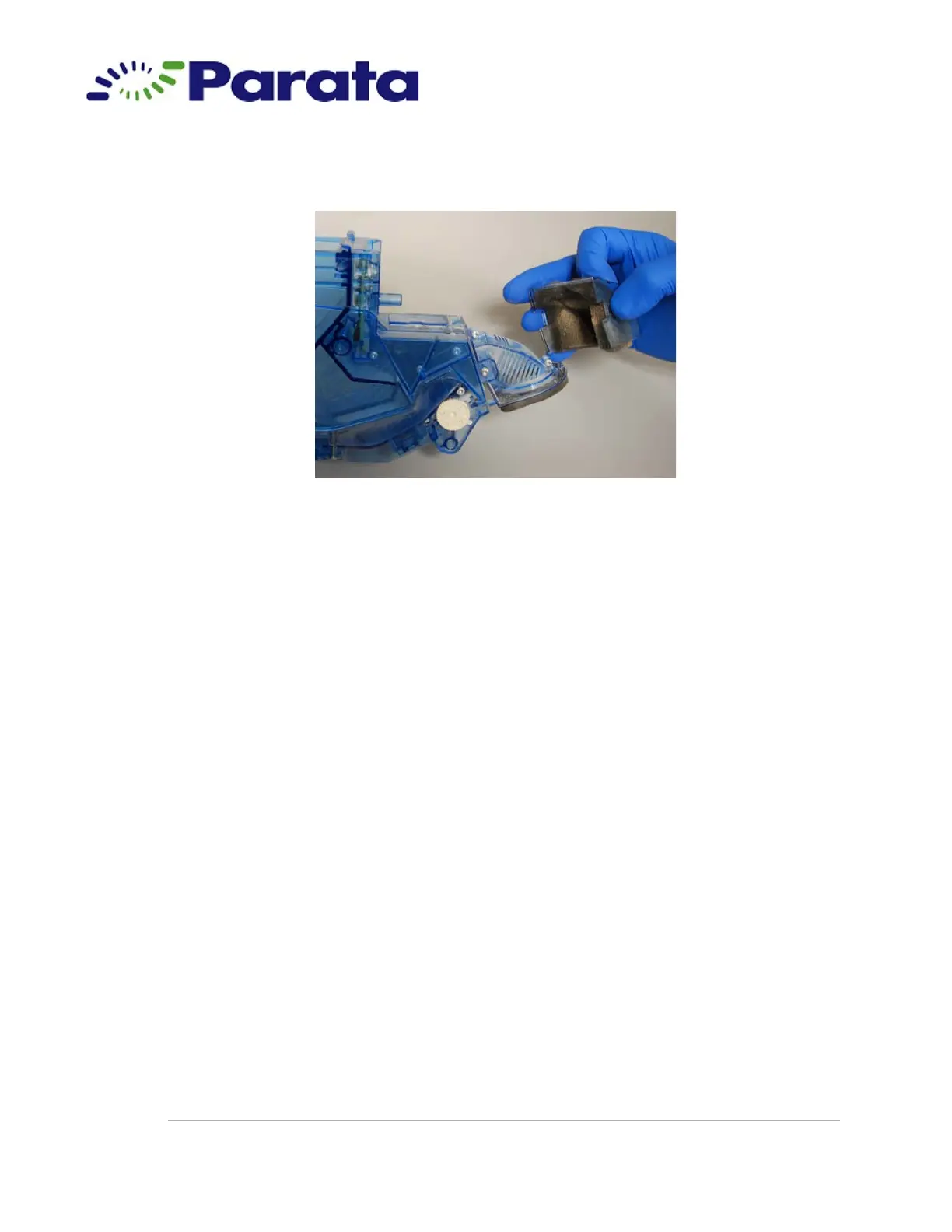
1.8.f When the nozzle cover detaches from the nozzle, pull it away from the
cell.
Step 1.8.f
1.8.g Remove the foam breather from the nozzle cover and dispose of it
according to pharmacy policy.
Note You will replace the foam breather you removed here with a new
one later in the procedure. A new foam breather is included in the
cleaning kit.
1.9 Place the nozzle cover back on the cell:
1.9.a Hold the nozzle cover by the rounded end, with the top grid facing up.
1.9.b Slide the nozzle cover onto the nozzle so that the cutout on each side
of the cover aligns with the corresponding tab on each side of the
nozzle.



 To Next Page