21
Settings
Settings
Within the FreeFlight Pro application, press to access the Parrot Bebop 2 settings
menu.
Slide the screen right or left to access the different settings screens.
Press to reset the Parrot Bebop 2 to factory settings. This action deletes your settings
and preferences, photos and videos stored in the Parrot Bebop 2's internal memory.
Note:
You can also reset the Parrot Bebop 2 without the Parrot Bebop 2 application. To
do so, switch the Parrot Bebop 2 on and press the on/off button for 10 seconds.
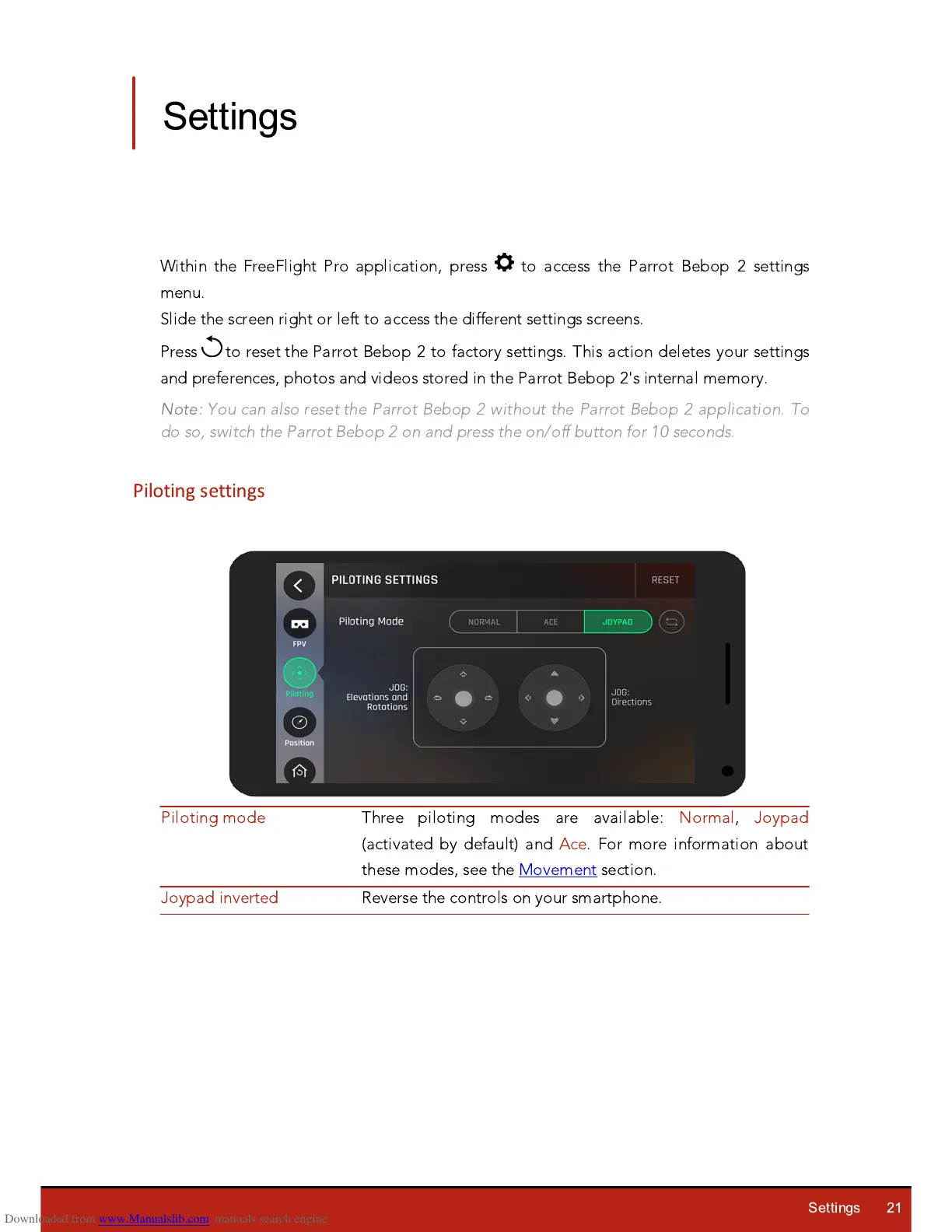
Piloting settings
Three piloting modes are available: Normal,
J
oypad
(activated by default) and Ace. For more information about
these modes, see the Movement section.














 To Next Page