7200 Monitor Instruction Manual
7 Configuration
7.1 Menu Mode
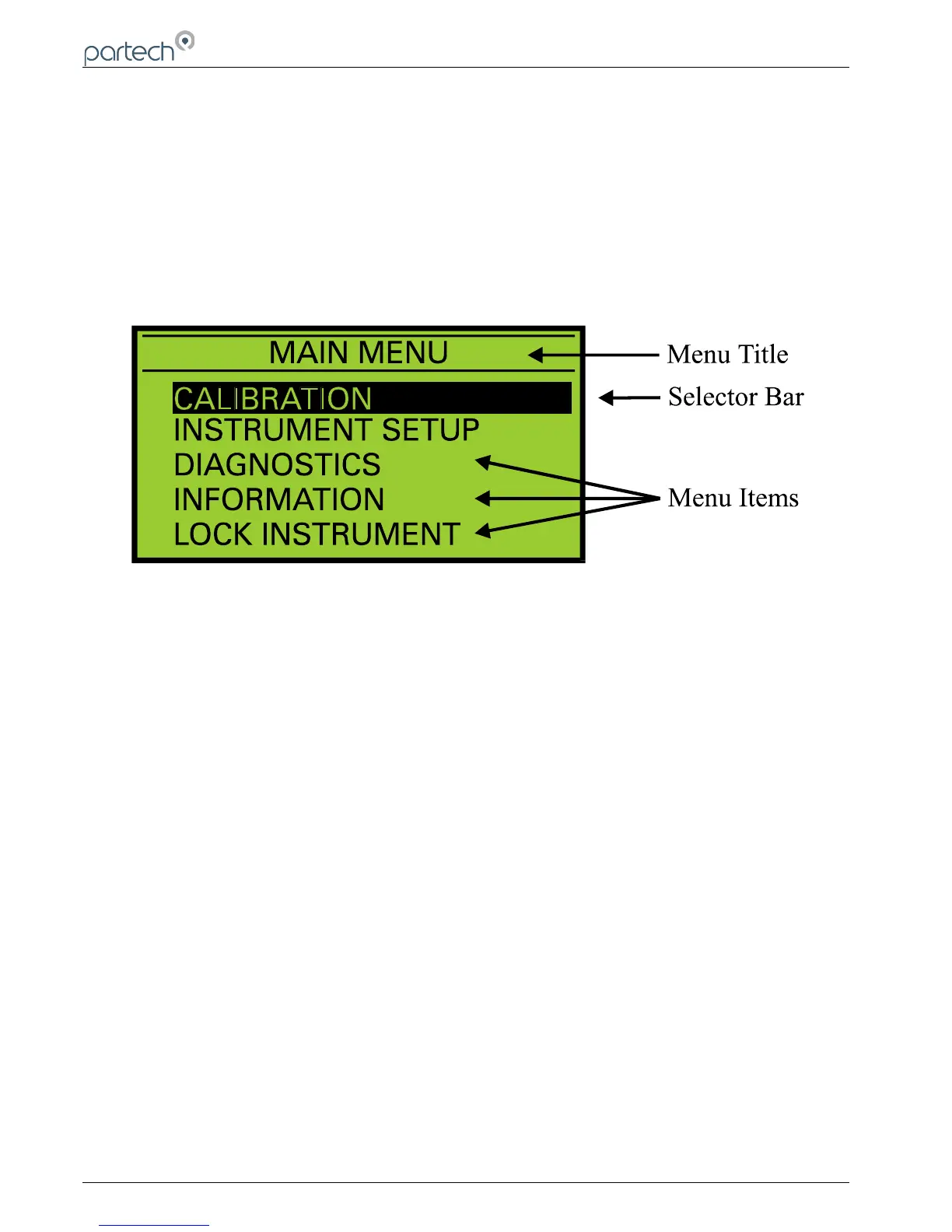
To access the main menu, press the MENU key when the instrument is in measure mode. Pressing the MENU key
when the main menu is displayed will return the instrument to the measure mode. When the main menu is displayed,
the keys can be used to move the selection bar. Pressing the OK key will activate the selected item.
If the instrument is left in any display other than measure mode, it will automatically return to menu mode after one
minute has passed with no key presses. (When the cycle alarm or cycle output facilities are being used the delay is 15
minutes)
When a sub menu is displayed, pressing the MENU key will exit the current menu and return to the previous menu. If a
menu consists of more than five items, UP and DOWN arrows will appear to indicate if there are menu items above or
below those displayed.
Page 14 of 50 167300IM-Issue 12 Issue Date 14/10/2014
Menu Display



 To Next Page