7200 Monitor Instruction Manual
The alarm hysteresis value can be adjusted between 0 – 10% of the selected display range using the keys.
Pressing OK key will enter the new value, pressing the MENU key cancels any changes made and exits from the
hysteresis set up.
10.4 Fault Alarm Setup
When the alarm type is set to fault, the alarm fault setup determines which faults the alarm output will signal (at least
one fault must be selected for the alarm output to work).
The faults that can be signalled by the alarm are displayed as a list, the enabled faults are indicated by small ticks. To
enable a fault, use the keys to highlight the required fault and press the OK key. A small tick will appear next to the
selected fault. To disable a fault, use the keys to select it and press the OK key, the small tick will disappear.
Note: The instrument faults are defined elsewhere within this manual.
10.5 Delay to Set
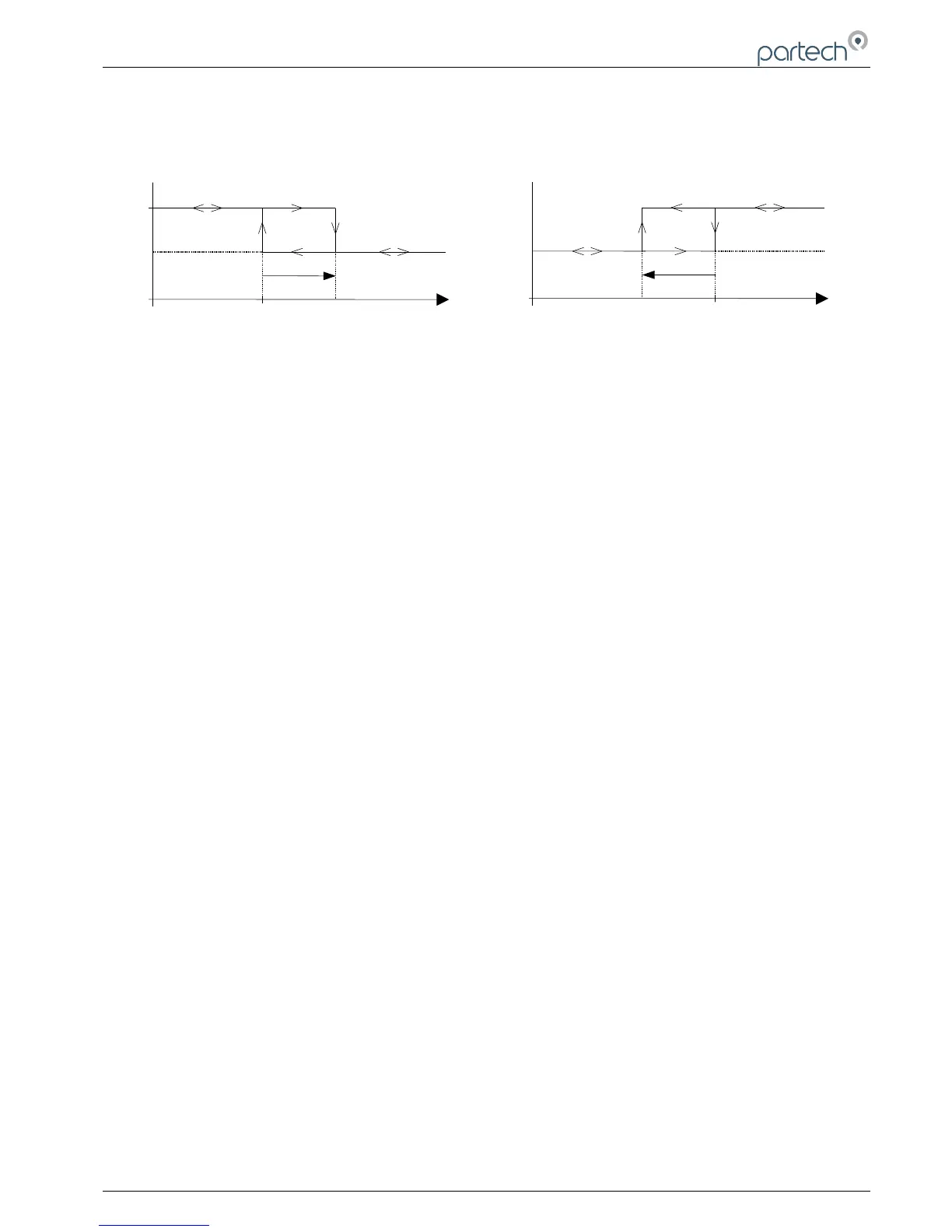
A delay can be introduced between conditions for an alarm turning on being met and the alarm actually turning on. At
any time during a delay, if the conditions for turning the alarm on disappear, then the delay will end and the alarm will
remain off (no change). The delay to set can be varied between 0-600 seconds using the keys. Pressing OK
will store the new value.
10.6 Delay to Reset
A delay can be introduced between conditions for an alarm turning off being met and the alarm actually turning off.
Such a delay can be varied between 0-600 seconds. At any time during a delay, if the conditions for turning the alarm
off disappear, then the delay will end and the alarm will remain on (no change).
10.7 Test Alarm Output
This facility enables the alarm output to be tested to enable verification of its operation and also to check that
equipment connected to it is working properly. By using the keys the alarm output can be toggled between its
NORMAL (OFF) and ALARM (ON) conditions. Press the OK or MENU key to exit.
10.8 Alarm Test Cycle
The alarm test cycle can be used when installing and configuring remote equipment on the alarm output. The alarm
output is automatically toggled between its NORMAL (OFF) and ALARM (ON) conditions every fifteen seconds and
will continue to do so for fifteen minutes after which the instrument will return to the measure mode. To exit the alarm
test cycle, press the OK or MENU key.
167300IM-Issue 12 Issue Date 14/10/2014 Page 23 of 50



 To Next Page