7200 Monitor Instruction Manual
11 Analogue Output
The following section describes the setting up of the analogue output. The analogue output has three modes of
operation as shown in the table below:
Output Type Low High
4 – 20 mA 4 mA 20 mA
0 – 20 mA 0 mA 20 mA
0 – 5 V 0 V 5 V
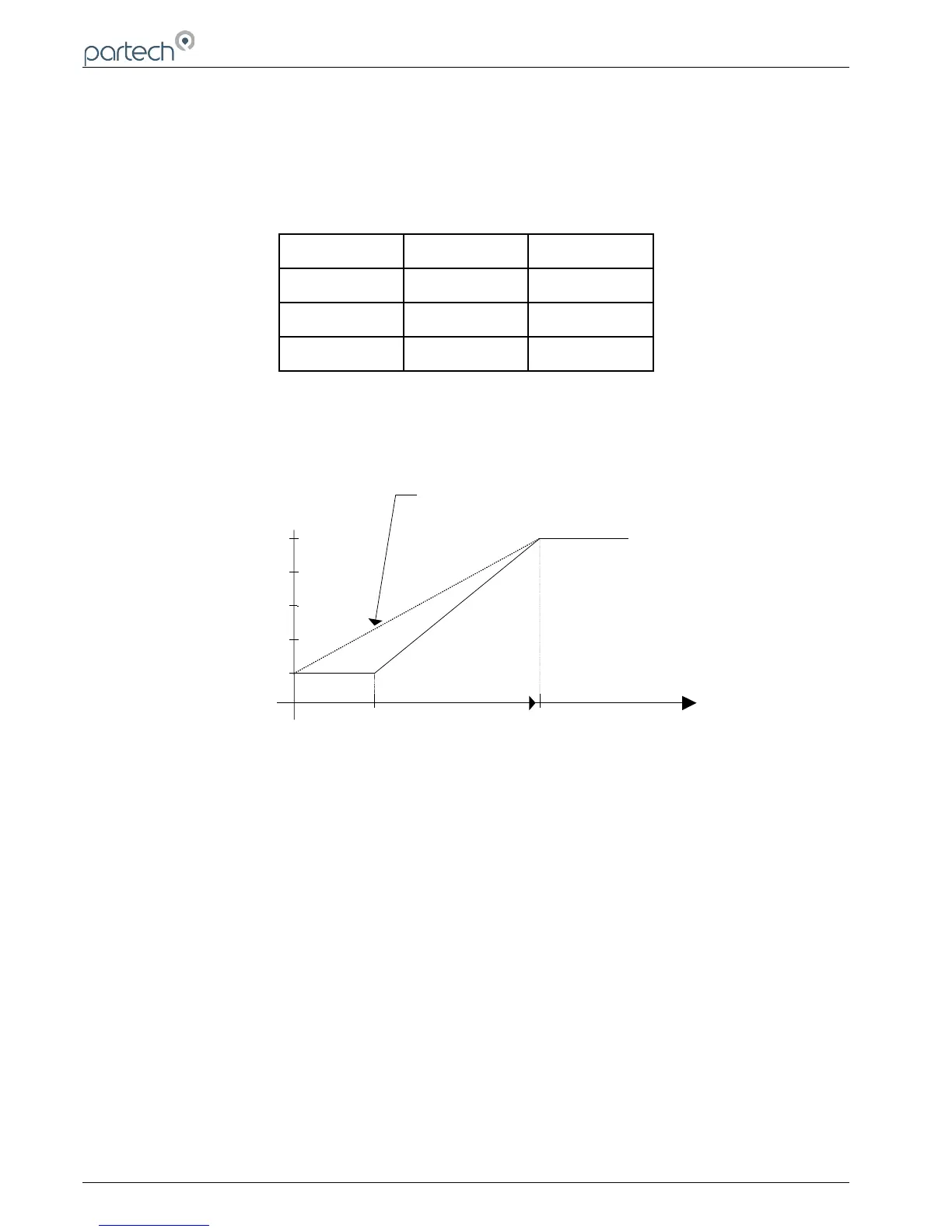
The output can be set to work over the whole of selected measurement range or a portion of it by the setting of the
output low and high values. It is also possible to configure the output to work reverse to normal, i.e. a 4 – 20 mA output
where 20 mA corresponds to the zero display value and 4 mA corresponding to the full scale value.
11.1 Set Output Low
Use the keys to set the required measurement value to produce the output low signal. Press OK to accept the
new value or MENU to cancel the new value.
Note: The value can only be set within the range of the selected sensor range.
11.2 Set Output High
Use the keys to set the required measurement value to produce the output high signal. Press OK to accept the
new value or MENU to cancel the new value.
Note: The value can only be set within the range of the selected sensor range.
11.3 Select Output Type
On entering the output type menu the current setting is indicated by a tick. Use the keys to move the select bar to
the required output type. Press the OK key to make the selection, a tick will appear against the selection. Press the
menu key to exit the output type menu.
Page 24 of 50 167300IM-Issue 12 Issue Date 14/10/2014



 To Next Page