7200 Monitor Instruction Manual
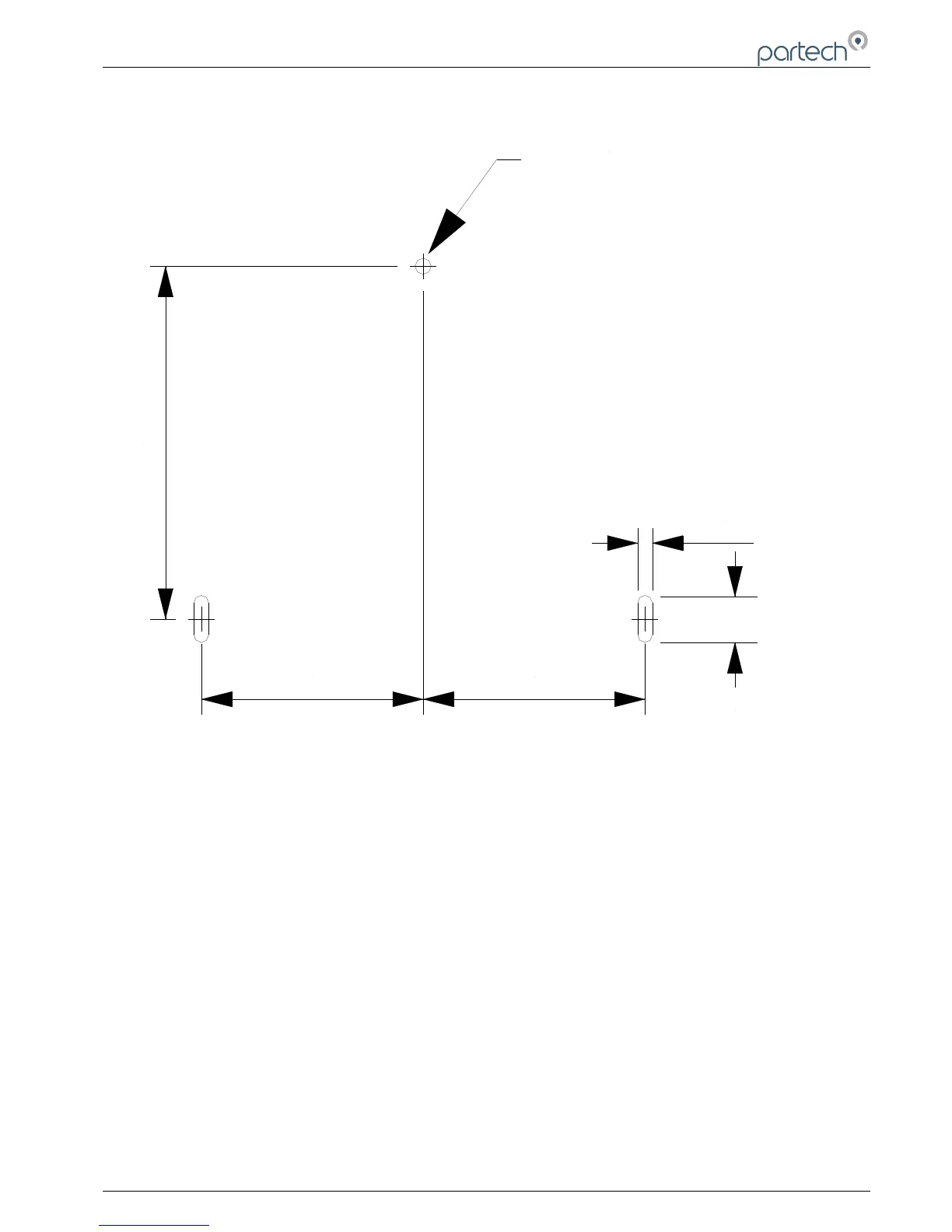
7200 Field Mount mounting hole positions
5.3 Electrical Connections
The 7200 Monitor electrical connections can be accessed by removing the terminal compartment cover.
The electrical supply to the unit should be installed such that there is a means of isolating the supply to the unit and
the supply is protected with a fuse or trip. The instrument does have a supply fuse fitted internally.
WARNING: DISCONNECT THE MAINS SUPPLY BEFORE REMOVING THE TERMINAL COVER
The 7200 Monitor is supplied fitted with two PG11 cable glands fitted and has provision for a further two PG11 glands.
If the cable being used is too large for the PG11 glands, the cable must be terminated externally to the unit and a
suitable cable used for connection to the 7200. If any fitted cable glands are not used, these must be sealed to prevent
the ingress of moisture into the unit.
167300IM-Issue 12 Issue Date 14/10/2014 Page 11 of 50



 To Next Page