7200 Monitor Instruction Manual
7.2.3 User Text Entry
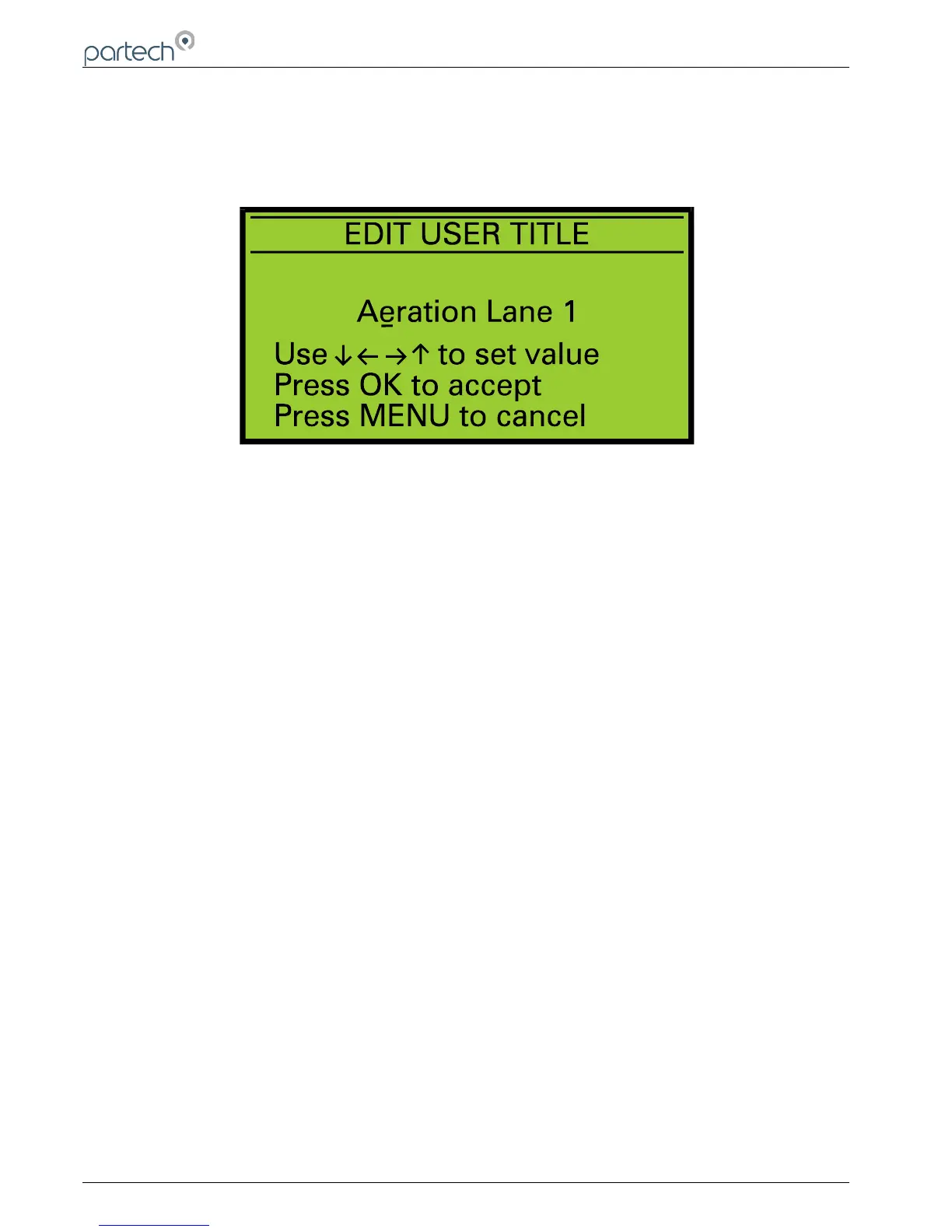
Using this method of data entry, the user is able to enter or edit text and is used for the user defined measurement title
and units. The text string is displayed with a flashing cursor indicating the selected character. The keys are used
to select a character, and the keys to change the selected character. When all changes are complete press the OK
key to store the text string. To exit without saving changes press the MENU key.
Page 16 of 50 167300IM-Issue 12 Issue Date 14/10/2014
Text Entry Display



 To Next Page