7200 Monitor Instruction Manual
9 Setup Wizard
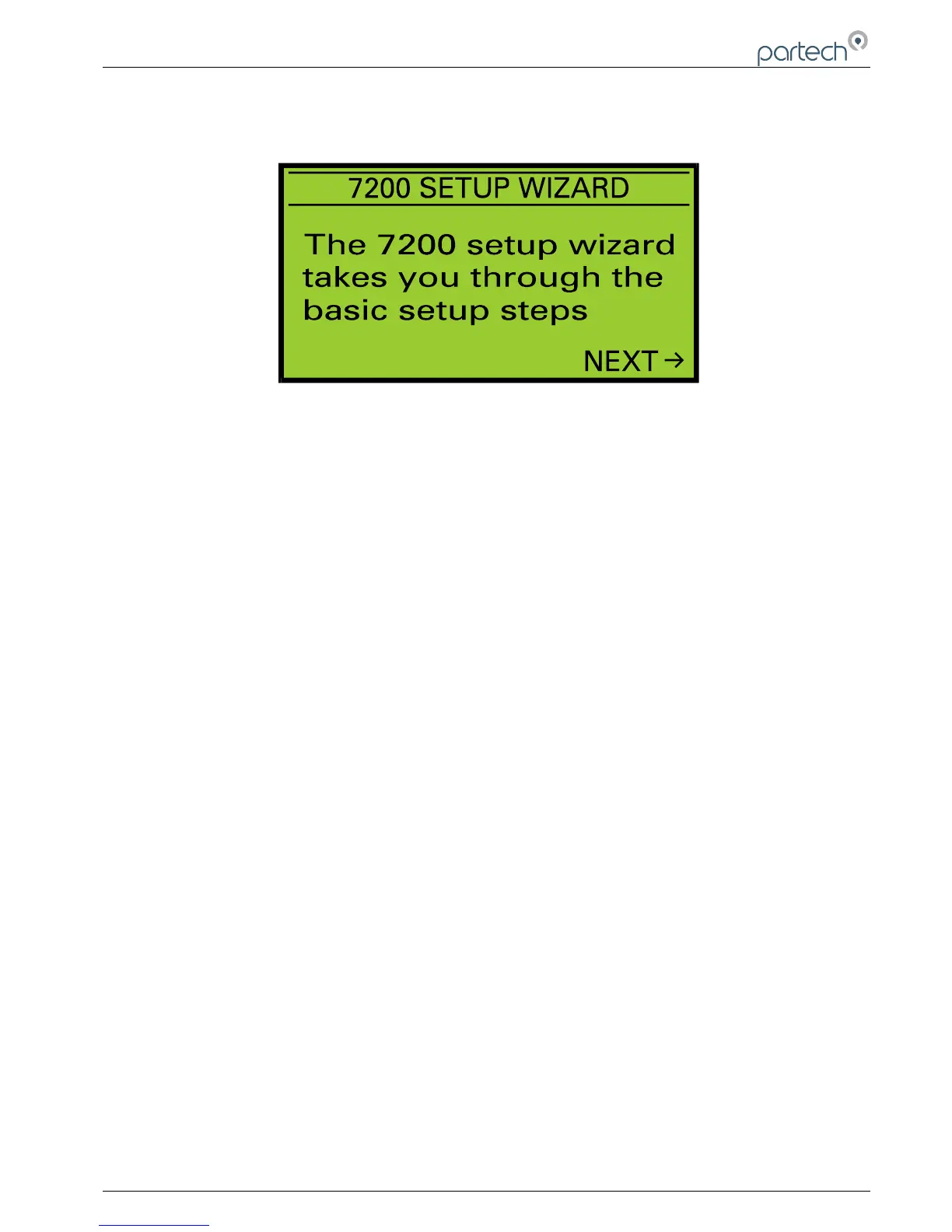
The 7200 setup wizard simplifies the process of setting up the instrument when first installed by guiding the user
through the basic (but important!) configuration steps. Prior to using the setup wizard, the following information should
be obtained:
Sensor Type Required measuring range
Title of measurement Measurement units
Type and Value of alarms Type and Range of analogue
output
Setup Wizard Keys
Once the setup wizard has been entered, the MENU key can be used to exit at any time. Pressing the key moves
forward to the next step and pressing the moves back to the previous step. Pressing the OK key will activate the
displayed activity.
Setup Wizard Stages
The Setup Wizard guides the user through the configuration of the following items, for more information about the
item, refer to the applicable section of this manual.
1. Sensor Type
2. Measurement Title
3. Units
4. Measurement Range
5. Alarm 1 Type
6. Alarm 1 Value
7. Alarm 2 Type
8. Alarm 2 Value
9. Output Type
10. Output Low Value
11. Output High Value
167300IM-Issue 12 Issue Date 14/10/2014 Page 21 of 50
Setup Wizard



 To Next Page