SmartNode SN4170 Overview 16
SmartNode 4170 User Manual 1 • General Information
.
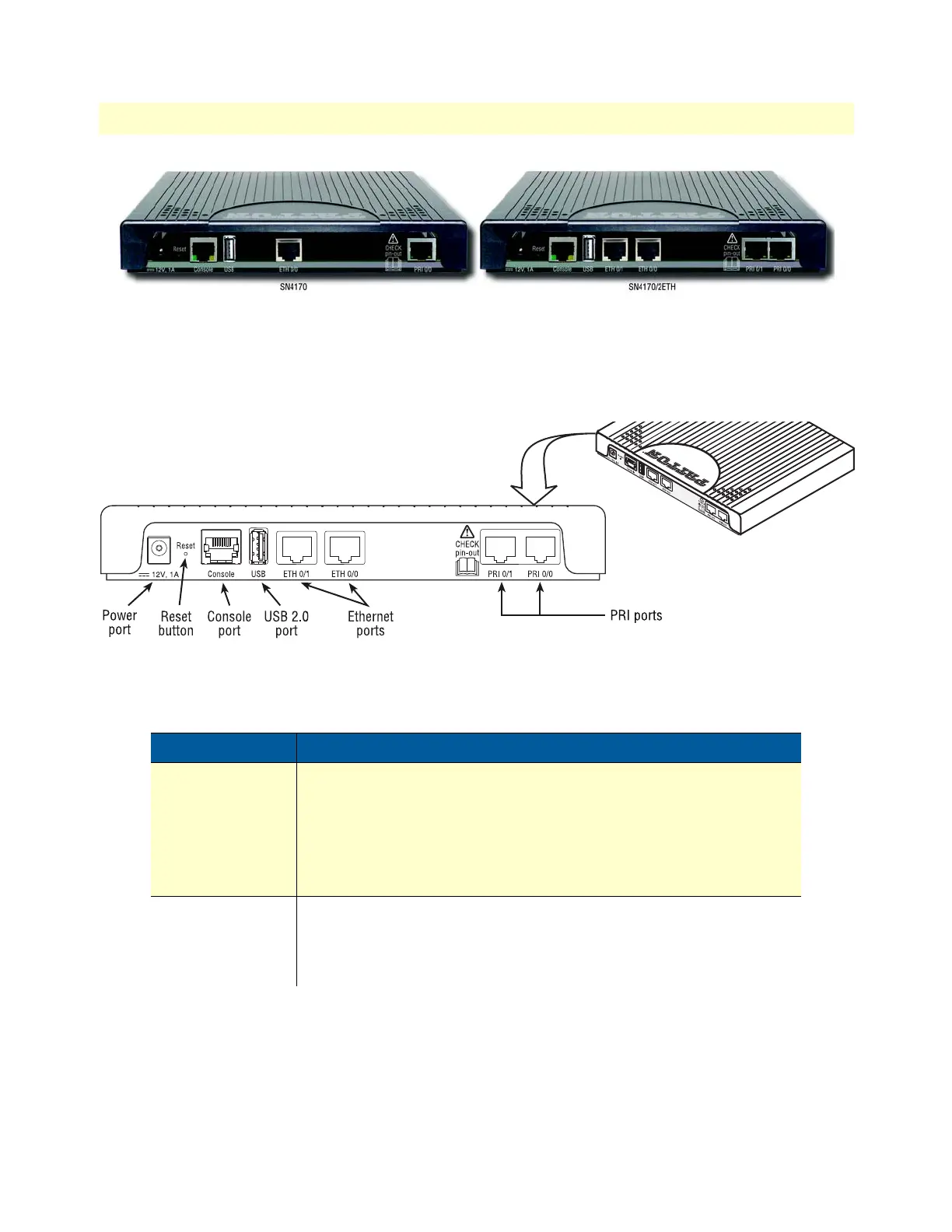
Figure 2. SN4170 Rear Panels
Ports descriptions
The SmartNode SN4170 rear panel ports (see figure 3) are described in table 2.
Figure 3. SmartNode SN4170 rear panel ports (SN4170/2ETH model shown)
Table 2. Rear panel ports
Port Description
ETH 0/0 - ETH 0/1
Auto-MDX Fast-/Gigabit-Ethernet port, RJ45 (see figure 2), connects the
unit to an Ethernet WAN device (for example, a cable modem, DSL
modem, or fiber modem) or it connects to the Ethernet switch of a com
-
pany LAN.
Note IP Routing is disabled on SN4170/2ETH models. See
Software license options to enable it.
USB 2.0
USB 2.0 host port (see figure 2) to connect a USB 3G/4G Cellular
Modem.
A list of supported USB Models can be found in the release notes and in
the Trinity Command Line Reference
Guide


 To Next Page