PBI DCH-5000P
- 9 -
5.2.7.
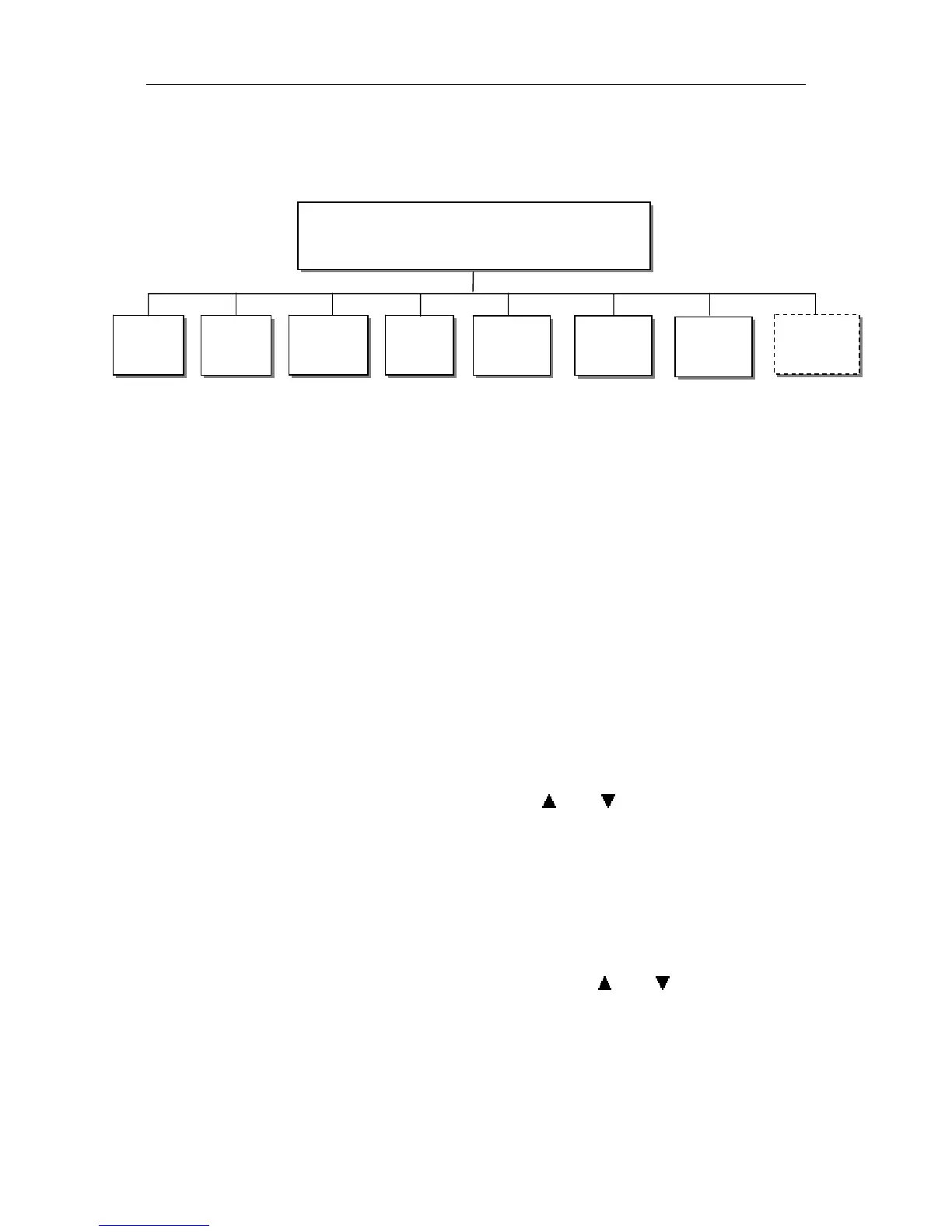
(B) The Ethernet menu is showed only if the IP streaming in/out board is installed and
the TS/IP streaming board is set to “IP Out”. Refer to section 5.2.7.
5.2.1 BISS Menu
Biss: It includes Biss Mode, Biss 1 Setup and Biss E Setup
Biss Mode:Set Biss mode, can select OFF, Biss E or Biss 1
Biss 1 Key enter:set Biss 1, password is required
Biss E Key enter:set Biss E, ID number and password are required
Biss source: ASI 1 Input, ASI 2 Input, TUNER, CI de-encrypted and IP.
5.2.2 CI Menu
There are two PCMCIA slots for inserting CAM for de-encrypting program from the
input signal.
Before setting CI, ensure the signal from ASI input is locked or the Tuner locks on the
correct Transponder (this depends on in which signal the encrypted program carried). The
‘Tuner Lock’ LED will 'on' in green.
There are 2 submenus: ‘CI Source’ and ‘Setup’ which allow you to set or select the
parameters of the CI.
CI Source: press the <ENTER>-key, then use <
> or < >-key select Tuner or ASI1
input or ASI2 input or BISS or TS/IP input (only when the TS/IP is set “IP In”, refer
section 5.2.7 for details) to set the signal source of descrambling, press <ENTER>-key
to save or press <EXIT>-key to scrap.
Setup: under this sub menu, you can see all program names from the source of CI that
was set in ‘CI Source’ previously. All free programs are marked with ‘Free’ in the first
row.
To select which program to be de-encrypted, press the
< > or < >-key to roll up and
down the program names and press <ENTER>-key to change the status of the
corresponding program (only encrypted program could be selected). Three different
statuses could be set:
Slot 1 (de-encrypted with upper CAM inserted)
Outputs
BISS
CI
Decode
ASI1
ASI2
Ethernet
SDI
Mux


 To Next Page