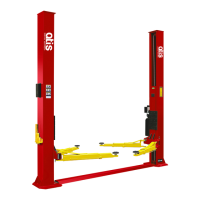
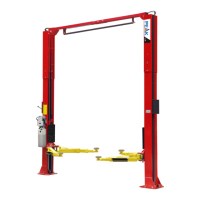
VI. OPERATION INSTRUCTIONS
To lift vehicle
1. Keep clean of environment near the lift;
2. Drive vehicle to the Platform and put on the brake;
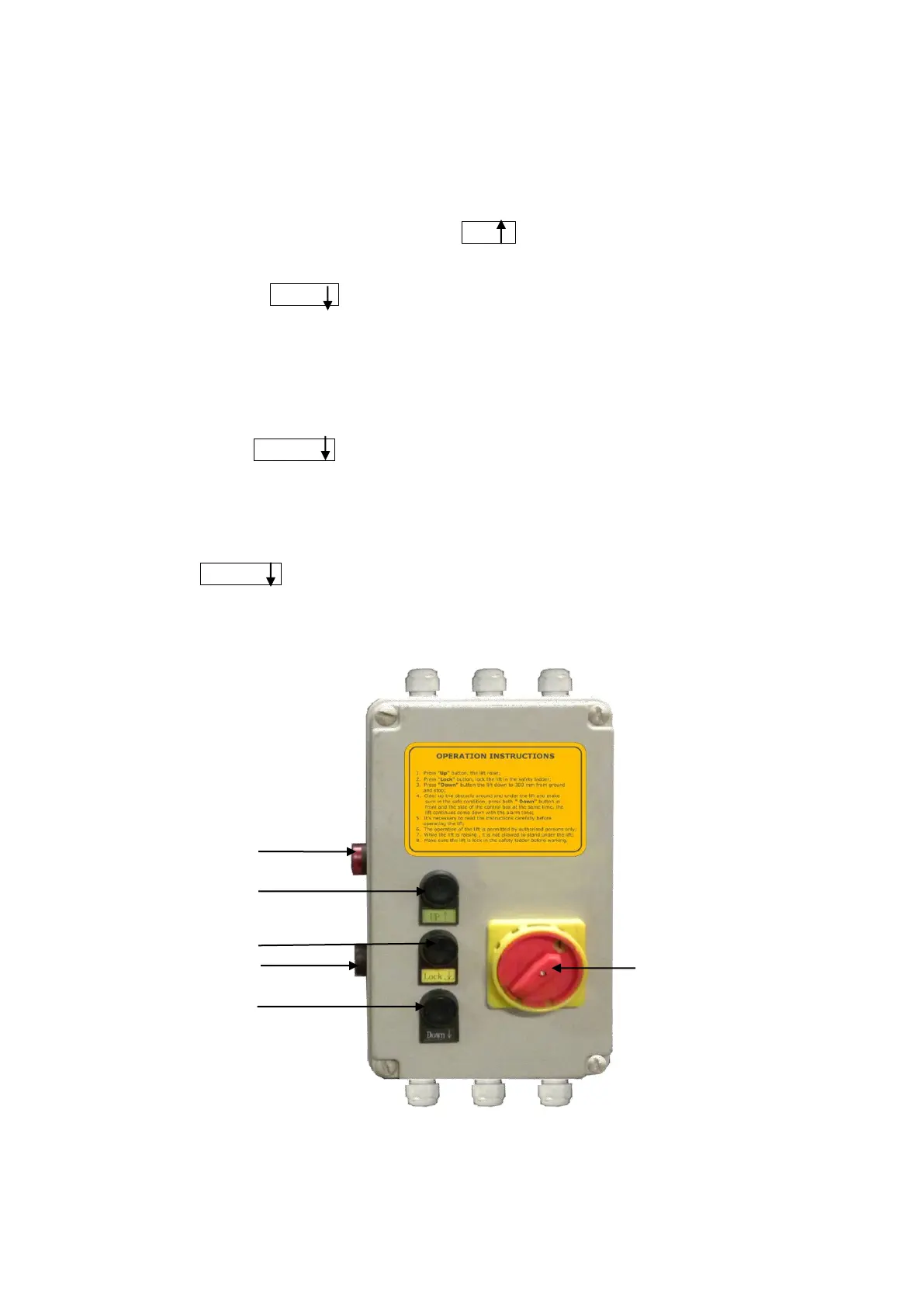
3. Turn on the power and press the button UP , raise the lift to the working position;
Note: make sure the vehicle is steady when the lift is raised.
4. Press the button LOCK , lock the lift in the safety position. Make sure the Safety
device is locked at the same height.
To lower vehicle
1. Be sure the clearance of around and under the lift, only leaving operator in lift area;
2. Press the button DOWN , the lift will be raised for 3-5 seconds, and then the safety
device would be released and the lift starts being lowered automatically;
3. The lift will be stopped automatically when coming down to about 300 mm to ground,
check around and make sure it is safety and no any obstacle under the lift, then
push both DOWN buttons (one on the side) at the same time, the lift would be
lowered with the tone alarm;
4. Drive away the vehicle when the lift is lowered to the lowest position;
5. Turn off the power.



 To Next Page