38
Operating Procedures
OPERATING PROCEDURES
Operating the Cycle Computer continued
ACCESSING THE SETTINGS MENU
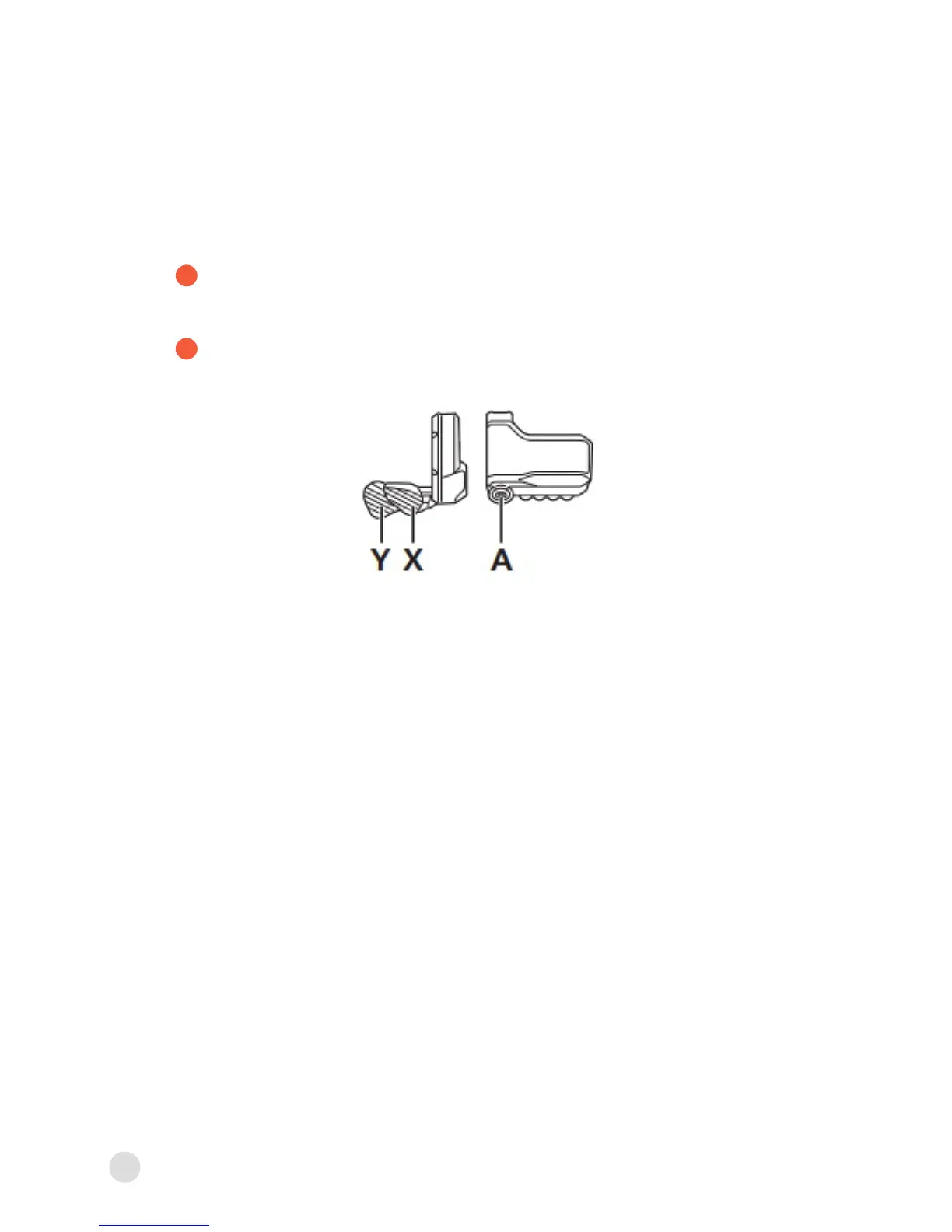
Hold down A when the bicycle is not moving to display the menu
list screen.
Press X or Y to select various menus. Press A to display the
setting screen for the selected menu.
1
2
For further information regarding the settings menu and operating
the cycle computer, refer to the Shimano STEPS user’s manual
included in your parts kit or online at: http://si.shimano.com.



 To Next Page