EasyManua.ls Logo

Pentair Evolio 255 Series - User Manual

Pentair Evolio 255 Series
116 pages
Print Icon
To Next Page IconTo Next Page
Loading...
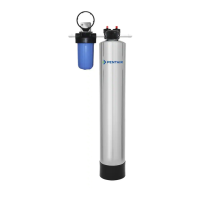
Evolio 255
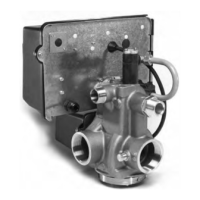
Logix 740-760

Other manuals for Pentair Evolio 255 Series

Questions and Answers

  • N
    Nicolas FloresAug 21, 2025
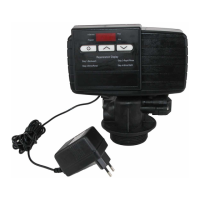
    Why does my Pentair Water Pump show ERR 2?
    • W
      William ShannonAug 21, 2025
      The ERR 2 error on your Pentair Water Pump indicates that the controller power does not match 50 or 60 Hz. To resolve this, disconnect and then reconnect the power. If the problem persists, you may need to obtain a controller or AC transformer that is appropriate for your power frequency.
  • E
    Edgar VaughnAug 30, 2025
    How to fix Pentair Water Pump ERR 1 error?
    • R
      rjacobsAug 31, 2025
      The ERR 1 error on your Pentair Water Pump means the controller power has been connected, but the controller is unsure of the operating status. To fix this, reset the controller.
  • M
    Matthew HuertaNov 10, 2025
    What to do if Pentair Water Pump ERR3 error?
    • H
      Haley EstradaNov 10, 2025
      If you encounter an ERR3 error with your Pentair Water Pump, it indicates that the controller has lost the position of the camshaft, or the camshaft rotates for more than 5 minutes to find Home position. First, allow up to 2 minutes for the controller to attempt to return to the Home position, indicated by a flashing hourglass icon. If the issue persists, check the motor connections, ensure the motor wire harness is correctly connected to both the motor and the controller, and verify the optical sensor's connection and position. Also, confirm that the motor and camshaft gears are engaged and that the camshaft slots are clean. If the camshaft does not rotate, and everything is connected, try replacing the wire harness, motor, optical sensor, and controller, in that order. If the motor keeps...

Pentair Evolio 255 Series Specifications

General IconGeneral
BrandPentair
ModelEvolio 255 Series
CategoryWater Dispenser
LanguageEnglish

Related product manuals