149
Shooting Settings
5
4
Use the four-way controller (23)
to select a number, and press the
4 button.
The white balance settings of the selected
image are saved as Manual White
Balance and the camera is ready to take a
picture. The white balance setting is
K
.
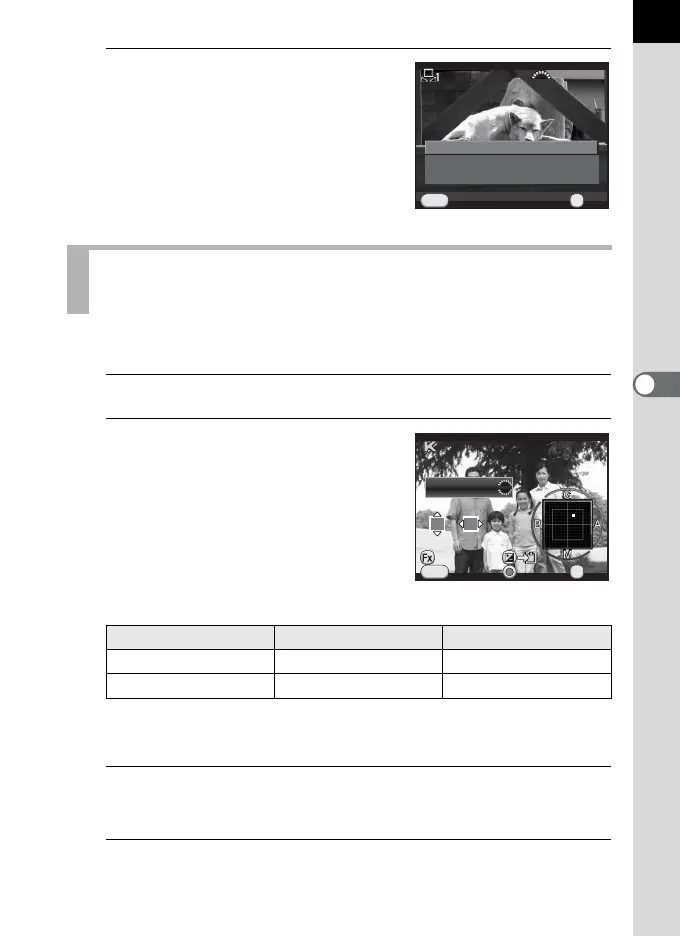
Use to set the color temperature value.
1
Select K in Step 2 on p.146, and press the M button.
2
Adjust the color temperature with
the front or rear e-dial.
You can set the color temperature value
within the range from 2500K to 10000K.
Color temperature steps vary depending on the e-dial.
*1 The default setting for Color Temperature step units is [Kelvin]. You can change the
step units to [Mired] in [11. Color Temperature Steps] of the [A Custom Setting 2]
menu. However, figures are converted to and displayed in Kelvin.
3
Press the 4 button.
The White Balance setting screen reappears.
4
Press the 4 button.
The camera is ready to take a picture.
Adjusting the White Balance with Color
Temperature
E-dial Kelvin Mired
*1
Front (R) 1 Step (100K) 1 Step (20M)
Rear (S) 10 Steps (1,000K) 5 Steps (100M)
Save as Manual 2Save as Manual 2
Save as Manual 3Save as Manual 3
Save as Manual 1Save as Manual 1
Saves this image's WhiteSaves this image's White
Balance settings as a customBalance settings as a custom
selectionselection
100-0001100-0001
OKOK
OK
CancelCancel
MENU
CancelCancel
MENU
OKOK
OK
±0±0
G3G3 A2A2
CheckCheck
10000K10000K



 To Next Page