179
Playback Functions and Image Editing
6
Selecting the Playback Functions
You can display images in a list or play back saved images successively.
Images can be magnified up to 16 times in playback mode.
1
Select an image in the single image display.
2
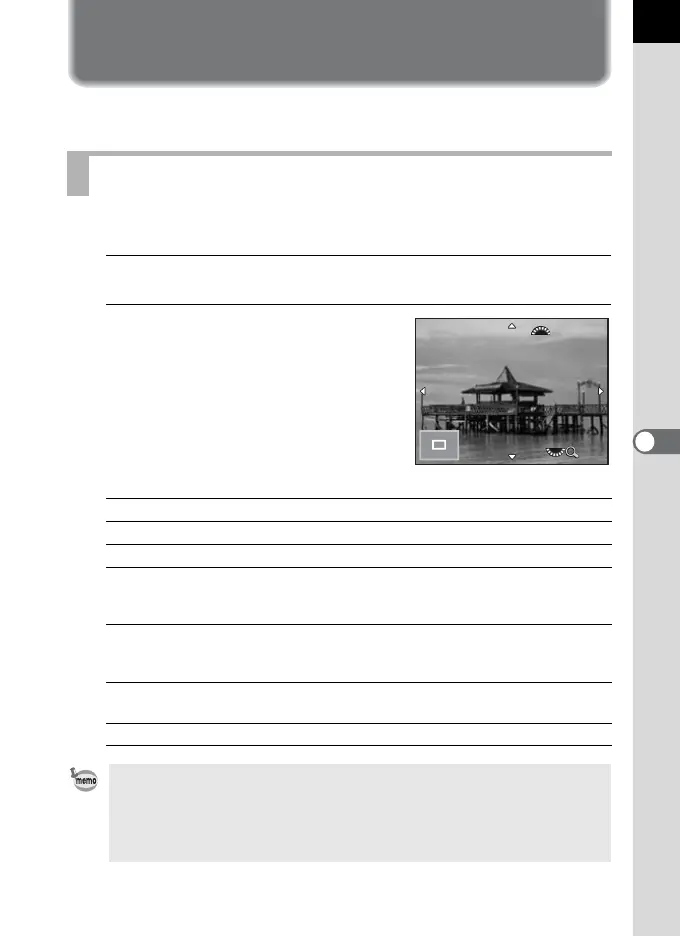
Turn the rear e-dial (S) to the
right (toward y).
The image is magnified with each click (1.2
to 16 times).
Available operations
Magnifying Images
Rear e-dial (S) to the right (y) Magnifies the image (up to 16 times).
Rear e-dial (S) to the left (f) Reduces the image (up to 1 times).
Four-way controller (2345) Changes the display area.
Front e-dial (R) Retains the magnification and the
position of the display area and shows
the previous/next image.
d button Returns the position of the display area
to the center (when the display area is
not at the center).
M button Switches between [Standard Information
Display] and [No Information Display].
4 button Returns to the single image display.
• The default setting for the first click is 1.2 times. You can change this in
[Quick Zoom] of the [Q Playback 1] menu. (p.178)
• The initial full display of vertical images is displayed with a magnification of
0.75 times that of horizontal images. Therefore, magnification at the first click
starts at 1 times.



 To Next Page