113
6
Playback/Deleting/Editing
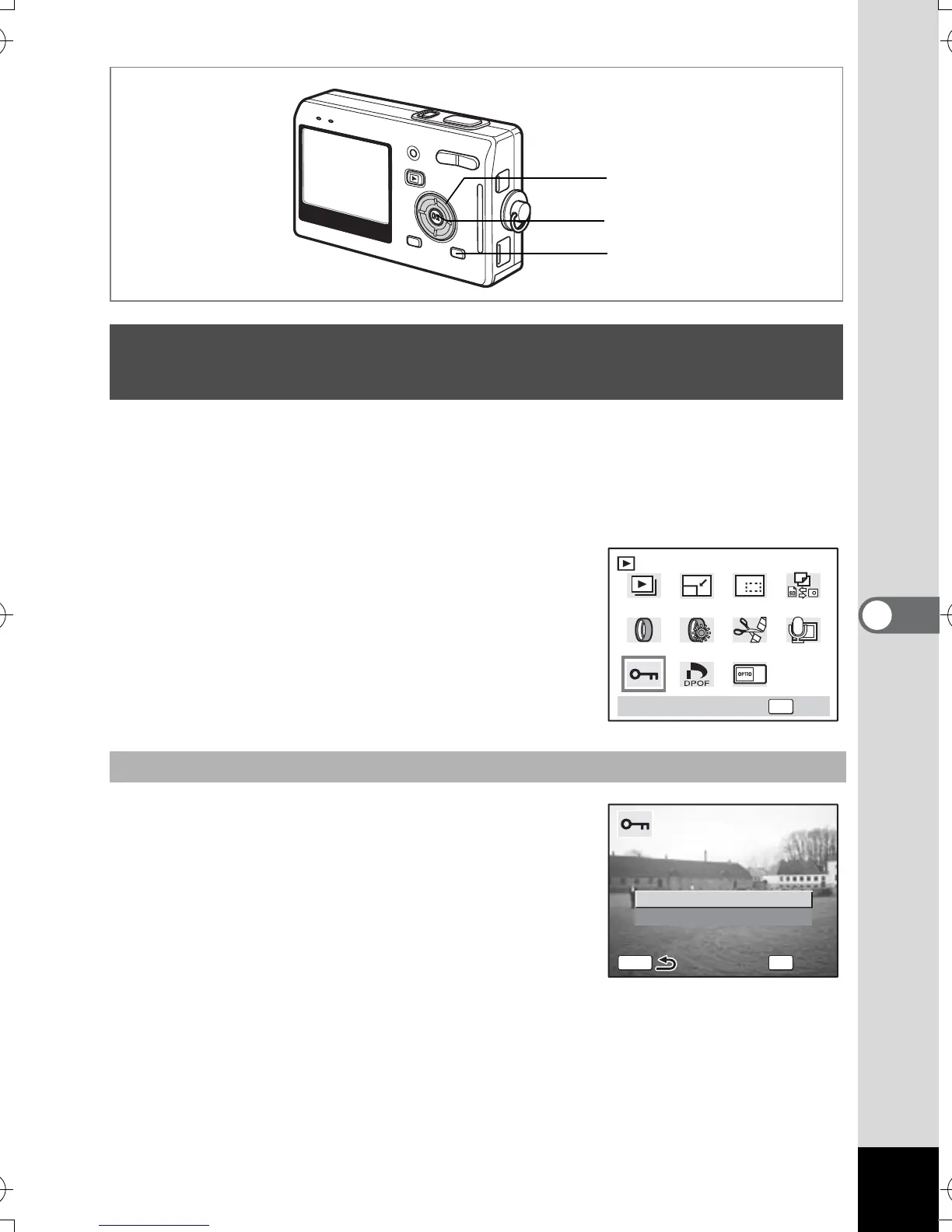
You can protect images, movies and sounds from being accidentally
deleted.
1
Enter the Playback mode and use the four-way controller
(
45
) to choose the image, movie or sound to protect.
2 Press the MODE button.
The Mode Palette appears.
3
Use the four-way controller
(
2345
) to select
Z
(Protect).
4 Press the OK button.
The Protect screen appears.
5
Use the four-way controller (
23
)
to select [Select Image and
Sound].
6 Press the OK button.
Protecting Images, Movies and Sounds from
Deletion (Protect)
Protecting Images, Movies and Sounds
2
4
1, 3
OK
OKProtect
All Images and Sounds
Select Image and Sound
OK
OK
OK
MENU
e_kb386.book Page 113 Monday, February 28, 2005 2:39 PM



 To Next Page