79
Taking Pictures
4
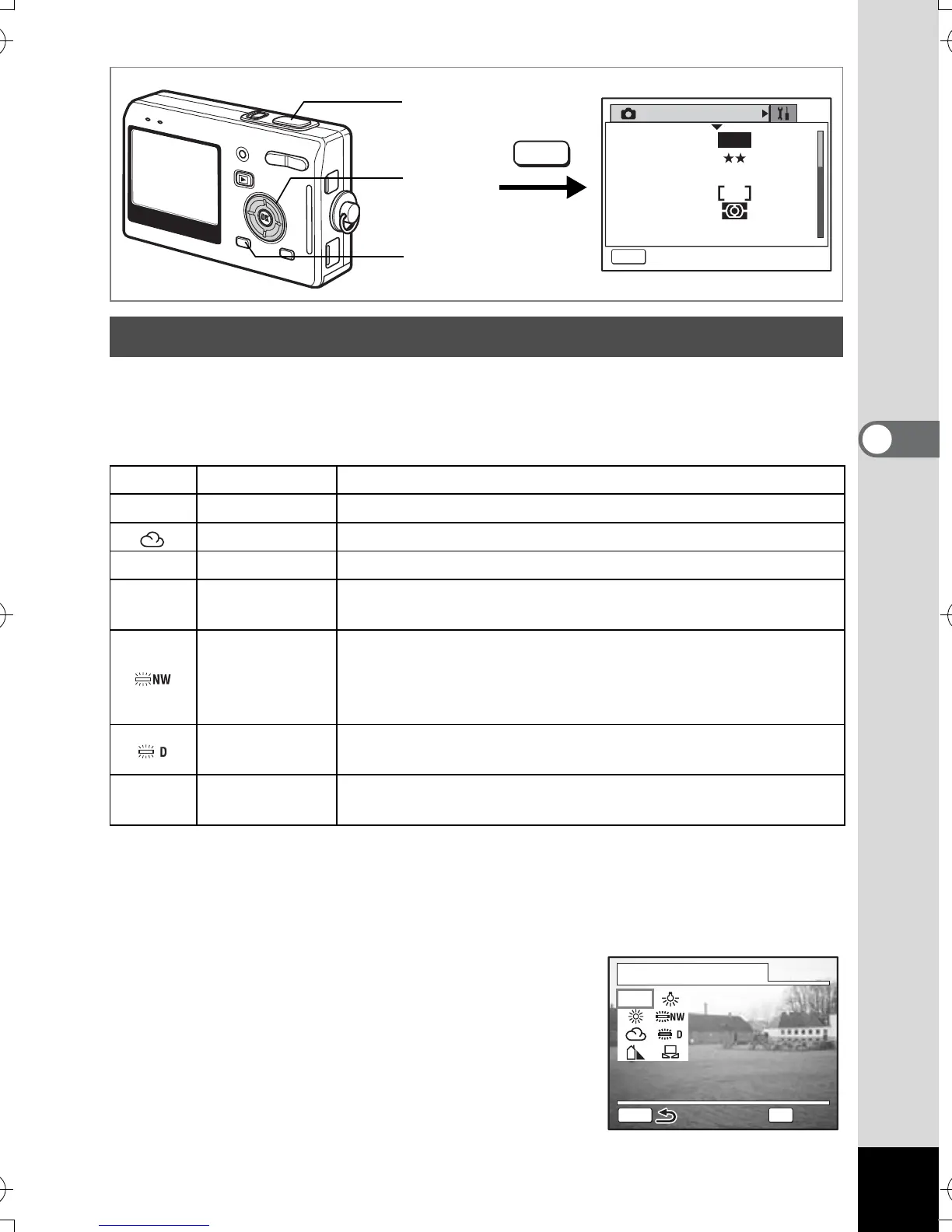
You can take pictures in natural colors by selecting the white balance
best suited to the light conditions at the time of shooting.
White Balance
1 Press the MENU button in Capture mode.
The [A Rec.Mode] menu appears.
2 Use the four-way controller (23) to select [White Balance].
3 Press the four-way controller (5).
The White Balance screen appears.
4 Use the four-way controller
(2345) to change the setting.
Adjusting the White Balance
F
Auto The camera adjusts the white balance automatically.
G
Daylight Use this mode when taking pictures outside in sunlight.
Cloudy Use this mode when taking pictures under a cloudy sky.
H
Shade Use this mode when taking pictures outside in the shade.
I
Tungsten Light
Use this mode when taking pictures under electric or other
tungsten light.
Fluorescent
Light (Neutral
White and
White)
Use this mode when taking pictures under neutral white or
white fluorescent light.
Fluorescent
Light (Daylight)
Use this mode when taking pictures under daylight
fluorescent light.
K
Manual
Use this mode when taking pictures by adjusting the white
balance manually.
Rec. Mode
MENU
Exit
Recorded Pixels
Quality Level
White Balance
Focusing Area
AE Metering
Sensitivity
AWB
AUTO
5M
1
2, 3, 4
MENU
5
White Balance
Auto
OK
AWB
MENU
Auto
OK
OK
e_kb386.book Page 79 Monday, February 28, 2005 2:39 PM



 To Next Page